cloud-run-mcp
by GoogleCloudPlatform·★ 608·综合分 53
MCP 服务器,使 AI 代理能够部署应用至 Google Cloud Run,提供完整的工具支持和认证选项。
概述
这个来自 Google 的 MCP 服务器提供了强大的接口,让 AI 代理能够与 Google Cloud Run 交互,支持通过文件内容、本地文件夹和项目管理等多种方式部署应用。它支持本地和远程部署场景,并提供完整的认证选项,包括 Google Cloud SDK 和 OAuth。服务器暴露了多种用于部署、服务管理和日志记录的工具,为自动化的 Cloud Run 操作提供了完整的解决方案。
试试问 AI
装完之后,这里有 3 个你可以让 AI 做的事:
什么时候选它
当您已经在使用 Google Cloud 并希望 AI 助手管理 Cloud Run 部署而不需要切换上下文时,选择它。
什么时候不要选它
如果您不使用 Google Cloud,或者需要 Cloud Run 之外的部署功能,请不要选择它。
此 server 暴露的工具
从 README 抽取出 7 个工具deploy-file-contentsDeploys files to Cloud Run by providing their contents directly.
list-servicesLists Cloud Run services in a given project and region.
get-serviceGets details for a specific Cloud Run service.
get-service-logGets Logs and Error Messages for a specific Cloud Run service.
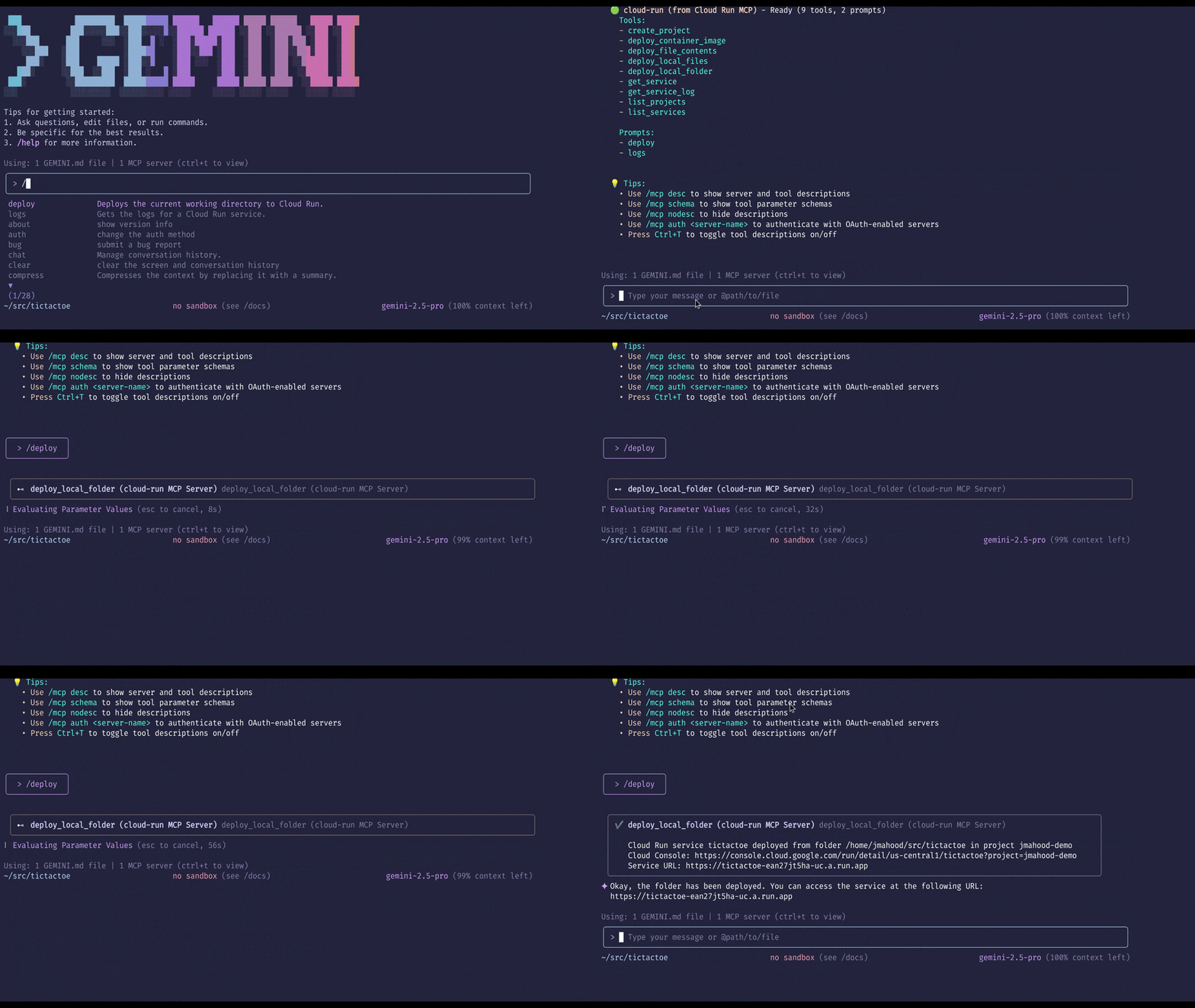
deploy-local-folderDeploys a local folder to a Google Cloud Run service.
list-projectsLists available GCP projects.
create-projectCreates a new GCP project and attach it to the first available billing account.
可对比工具
安装
安装
快速开始(Node.js)
"mcpServers": {
  "cloud-run": {
    "command": "npx",
    "args": ["-y", "@google-cloud/cloud-run-mcp"]
  }
}
与 Claude Desktop 一起使用
添加到您的 Claude Desktop 配置文件(claude_desktop_config.json)中:
{
  "mcpServers": {
    "cloud-run": {
      "command": "npx",
      "args": ["-y", "@google-cloud/cloud-run-mcp"],
      "env": {
        "GOOGLE_CLOUD_PROJECT": "您的项目ID",
        "GOOGLE_CLOUD_REGION": "您的区域",
        "DEFAULT_SERVICE_NAME": "您的服务名称"
      }
    }
  }
}
使用 Docker
{
  "mcpServers": {
    "cloud-run": {
      "command": "docker",
      "args": [
        "run",
        "-i",
        "--rm",
        "-e", "GOOGLE_APPLICATION_CREDENTIALS",
        "-v", "/本地路径:/本地路径",
        "mcp/cloud-run-mcp:latest"
      ],
      "env": {
        "GOOGLE_APPLICATION_CREDENTIALS": "/凭据文件的路径"
      }
    }
  }
}
cloud-run-mcp 对比
最后更新于 · 由 README + GitHub 公开数据自动生成。