redd-archiver
by 19-84·★ 333·综合分 52
PostgreSQL 支持的归档生成器,可从链接聚合平台创建可浏览的 HTML 归档,并提供 MCP server 集成。
概述
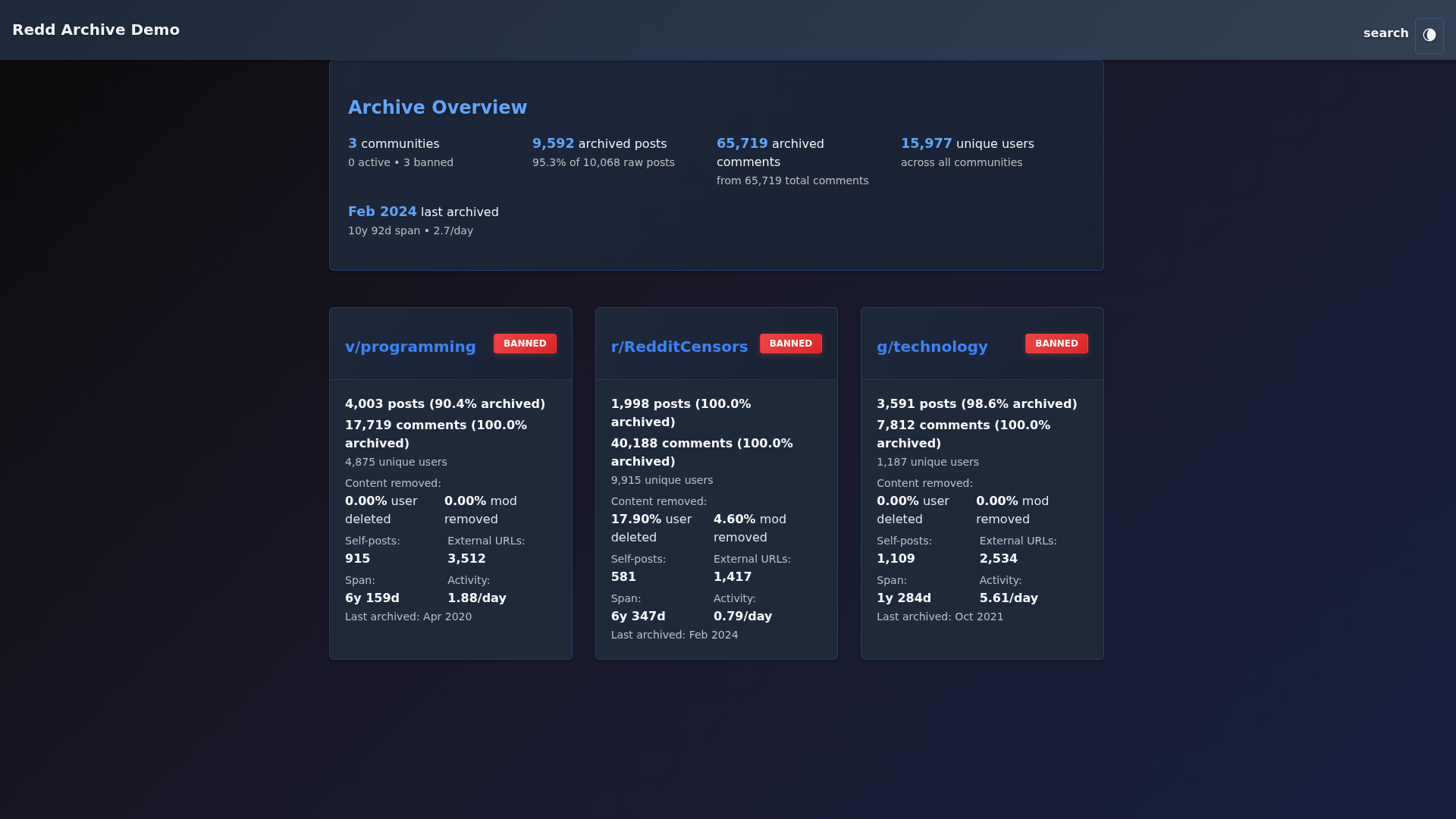
Redd-Archiver 将压缩数据转换为可浏览的 HTML 归档,提供灵活的部署选项。它支持通过排序索引页面离线浏览,或使用 Docker 部署进行全文搜索。该项目采用移动优先设计,支持多平台(Reddit、Voat、Ruqqus),并利用 PostgreSQL 全文索引实现企业级性能。MCP server 提供 29 个工具,供 AI 助手查询帖子、评论、用户和搜索归档内容。
试试问 AI
装完之后,这里有 5 个你可以让 AI 做的事:
什么时候选它
当您需要访问Reddit、Voat或Ruqqus的历史论坛数据并与AI交互时,特别是如果您已经在使用PostgreSQL。
什么时候不要选它
如果您需要数据库写入权限(它是只读的)或需要来自活跃平台的实时数据,请不要选择它。
此 server 暴露的工具
从 README 抽取出 12 个工具query_postsQuery posts with filtering options for subreddit, author, date range, and sorting
get_postRetrieve a specific post by its ID
query_commentsQuery comments with filtering options for subreddit, author, date range
get_commentRetrieve a specific comment by its ID
search_postsFull-text search across all posts using PostgreSQL FTS with Google-style operators
get_userRetrieve user profile information and activity summary
query_subredditsQuery subreddits with filtering options and get statistics
get_statsGet archive statistics including total posts, comments, users, and database metrics
get_top_postsGet top posts by various metrics (score, comments, date) with optional filtering
export_postsExport posts in CSV or NDJSON format with filtering options
get_helpGet help and guidance on using search operators and available fields
get_archivesGet information about available archive instances in the registry
可对比工具
安装
安装
**先决条件**: Python 3.7+, PostgreSQL 12+, 4GB+ RAM
**快速安装** (Docker):
git clone https://github.com/19-84/redd-archiver.git
cd redd-archiver

# 创建所需目录
mkdir -p data output/.postgres-data logs tor-public

# 配置环境(重要:更改密码!)
cp .env.example .env
nano .env  # 编辑 POSTGRES_PASSWORD 和 DATABASE_URL

# 启动服务
docker compose up -d

# 生成归档(下载 .zst 文件到 data/ 后)
python reddarc.py data/ \
  --subreddit privacy \
  --comments-file data/privacy_comments.zst \
  --submissions-file data/privacy_submissions.zst \
  --output output/
**Claude Desktop 的 MCP Server 设置**:
{
  "mcpServers": {
    "reddarchiver": {
      "command": "uv",
      "args": ["--directory", "/path/to/mcp_server", "run", "python", "server.py"],
      "env": { "REDDARCHIVER_API_URL": "http://localhost:5000" }
    }
  }
}
FAQ
- Redd-Archiver 支持哪些平台?
- Redd-Archiver 支持 Reddit(使用 Pushshift .zst JSON Lines)、Voat(SQL 转储)和 Ruqqus(.7z JSON Lines)。它可以创建来自多个平台的统一归档。
- 如何部署 MCP server?
- MCP server 包含在 mcp_server/ 目录中。使用您的 API URL 配置它并启动 server.py 脚本。文档中提供了 Claude Desktop 配置。
Hacker News 讨论
开发者社区最近的相关讨论。
- 帖子 by 19-84 · 2026-01-13
redd-archiver 对比
最后更新于 · 由 README + GitHub 公开数据自动生成。