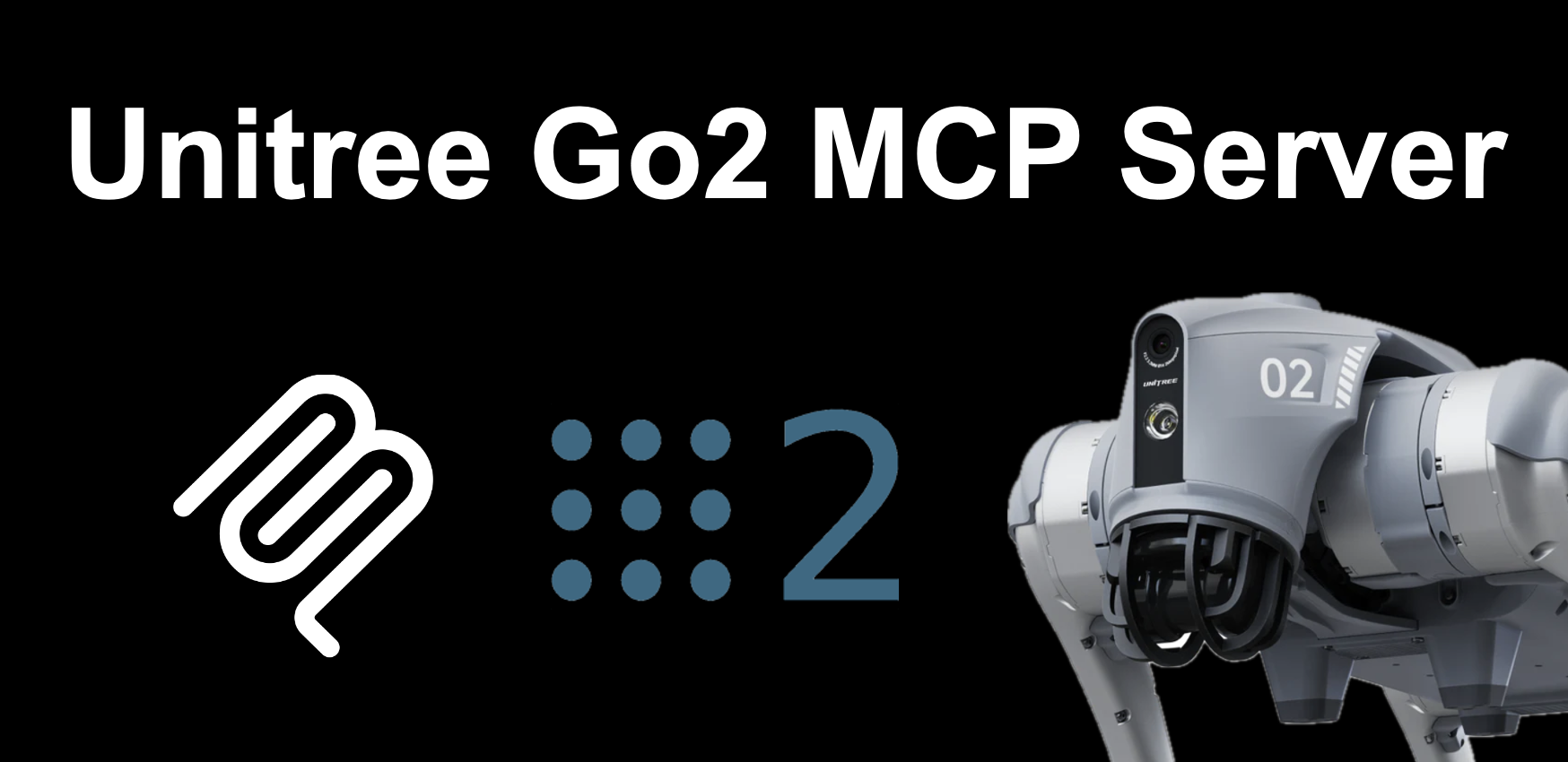
unitree-go2-mcp-server
by lpigeon·★ 78·Score 37
MCP server that translates natural language commands to ROS2 instructions for controlling Unitree Go2 robot.
Overview
The Unitree Go2 MCP Server is a specialized tool that bridges natural language processing with robot control through the Model Context Protocol. It enables users to control a Unitree Go2 quadruped robot using conversational commands that are interpreted by an LLM and translated into ROS2 instructions. The server supports contextual understanding, allowing the robot to interpret nuanced commands and perform complex tasks like obstacle avoidance, direction changes, and user interaction.
Try asking AI
After installing, here are 3 things you can ask your AI assistant:
When to choose this
Choose this MCP server if you have a Unitree Go2 robot and want to control it using natural language commands through an LLM interface.
When NOT to choose this
Don't choose this if you don't have a Unitree Go2 robot, as it's specifically designed for this hardware platform.
Tools this server exposes
6 tools extracted from the READMEmove_forwardMakes the Go2 robot move forward at a specified velocity for a duration
move_backwardMakes the Go2 robot move backward at a specified velocity for a duration
turn_leftMakes the Go2 robot turn left at a specified angular velocity for a duration
turn_rightMakes the Go2 robot turn right at a specified angular velocity for a duration
stop_movementStops all movement of the Go2 robot
avoid_obstaclesEnables the Go2 robot to autonomously avoid obstacles
Note: Tool names inferred from usage examples and descriptions in the README, as the actual tools are documented in a separate file (MCPFUNCTIONS.md) which wasn't provided in full. The README shows examples of natural language commands that would
Comparable tools
Installation
Installation
- Setup
unitree_ros2environment (follow instructions up to 'Step 2: Connect and test' from https://github.com/unitreerobotics/unitree_ros2)
- Clone this repository:
git clone https://github.com/lpigeon/unitree-go2-mcp-server.git
cd unitree-go2-mcp-server- Install
uv:
curl -LsSf https://astral.sh/uv/install.sh | sh- Configure MCP server by adding to mcp.json:
{
    "mcpServers": {
        "unitree-go2-mcp-server": {
            "command": "uv",
            "args": [
              "--directory",
              "/ABSOLUTE/PATH/TO/PARENT/FOLDER/unitree-go2-mcp-server",
              "run",
              "server.py"
            ]
        }
    }
}- Set environment variables in server.py (UNITREE_ROS2_SETUP_SH_PATH, LOCAL_IP, etc.)
Compare unitree-go2-mcp-server with
Last updated · Auto-generated from public README + GitHub signals.