lean-ctx
by yvgude·★ 1,676·综合分 57
lean-ctx 是一个 MCP server,通过智能上下文压缩和缓存,在 AI 编码工具中减少 60-95% 的 token 消耗。
概述
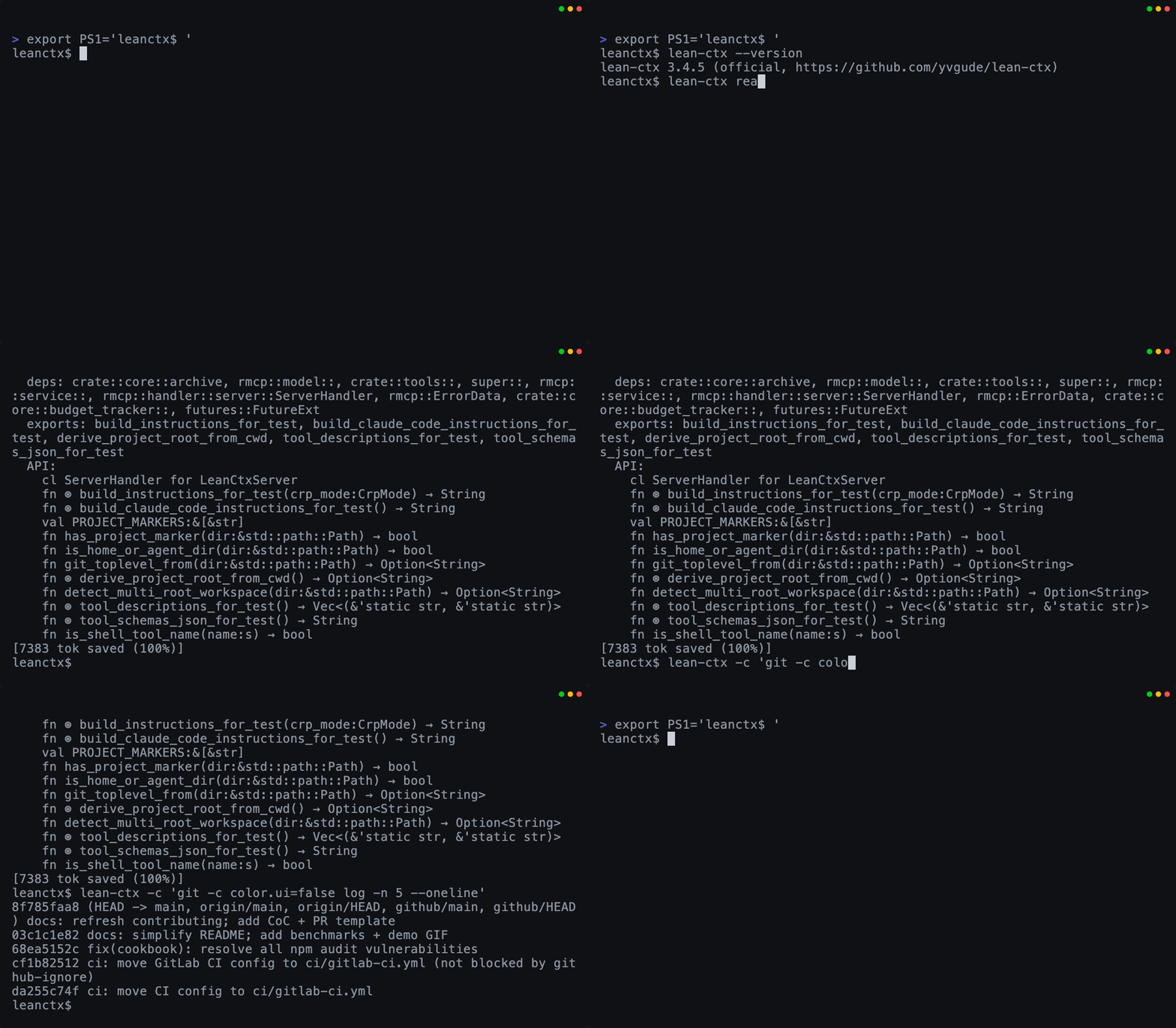
lean-ctx 是一个本地优先的上下文运行时,同时作为 MCP server 和 shell hook 使用。它在内容到达 LLM 之前压缩文件读取和 shell 输出,缓存重新读取可减少到约 13 个 token。该项目提供 51 个工具、10 种读取模式和 60 多种模式,用于优化 Cursor、Claude Code 和 Copilot 等 AI 编码工具的上下文管理。它具有用于代码智能的属性图、会话内存功能和上下文打包功能,可在项目间共享。
试试问 AI
装完之后,这里有 5 个你可以让 AI 做的事:
什么时候选它
如果您经常在中小型代码库中使用 AI 编码助手并希望显著减少 token 成本,同时保持完整的上下文感知能力,请选择 lean-ctx。
什么时候不要选它
如果您主要处理非常小的代码库,不使用 AI 工具中的 shell 命令,或者需要原始/未过滤的日志进行调试,请避免使用 lean-ctx。
此 server 暴露的工具
从 README 抽取出 12 个工具ctx_refactorLanguage-server-powered refactoring operations (rename, references, go-to-definition, find-implementations)
ctx_expandArchive full-text search over all previously archived tool outputs
ctx_readCached + mode-aware file reads with multiple options
ctx_packCreate context packages bundling knowledge, graph, session, and gotchas
ctx_searchSearch across codebase with hybrid search capabilities
ctx_memoryPersist and query session facts across multiple conversations
ctx_graphQuery the property graph for code relationships and impact analysis
ctx_benchmarkBenchmark and measure compression effectiveness by language and mode
ctx_inspectInspect repository structure and configuration
ctx_exportExport context data for external tools or sharing
ctx_importImport external context or previous sessions
ctx_analyzeAnalyze code patterns and provide insights
可对比工具
安装
使用以下方法之一安装 lean-ctx:
# 通用安装程序(不需要 Rust)
curl -fsSL https://leanctx.com/install.sh | sh

# macOS / Linux 通过 Homebrew
brew tap yvgude/lean-ctx && brew install lean-ctx

# Node.js
npm install -g lean-ctx-bin

# Rust
cargo install lean-ctx

# Pi 编码代理
pi install npm:pi-lean-ctx
安装后,设置:
lean-ctx setup然后重启您的 shell 和 AI 工具。对于 Claude Desktop,添加到 config.json:
{
  "mcpServers": {
    "lean-ctx": {
      "command": "lean-ctx",
      "args": ["mcp"]
    }
  }
}
FAQ
- lean-ctx 支持哪些 AI 编码工具?
- lean-ctx 支持 20 多种 AI 编码工具,包括 Cursor、Claude Code、GitHub Copilot、Windsurf、Gemini 等。它可与任何 MCP 兼容的客户端配合使用,并为 VS Code、Neovim 和 JetBrains 等各种 IDE 提供特定集成。
- lean-ctx 如何减少 token 使用?
- lean-ctx 通过缓存文件读取并压缩(缓存重新读取可减少到约 13 个 token)、使用 60 多种模式压缩 shell 输出,以及使用智能读取模式(仅根据任务发送相关上下文)来减少 token 使用。
lean-ctx 对比
最后更新于 · 由 README + GitHub 公开数据自动生成。