DrissionPageMCP
by wxhzhwxhzh·★ 214·综合分 46
基于DrissionPage和FastMCP的浏览器自动化MCP服务器,提供AI调用的网页操作API。
概述
DrissionPageMCP是一个专门将AI能力与浏览器自动化结合的MCP服务器,通过DrissionPage库实现。它提供了全面的浏览器控制API,包括页面导航、元素交互、JavaScript执行和网络监听功能。服务器暴露了浏览器控制、文件操作和截图等工具,特别适合需要AI决策的网络爬虫、自动化测试和复杂网页交互场景。
试试问 AI
装完之后,这里有 5 个你可以让 AI 做的事:
什么时候选它
当您需要通过MCP为AI代理提供浏览器自动化能力时,特别是处理需要强大元素处理的中文网页时,选择DrissionPageMCP。
什么时候不要选它
如果您需要支持Chrome以外的浏览器,或处于无法安装额外浏览器的受限环境中,则不推荐使用。
此 server 暴露的工具
从 README 抽取出 12 个工具open_browserOpen and connect to a browser instance
close_browserClose the active browser instance
find_elementLocate a page element for interaction
execute_javascriptRun JavaScript code in the browser
screenshotCapture a screenshot of the current page
simulate_keyboardSimulate keyboard key presses
download_fileDownload files from the current page
upload_fileUpload files to a webpage
monitor_packetsMonitor network packets in the background
get_page_sourceRetrieve the HTML source of the current page
navigate_toNavigate to a specific URL
wait_for_elementWait for an element to appear on the page
说明:Tool names were inferred from the features listed in the README, as there wasn't a dedicated 'Tools' section with explicit names and descriptions. The actual API might differ slightly.
可对比工具
安装
安装说明
- 将代码库克隆到本地
- 使用uv安装依赖:
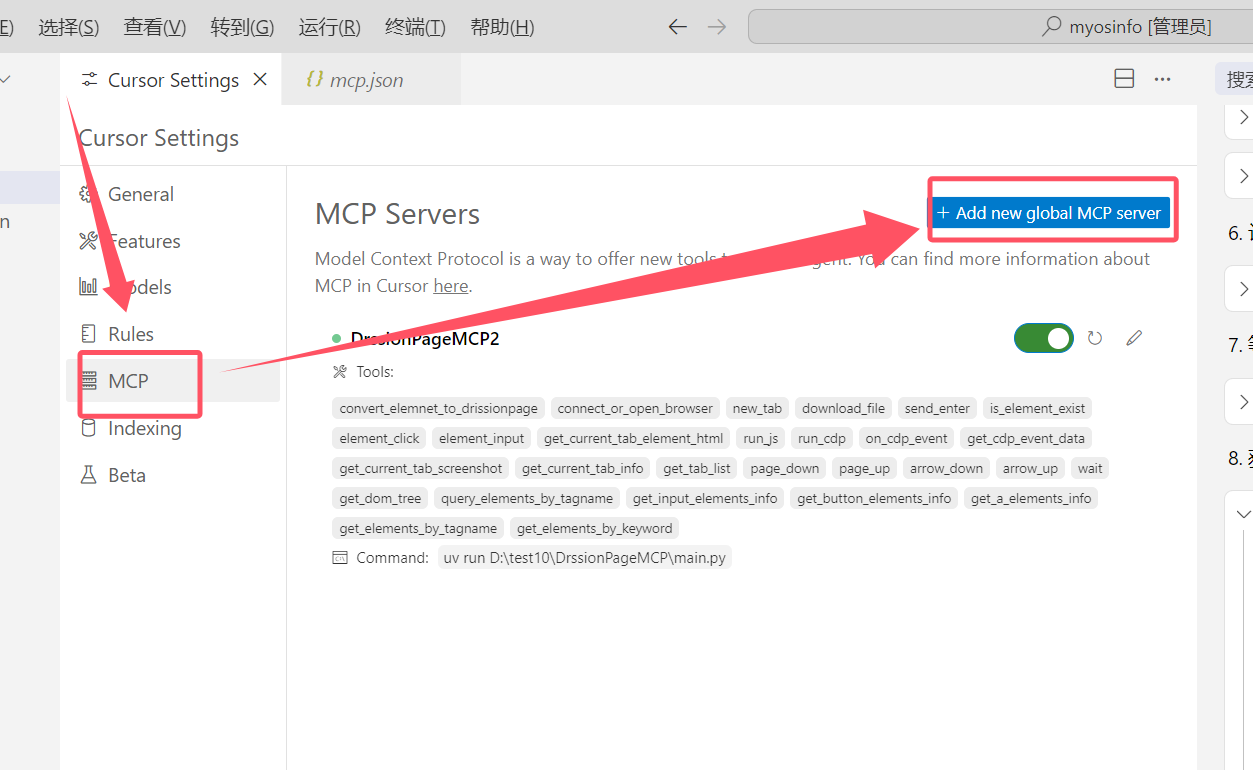
uv install - 配置编辑器的MCP设置:
{
  "mcpServers": {
    "DrissionPageMCP": {
      "type": "stdio",
      "command": "uv",
      "args": ["--directory", "<仓库路径>", "run", "main.py"]
    }
  }
}- 可选:使用MCP检查器进行调试:
mcp dev <仓库路径>/main.py
FAQ
- 支持哪些浏览器?
- 主要支持Chrome浏览器(推荐版本90及以上)。
- 这个MCP服务器可以用于网页爬取吗?
- 是的,它提供了全面的网页爬取工具,包括JavaScript执行和网络监听功能。
DrissionPageMCP 对比
最后更新于 · 由 README + GitHub 公开数据自动生成。