ai-trader
by whchien·★ 694·综合分 52
AI trader MCP服务器允许AI助手运行回测、获取市场数据并分析股票、加密货币和外汇交易策略。
概述
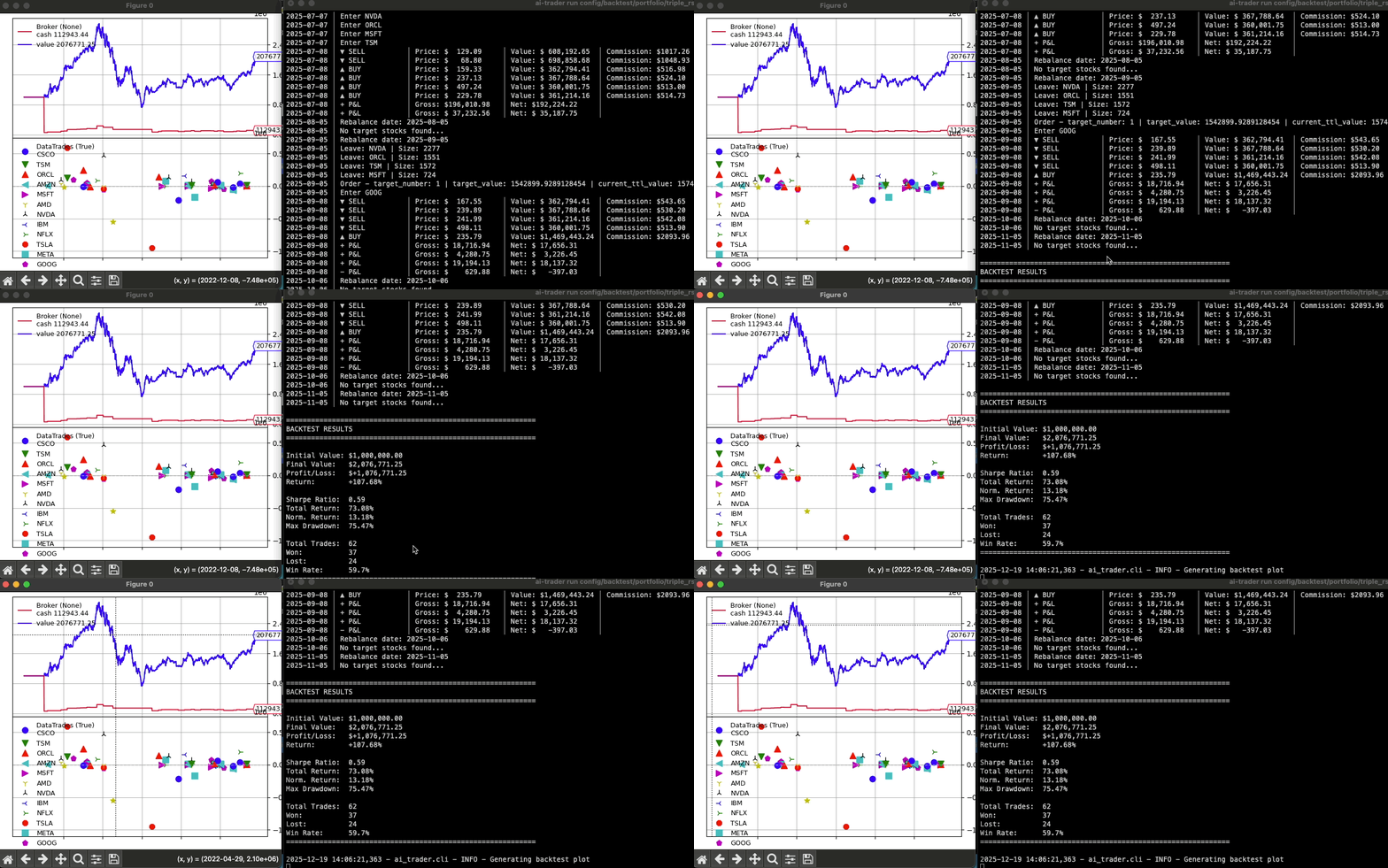
AI Trader 是一个基于 Backtrader 构建的算法交易回测专业框架。它包含强大的MCP服务器集成,使Claude等AI助手能够通过自然语言命令与交易引擎交互。该框架支持美国股票、台湾股票、加密货币和外汇等多个市场,拥有20多种内置策略和广泛的定制选项。
试试问 AI
装完之后,这里有 3 个你可以让 AI 做的事:
什么时候选它
如果您正在开发算法交易策略,并希望通过MCP将LLM助手直接集成到回测工作流中,请选择此工具。
什么时候不要选它
如果您需要不同的许可证(它是GPL-3.0)或需要实时交易功能(仅支持回测),请不要选择此工具。
此 server 暴露的工具
从 README 抽取出 4 个工具run_backtestRun a backtest with specified strategy and parameters
fetch_market_dataDownload historical market data for specified symbols
list_strategiesList all available trading strategies
manage_data_storageManage cached market data storage
说明:Tools were inferred from the MCP server documentation and CLI examples. The actual MCP tool names and signatures are not explicitly documented in the provided text.
可对比工具
安装
安装
**选项A: 从PyPI安装**
pip install ai-trader**选项B: 从源码安装**
git clone https://github.com/whchien/ai-trader.git
cd ai-trader
uv sync
MCP服务器配置
**启动服务器(用于测试):**
python -m ai_trader.mcp**Claude桌面配置:** 将ai-trader MCP服务器添加到Claude桌面配置文件中:
{
  "mcpServers": {
    "ai-trader": {
      "command": "python3",
      "args": ["-m", "ai_trader.mcp"],
      "cwd": "/path/to/ai-trader"
    }
  }
}
ai-trader 对比
最后更新于 · 由 README + GitHub 公开数据自动生成。