mcp-gateway
by unrelated-ai·★ 19·综合分 43
一个网关解决方案,可将任何HTTP端点转换为MCP服务器,提供多租户隔离和集中管理功能。
概述
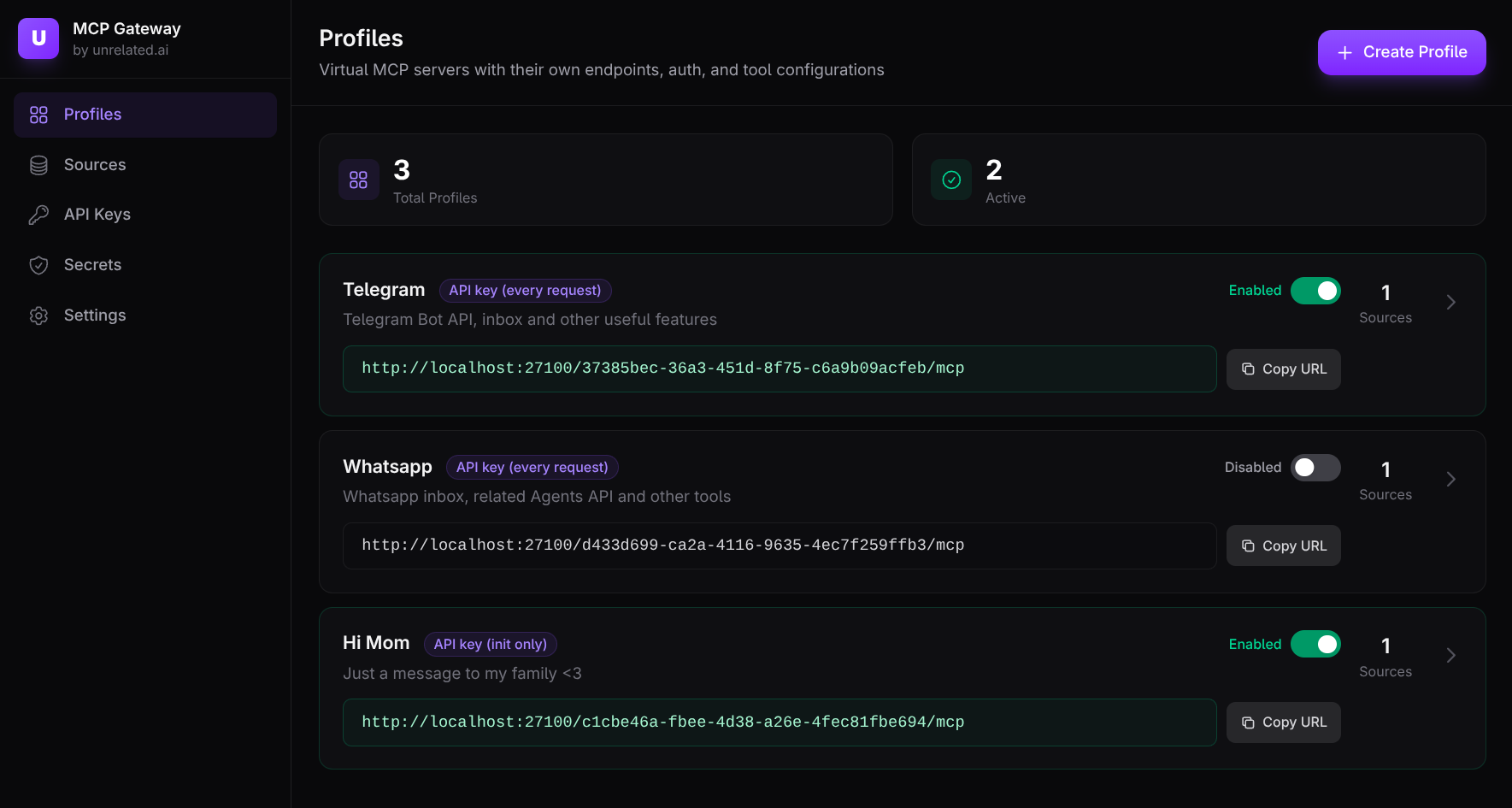
MCP Gateway是一个生产就绪的基础设施组件,使组织能够将现有系统作为MCP服务器公开。使用Rust构建,它提供了适配器来封装HTTP API和stdio MCP服务器,以及一个用于多租户管理的网关,具有身份验证、策略和转换功能。该解决方案支持聚合多个工具源,使团队能够根据用例创建专注的工具表面,并在不同环境之间提供适当的隔离。
试试问 AI
装完之后,这里有 5 个你可以让 AI 做的事:
什么时候选它
当您需要将多个现有系统作为 MCP 服务器公开,并需要适当的多租户隔离和访问控制时,特别是在安全和策略执行至关重要的企业环境中,请选择此方案。
什么时候不要选它
对于简单、单租户的 MCP 用例,或者需要直接工具访问而不需要额外代理层的情况,不要选择此方案,因为完全部署网关的开销可能不值得。
此 server 暴露的工具
从 README 抽取出 2 个工具create_invoiceCreate an invoice for a customer and return the created invoice JSON.
billing_api:create_invoiceCreate an invoice for a customer (with collision prefix).
说明:Tool names and descriptions were extracted from the HTTP tools DSL example in the README. This appears to be the only section that explicitly defines MCP tools, though the actual tools exposed depend on the configuration provided to the ada
可对比工具
安装
安装
快速开始 (Docker)
# 下载compose文件
curl -fsSL -o mcp-gateway-compose.yml \
  https://raw.githubusercontent.com/unrelated-ai/mcp-gateway/main/docker-compose.quickstart.yml

# 启动堆栈
GATEWAY_VERSION=0.12.3 UI_VERSION=0.8.2 \
  docker compose -f mcp-gateway-compose.yml up -d
Claude Desktop配置
添加到Claude Desktop config.json:
{
  "mcpServers": {
    "gateway-server": {
      "command": "docker",
      "args": ["run", "--rm", "ghcr.io/unrelated-ai/mcp-gateway:latest"],
      "env": {
        "PROFILE_ID": "your-profile-id"
      }
    }
  }
}
FAQ
- 网关支持哪些协议?
- 网关支持带有流能力的HTTP MCP协议,并集成OpenAPI规范,将REST端点转换为MCP工具。
- 租户隔离如何实现?
- 租户通过PostgreSQL数据库后端进行隔离,每个租户拥有独立的密钥、API密钥和工具配置,仅能通过其配置文件端点访问。
mcp-gateway 对比
最后更新于 · 由 README + GitHub 公开数据自动生成。