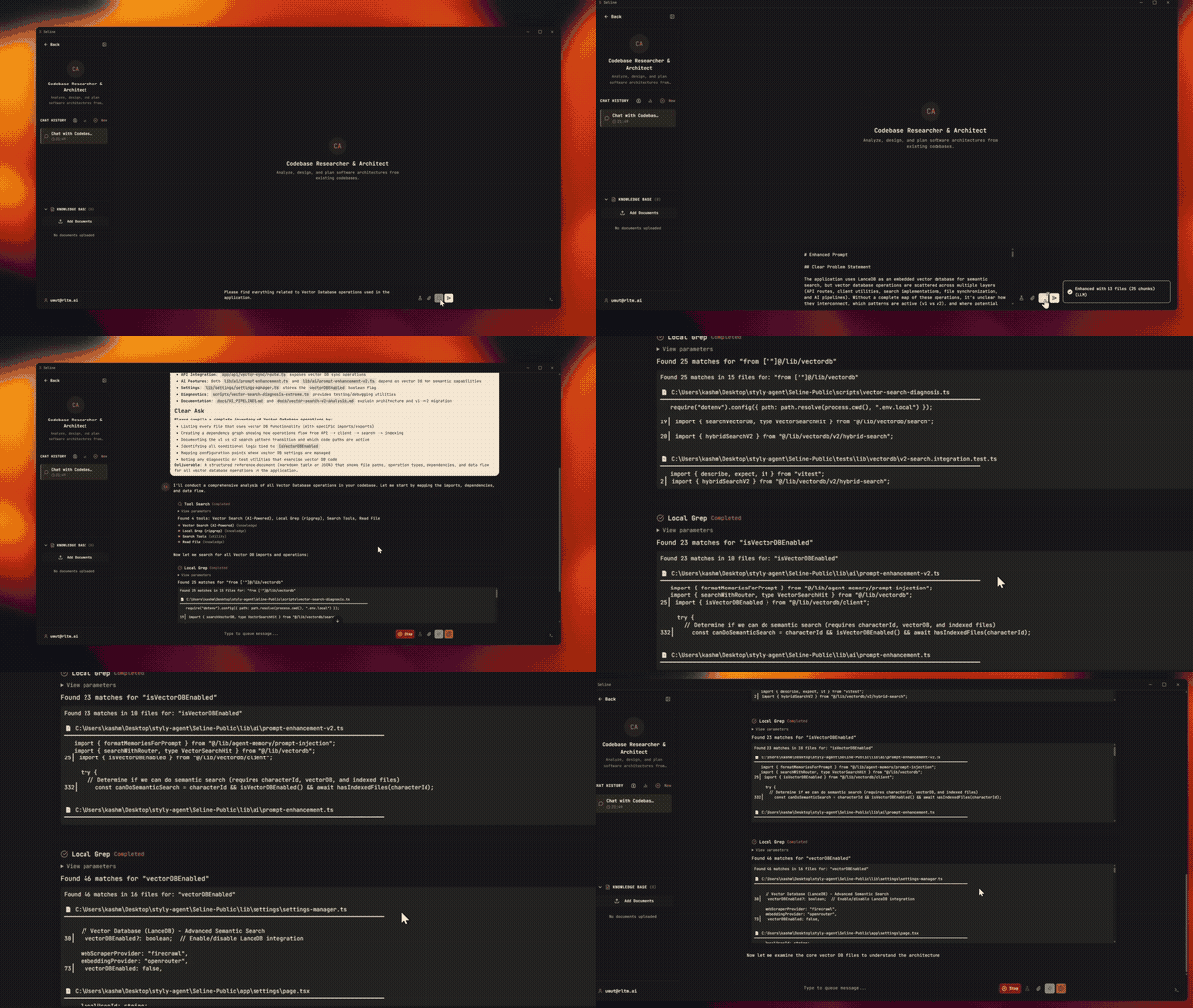
selene
by tercumantanumut·★ 166·综合分 48
Selene 是一个 AI 智能体桌面应用,集成了 MCP 工具支持与 WhatsApp、Telegram、Slack 和 Discord 连接。
概述
Selene 是一个以智能体为中心的桌面应用,在本地运行 AI 智能体,通过 MCP 无缝集成各种消息平台。应用提供多种模式,包括开发环境、浏览器自动化和创意工具。用户可以通过 MCP 工具连接外部服务,扩展功能同时保持数据隐私,支持本地处理选项。它兼容多个 AI 服务商,允许本地和云端处理。
试试问 AI
装完之后,这里有 5 个你可以让 AI 做的事:
什么时候选它
如果您想要一个包含 MCP 集成的综合桌面 AI 智能体应用,而不是专注于特定功能的 MCP 服务器,请选择 Selene。
什么时候不要选它
如果您需要专用于特定集成的 MCP 服务器,或者更喜欢小型专注的工具而不是全合一的 AI 平台,请不要选择 Selene。
此 server 暴露的工具
从 README 抽取出 10 个工具ghost_parse_screenParse the user's screen through the vision sidecar.
ghost_annotateAnnotate the screen via the vision sidecar.
query_chromiumNavigate and interact with the embedded browser.
create_ui_componentGenerate React/HTML components in the Design Workspace.
edit_componentApply targeted patches to existing UI components.
generate_imageGenerate images using local or cloud models.
create_videoConvert images to MP4 with transitions and overlays.
schedule_messageSchedule delivery of messages to connected channels.
deep_researchPerform multi-pass web searches with cited writeups.
create_github_issueCreate issues on GitHub repositories.
说明:Inferred from the MCP section and workspace descriptions. The exact tool names and signatures weren't explicitly listed, but functionality is described in the 'MCP' and various workspace sections.
可对比工具
安装
从 [发布页面](https://github.com/tercumantanumut/selene/releases) 下载并安装 Selene
在 Selene 中使用 MCP:
- 启动 Selene 并进入设置
- 导航到 MCP 部分
- 通过添加定义来配置 MCP 服务器
示例 Claude Desktop 配置(如果适用):
{
  "mcpServers": {
    "selene": {
      "command": "selene 路径",
      "args": ["--mcp"]
    }
  }
}
FAQ
- Selene 提供哪些 MCP 工具?
- Selene 与 Ghost OS 集成,提供 'ghost_parse_screen' 和 'ghost_annotate' 等 MCP 工具用于屏幕感知,并允许连接外部服务作为智能体工具。
- Selene 是否完全开源?
- Selene 基于开源技术构建,但应用本身似乎是专有的。项目没有指定核心应用的许可条款。
selene 对比
最后更新于 · 由 README + GitHub 公开数据自动生成。