mcp-notion-server
by suekou·★ 892·综合分 55
连接 Notion 与 MCP 兼容客户端的 MCP 服务器,使 AI 智能体能查找、读取、查询和更新 Notion 工作区。
概述
此 MCP 服务器针对 Notion API 2026-03-11,提供了与 Notion 工作区交互的综合工具。它既提供了简化工具用于常见任务,如读取页面、追加内容和查询数据源,也提供了原始 API 工具用于高级操作。该服务器支持 MCP 工具、提示、资源、结构化工具结果和可选的 MCP 应用程序,如数据源资源管理器和页面工作台。
试试问 AI
装完之后,这里有 5 个你可以让 AI 做的事:
什么时候选它
当您需要 Notion 与 AI 代理的全面集成,既需要常用操作的高级工具,又需要访问完整的 Notion API 时,选择此服务器。
什么时候不要选它
如果您只需要只读访问(此服务器需要写入权限)或担心对 Notion API 的供应商锁定,请避免使用。
此 server 暴露的工具
从 README 抽取出 9 个工具notion_findSearch and target discovery for Notion pages and data sources
notion_read_pageCompact page reading with stable block IDs
notion_inspect_data_sourceInspect schema of a Notion data source or database
notion_query_data_source_by_valuesQuery data source items based on specific values
notion_create_data_source_item_from_valuesCreate new items in a data source with simple values
notion_append_markdownAppend Markdown content to a Notion page
notion_append_contentAppend structured content to a Notion page
notion_update_contentUpdate content in a Notion page
notion_update_content_batchUpdate multiple content blocks in a Notion page
可对比工具
安装
快速开始
将此服务器添加到 Claude Desktop 等 MCP 主机:
{
  "mcpServers": {
    "notion": {
      "command": "npx",
      "args": ["-y", "@suekou/mcp-notion-server"],
      "env": {
        "NOTION_API_TOKEN": "your-integration-token"
      }
    }
  }
}
设置指南
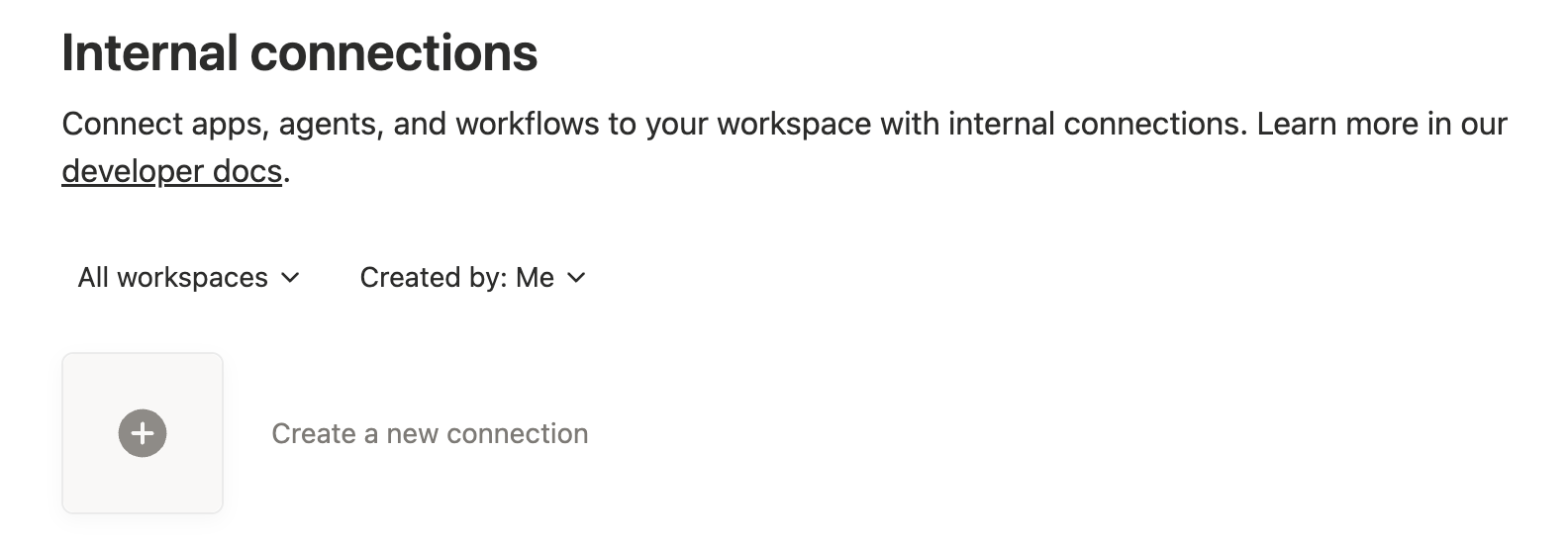
- 在 [Notion 集成仪表板](https://www.notion.so/profile/integrations) 创建 Notion 集成
- 配置所需功能(根据需要选择读取、插入、更新内容)
- 向特定页面/数据库授予内容访问权限
- 复制内部集成令牌作为 NOTION_API_TOKEN
FAQ
- 此服务器支持哪个 Notion API 版本?
- 此服务器针对 Notion API 版本 2026-03-11,并使用当前的数据库/数据源模型。
- 我能否使用此服务器管理 Notion 中的评论?
- 可以,但您需要在 Notion 集成设置中启用'读取评论'和'插入评论'功能。
mcp-notion-server 对比
最后更新于 · 由 README + GitHub 公开数据自动生成。