spring-ai-playground
by spring-ai-community·★ 113·综合分 47
跨平台桌面应用,用于构建、测试和发布MCP工具,采用'不通过不运行'安全工作流。
概述
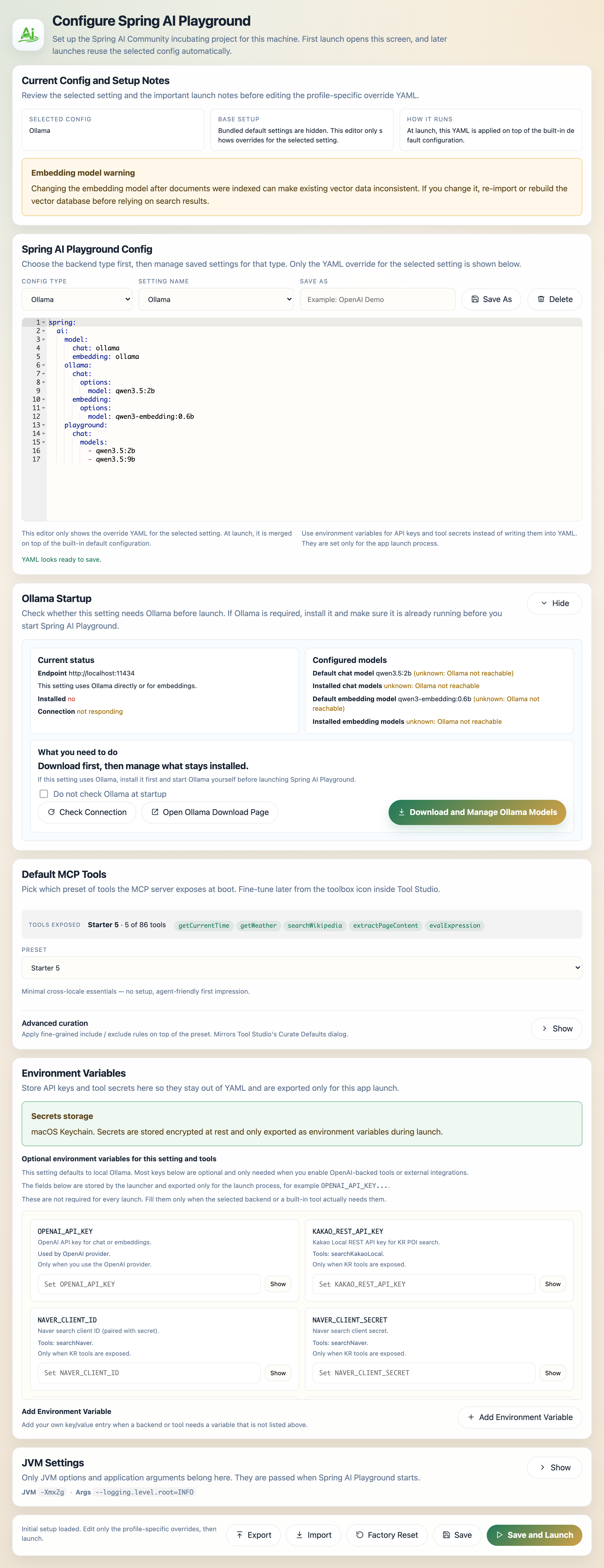
Spring AI Playground 是一款全面的桌面应用程序,为AI代理工具提供安全的本地执行层。它采用'不通过不运行'工作流,要求工具在暴露给MCP服务器之前必须通过本地测试。该应用包含86个默认工具,涵盖多种类别,并支持HTTP和stdio两种MCP服务器模式。基于Spring Boot构建,可在macOS、Windows和Linux上运行,无需Java开发知识。
试试问 AI
装完之后,这里有 6 个你可以让 AI 做的事:
什么时候选它
当您需要在没有Java专业知识的情况下构建和验证MCP工具时,特别是在代理执行前工具安全和验证是优先考虑的情况下,选择Spring AI Playground。
什么时候不要选它
如果您需要完整的Java/Spring功能进行工具开发,或者需要基于云的工具开发环境,应避免使用。
此 server 暴露的工具
从 README 抽取出 12 个工具web_fetchFetch web content from URLs
datetimeGet current date and time information
mathPerform mathematical calculations
cryptoEncrypt and decrypt data
filesystemAccess and manipulate files and directories
githubInteract with GitHub repositories
wikipediaSearch and retrieve information from Wikipedia
weatherGet weather information for locations
financeAccess financial data and calculations
geoGet geographic information and services
securityPerform security-related operations
encodingEncode and decode various formats
可对比工具
安装
安装
桌面应用(推荐)
- 从[GitHub发布页面](https://github.com/spring-ai-community/spring-ai-playground/releases)下载适合您平台的安装程序
- 像普通桌面应用程序一样安装
- 从应用程序菜单启动Spring AI Playground
Docker
docker run -p 8282:8282 -v spring-ai-playground:/root ghcr.io/spring-ai-community/spring-ai-playgroundClaude Desktop配置
添加到您的Claude Desktop配置文件config.json:
{
  "mcpServers": {
    "spring-ai-playground": {
      "command": "java",
      "args": ["-jar", "path/to/spring-ai-playground.jar", "--spring.profiles.active=mcp-stdio"]
    }
  }
}
FAQ
- '不通过不运行'工作流是什么?
- 这是一个安全功能,要求工具在使用样本参数通过本地测试后,才会暴露给MCP服务器并可供AI代理使用。
- 使用这个工具需要Java知识吗?
- 不需要,桌面应用专为非Java开发者设计。您只需要能够编写小型JavaScript函数来构建工具即可。
- 如何管理API密钥和敏感信息?
- 应用程序通过桌面界面提供安全的秘密管理,在可用的情况下使用操作系统支持的存储,否则回退到加密的本地存储。
Hacker News 讨论
开发者社区最近的相关讨论。
- 帖子 by hjm1980 · 2025-12-22
- 帖子 by hjm1980 · 2026-04-09
spring-ai-playground 对比
最后更新于 · 由 README + GitHub 公开数据自动生成。