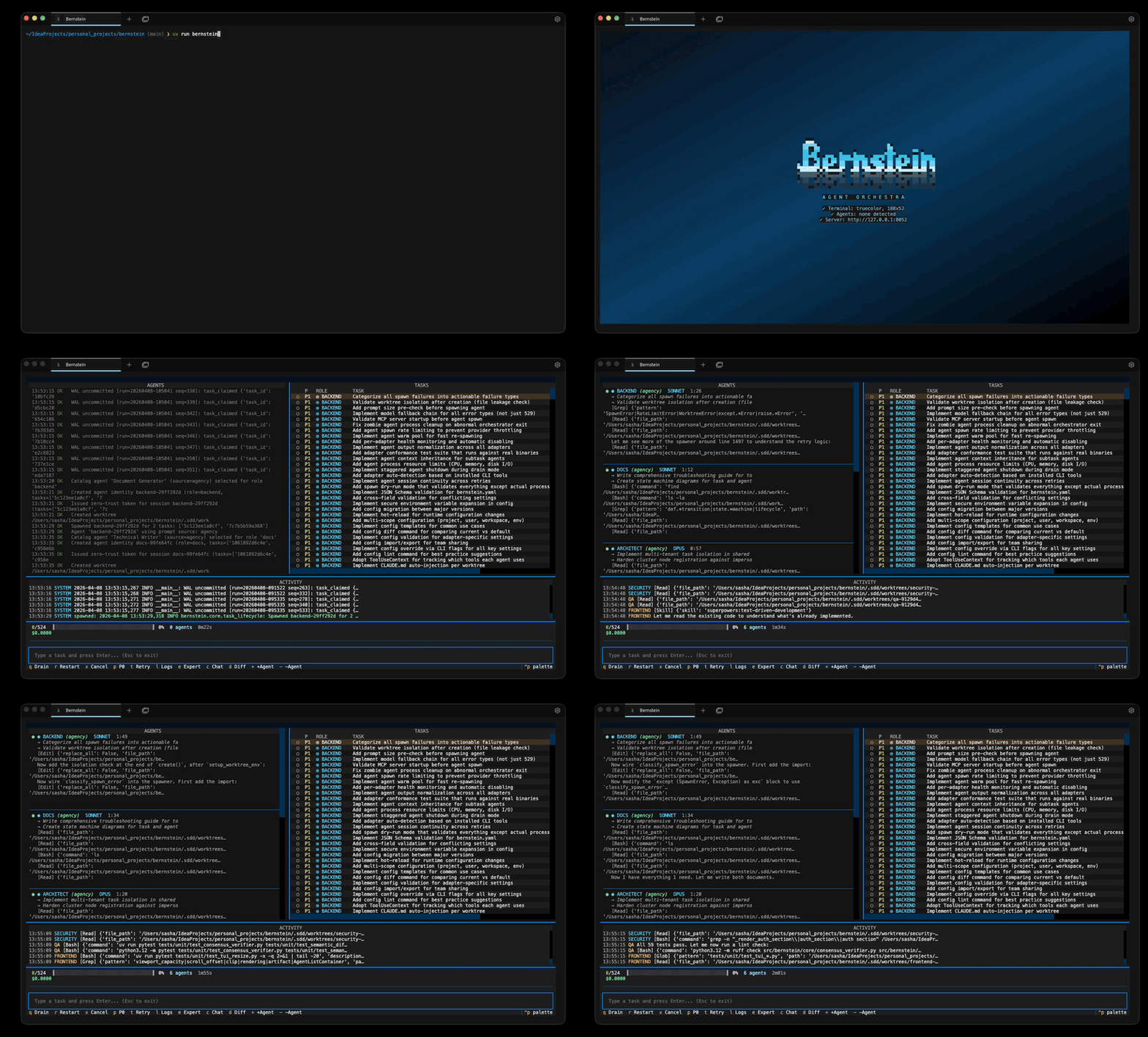
bernstein
by sipyourdrink-ltd·★ 375·综合分 52
审计级多智能体编排系统,为CLI编码工具提供HMAC链式审计日志和签名代理卡。
概述
Bernstein是一个确定性Python调度器,在并行git工作树中编排多个CLI编码工具(Claude Code、Codex、Gemini CLI等)。它提供HMAC-SHA256审计链、签名代理卡、每工件血缘关系和空隙部署功能。调度器使用纯Python而非LLM进行任务协调,确保确定性和可重复性,同时保持受监管环境的安全性。
试试问 AI
装完之后,这里有 5 个你可以让 AI 做的事:
什么时候选它
当您需要为 AI 驱动的编码工作流提供审计跟踪,特别是在需要符合 DORA、NIS2 或欧盟 AI 法案第 12 条标准的监管环境中时,选择 Bernstein。
什么时候不要选它
如果您需要具有供应商支持的 SaaS 解决方案,如果您的用例不需要审计功能,或者您正在构建非编码的 LLM 工作流,则不要选择 Bernstein。
此 server 暴露的工具
从 README 抽取出 6 个工具idea-to-prRuns a workflow from research to PR implementation
refactor-with-testsWorkflow for finding, proposing, and implementing refactoring
security-reviewWorkflow for scanning, triaging, and patching security issues
doc-updateWorkflow for auditing and updating documentation
dependency-bumpWorkflow for bumping and testing dependencies
hot-fixWorkflow for reproducing and fixing critical issues
说明:Tool names inferred from workflow examples in the documentation, though these appear to be workflow configurations rather than direct MCP tools
可对比工具
安装
pipx install bernstein
bernstein init
bernstein run -g "修复tests/test_foo.py中的失败测试"
对于MCP服务器模式:
- 通过pipx安装Bernstein
- 在MCP客户端中配置:
{
  "mcpServers": {
    "bernstein": {
      "command": "bernstein",
      "args": ["mcp"]
    }
  }
}
其他安装方法:
curl -fsSL https://bernstein.run/install.sh | sh  # macOS/Linux
irm https://bernstein.run/install.ps1 | iex     # Windows
pip install bernstein                           # pip
uv tool install bernstein                       # uv
brew tap chernistry/tap && brew install bernstein # Homebrew
FAQ
- Bernstein与其他智能体编排器有何不同?
- Bernstein使用确定性Python调度而非LLM协调,提供HMAC链式审计日志、签名代理卡、每工件血缘关系,并支持空隙部署能力 - 这些是大多数其他编排器所缺乏的功能。
- Bernstein是否支持多个AI提供商?
- 是的,Bernstein支持44个CLI代理适配器,包括Claude Code、Codex、Gemini CLI等40多个工具。它可以包装任何CLI编码工具,而不限于特定AI提供商。
Hacker News 讨论
开发者社区最近的相关讨论。
- 帖子 by nateb2022 · 2026-05-08
- 帖子 by alex_chernysh · 2026-08-15
bernstein 对比
最后更新于 · 由 README + GitHub 公开数据自动生成。