welink
by runzhliu·★ 142·综合分 48
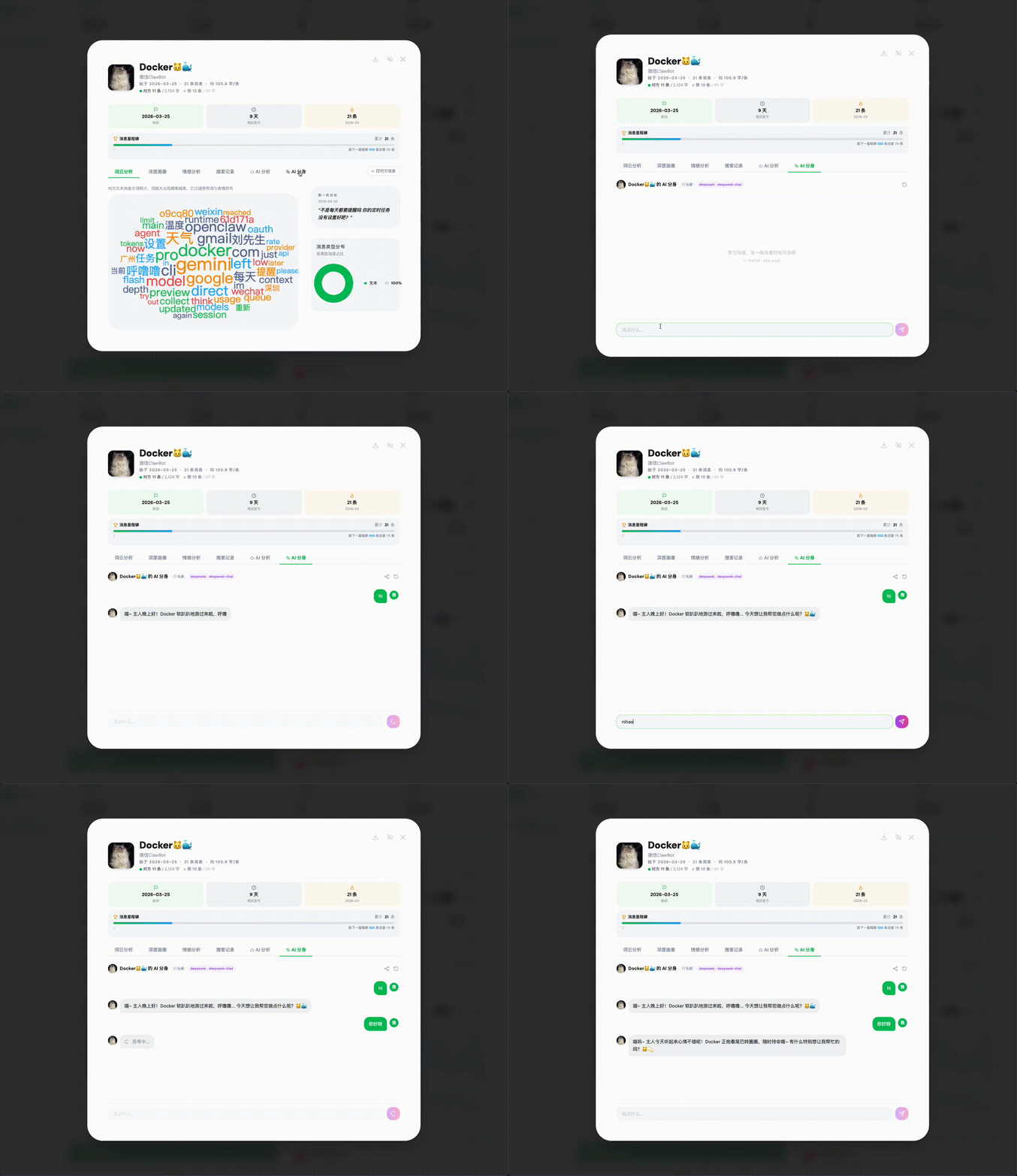
WeLink 是一个AI驱动的微信聊天数据分析平台,集成了MCP服务器,可在Claude Code中直接查询数据。
概述
WeLink 是一个全面的微信聊天数据分析平台,具备广泛的AI功能。用户可以分析个人对话、创建联系人AI分身、模拟群聊,并深入了解沟通模式。其MCP服务器集成允许通过Claude Code直接查询聊天数据,无需浏览器界面。所有数据均本地存储,确保隐私安全。平台支持多种大模型提供商,包括OpenAI、Claude、Gemini及各类中国AI服务。
试试问 AI
装完之后,这里有 5 个你可以让 AI 做的事:
什么时候选它
如果您想直接从 Claude Code 查询微信聊天数据而无需使用网页界面,特别是如果您已经在使用 WeLink 进行聊天分析,请选择 WeLink MCP 服务器。
什么时候不要选它
如果您不使用微信或尚未设置 WeLink 来处理聊天数据,请不要选择此 MCP 服务器,因为它依赖于本地的 WeLink 数据库。
此 server 暴露的工具
从 README 抽取出 12 个工具query_chat_dataQuery and analyze WeChat chat data with natural language questions
create_ai_cloneCreate an AI clone of a contact to simulate conversation style
analyze_relationshipGenerate relationship analysis reports for contacts
simulate_group_chatSimulate a group chat with contact AI clones
highlight_momentsExtract significant conversation moments between contacts
generate_yearly_reportGenerate a yearly chat report for contacts or groups
find_disconnected_contactsIdentify contacts who haven't been in touch recently
analyze_chat_styleAnalyze communication patterns and style of a contact
search_chat_historySearch through chat history for specific topics or keywords
create_icebreakerGenerate conversation openers for contacts you haven't talked to in a while
analyze_group_dynamicsAnalyze communication patterns within a group chat
generate_chat_insightsGenerate AI insights about specific chat data
可对比工具
安装
安装步骤
- 克隆仓库:
git clone https://github.com/runzhliu/welink.git - 按照README中的说明进行Docker、Windows或macOS安装
- 配置微信数据导出
- 按照说明设置MCP服务器:
mcp-server/README.md - 添加到Claude Desktop配置:
{
  "mcpServers": {
    "welink": {
      "command": "node",
      "args": ["welink/mcp-server/index.js的路径"]
    }
  }
}
FAQ
- 哪些数据会被发送到外部服务器?
- 所有聊天数据都保留在本地设备上。只有匿名的LLM请求会被发送,用户可以配置本地选项如Ollama实现完全隐私保护。
- MCP服务器如何工作?
- MCP服务器将WeLink的聊天分析功能作为工具暴露,可从Claude Code调用。它允许用自然语言查询微信数据,无需打开浏览器界面。
welink 对比
最后更新于 · 由 README + GitHub 公开数据自动生成。