open-code-review
by raye-deng·★ 23·综合分 43
AI代码质量门,检测AI生成代码中的幻觉包、过时API和安全反模式。
developer-toolsai-llmsecurity
3
Forks
2
活跃 Issue
6 个月前
最近提交
162 天前
收录于
概述
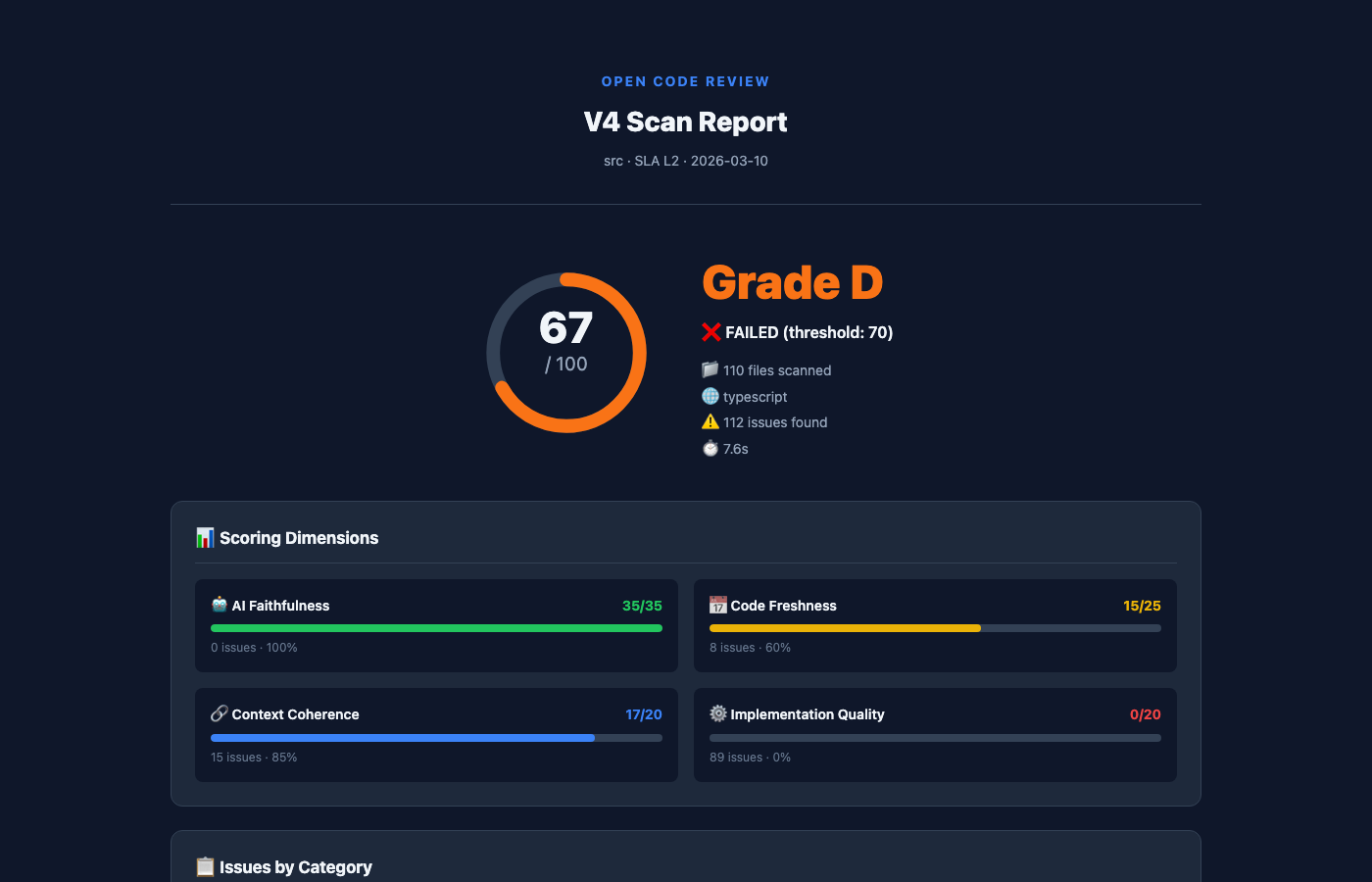
Open Code Review 是一个专门用于AI生成代码质量检查的MCP服务器。它能检测传统静态分析工具无法发现的问题,包括幻觉导入、过时API、过度工程化模式和安全反模式,支持6种编程语言。该工具结合结构分析、语义嵌入分析和LLM深度扫描,提供全面的代码质量评估。
试试问 AI
装完之后,这里有 5 个你可以让 AI 做的事:
你:作为CI/CD流水线中的质量门,用于检查AI生成的代码
你:在AI IDE中实时审查代码
你:使用AI驱动的建议自动修复检测到的问题
你:它支持哪些AI工具?
你:可以在本地运行吗?
什么时候选它
如果您需要检测 AI 生成代码中的特定问题,如幻觉包或过期 API,特别是当您使用多个 AI 编码助手时,选择这个 MCP 服务器。
什么时候不要选它
如果您需要完全开源的许可证(使用 BSL-1.1,仅在 2030 年转换为 Apache 2.0)或您主要审查非 AI 生成的代码,请避免使用此工具。
此 server 暴露的工具
从 README 抽取出 3 个工具ocr_scanPerform a quality gate scan on source code to detect issues like hallucinated imports, stale APIs, and security anti-patterns.
ocr_healAI auto-fix for issues detected during scanning, with preview before applying changes.
ocr_explainGet detailed explanations about specific issues detected during code review.
可对比工具
claude-code-reviewcoderabbitgithub-copilot
安装
安装CLI工具:
npm install -g @opencodereview/cli安装MCP服务器:
npm install -g @opencodereview/mcp-server在Claude Desktop中,添加到claude_desktop_config.json:
{
  "mcpServers": {
    "open-code-review": {
      "command": "npx",
      "args": ["-y", "@opencodereview/mcp-server"]
    }
  }
}
FAQ
- 它支持哪些AI工具?
- 支持所有AI编码助手,包括GitHub Copilot、Cursor、Claude Code、Codex、Supermaven、Aider以及任何生成代码的工具。
- 可以在本地运行吗?
- 是的,它支持通过Ollama或任何OpenAI兼容提供商进行本地分析,无需将代码发送到云端服务。
open-code-review 对比
最后更新于 · 由 README + GitHub 公开数据自动生成。