nutrient-dws-mcp-server
by PSPDFKit·★ 63·综合分 46
MCP 服务器连接 AI 助手与 Nutrient DWS API,提供 PDF 处理功能。
概述
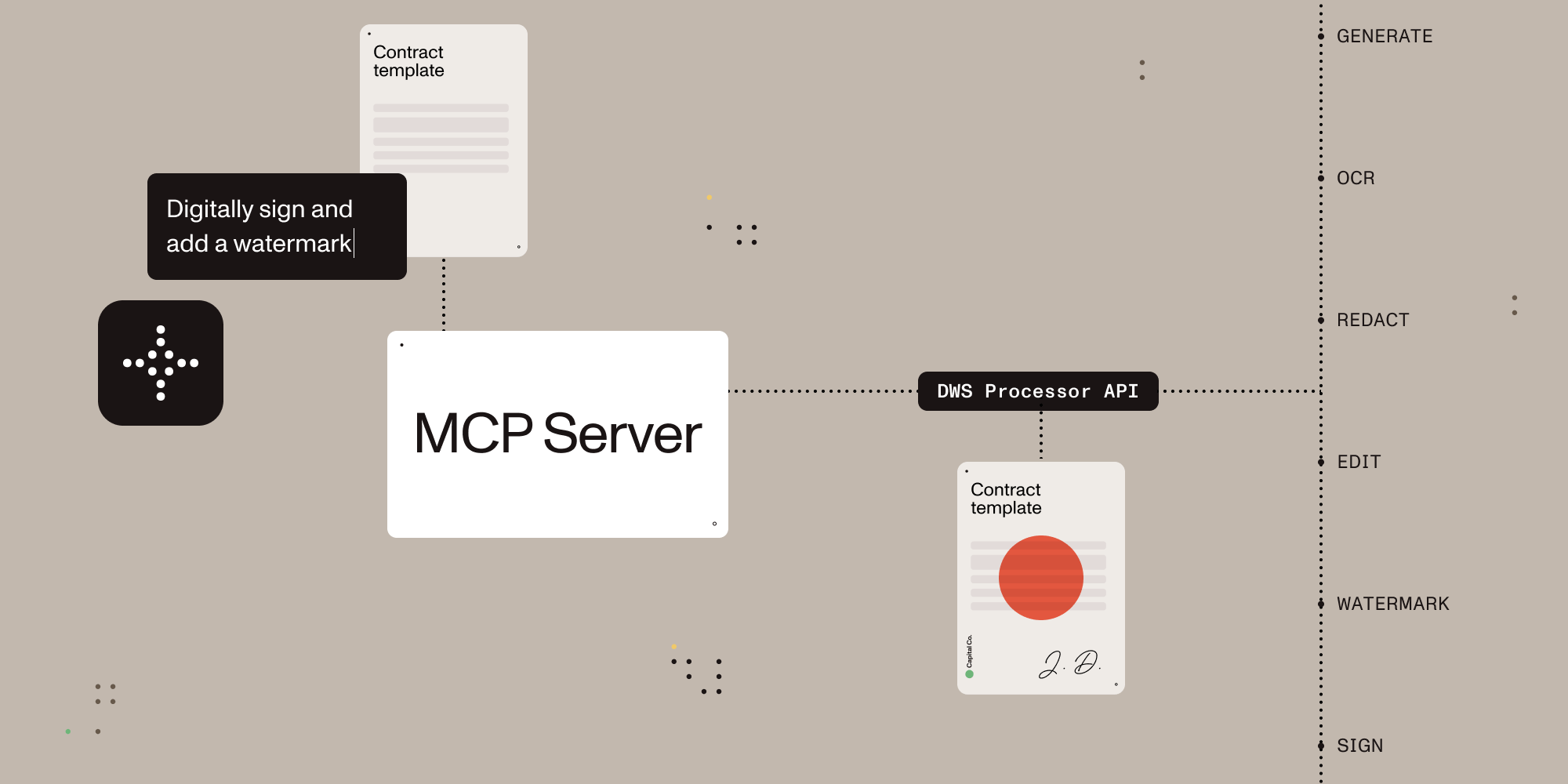
基于 TypeScript 的 MCP 服务器,让 AI 助手能够通过自然语言命令处理、编辑和转换文档。它集成了 Nutrient 文档 Web 服务 (DWS) 处理器 API,提供全面的文档功能,包括 PDF 转换、OCR、编辑、数字签名和格式转换。服务器通过沙盒目录运行以确保安全性,同时支持浏览器 OAuth 和 API 密钥认证两种方式。
试试问 AI
装完之后,这里有 5 个你可以让 AI 做的事:
什么时候选它
当您需要AI助手不仅读取文档还要对其进行操作,特别是需要文档转换、签名、红acted处理或OCR功能时,选择此服务器。
什么时候不要选它
如果您处理的敏感文档不能离开本地环境,请避免使用此服务器,因为它会将文档上传到第三方服务进行处理。
此 server 暴露的工具
从 README 抽取出 6 个工具document_processorDocument processing for conversions, OCR, extraction, watermarking, rotation, annotation flattening, and redaction workflows
document_signerPDF signing with CMS / PKCS#7 and CAdES signatures plus visible or invisible appearance options
ai_redactorAI redaction for detecting and permanently removing sensitive content such as names, addresses, SSNs, emails, and custom criteria
check_creditsRead-only account lookup for current DWS credits and usage. No document content is uploaded
sandbox_file_treeRead-only view of files inside the configured sandbox directory
directory_treeRead-only view of local files when sandbox mode is disabled
可对比工具
安装
安装步骤
- 在 [nutrient.io/api](https://dashboard.nutrient.io/sign_up/) 创建 Nutrient 账户
- 在您的 AI 客户端中配置以下设置:
Claude Desktop
{
  "mcpServers": {
    "nutrient-dws": {
      "command": "npx",
      "args": ["-y", "@nutrient-sdk/dws-mcp-server"],
      "env": {
        "SANDBOX_PATH": "/您的/沙盒/目录"
      }
    }
  }
}- 重启您的 AI 客户端并将文档放入沙盒目录
FAQ
- 可以处理哪些文档格式?
- 服务器可以处理 PDF、Office 文档(DOCX、XLSX、PPTX)、图像(PNG、JPEG、WebP)、HTML 和 Markdown 文件,并支持这些格式之间的转换。
- 文档处理如何保证安全性?
- 服务器默认在沙盒模式下运行,限制文件操作到指定目录。所有敏感文档处理都通过 Nutrient API 完成,支持浏览器 OAuth 或 API 密钥认证。
Hacker News 讨论
开发者社区最近的相关讨论。
- 帖子 by nicknamewinder · 2025-05-19
nutrient-dws-mcp-server 对比
最后更新于 · 由 README + GitHub 公开数据自动生成。