UnrealGenAISupport
by prajwalshettydev·★ 587·综合分 48
虚幻引擎插件,支持200多种AI模型,通过MCP服务器实现场景控制和蓝图生成功能。
概述
UnrealGenAISupport插件是一个全面的虚幻引擎解决方案,集成了OpenAI、Anthropic Claude、DeepSeek等多种AI服务。它提供MCP服务器功能,允许Claude Desktop和其他客户端控制虚幻引擎环境,包括生成对象、操作场景和生成蓝图。该插件支持多种AI模型用于聊天、3D生成、TTS和多模态应用。它包含免费和付费版本,MCP功能针对UE 5.4-5.7+版本。
试试问 AI
装完之后,这里有 3 个你可以让 AI 做的事:
什么时候选它
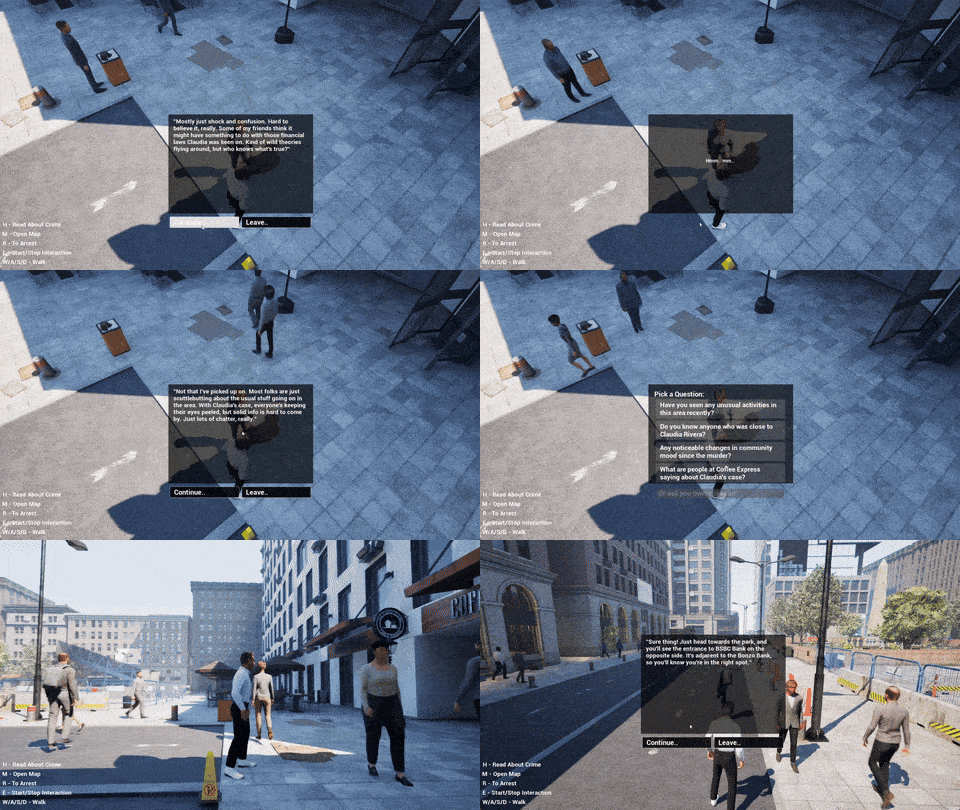
如果你已经在使用虚幻引擎开发游戏,并希望通过MCP协议集成AI模型来实现NPC行为、场景生成和蓝图自动化,那么选择这个插件。
什么时候不要选它
如果你需要项目文件的写入权限,需要更稳定的替代方案且包含自动化测试,或者正在寻找计划中用于UE 5.8+的官方虚幻MCP集成,则避免使用此插件。
此 server 暴露的工具
从 README 抽取出 12 个工具spawn_scene_objectsSpawn objects and shapes in the Unreal Engine scene
transform_objectsMove, rotate, and scale objects in the scene
change_materialsChange materials and colors of objects
generate_blueprintCreate new blueprints in the project
add_componentsAdd new components to actors
run_python_scriptExecute Python scripts in the Unreal Engine environment
execute_console_commandRun Unreal Engine console commands
create_project_filesCreate new files and folders in the project
fetch_3d_modelFetch and spawn 3D models based on prompts
generate_uiCreate UI widgets and blueprints
control_sceneControl various aspects of the scene and level
add_nodes_connectionsAdd nodes and connections to blueprints
说明:Tool names were inferred from the MCP feature status section and usage description. The README mentions MCP features but doesn't provide an explicit list of tool names with signatures. Tools are based on the functionality described in the '
可对比工具
安装
安装方法
通过Git安装:
- 克隆仓库:
git clone https://github.com/prajwalshettydev/UnrealGenAISupport.git - 将插件添加到您的虚幻引擎项目
- 重启编辑器
通过虚幻市场(Fab)安装:
- 从[Fab市场](https://muddyterrain.com/t/genai-fab)下载
- 安装到您的项目
为Claude Desktop设置MCP:
- 添加到Claude Desktop配置(
claude_desktop_config.json):
{
  "mcpServers": {
    "unreal": {
      "command": "您的UnrealEngine/Binaries/您的平台/YourProject.exe路径",
      "args": ["-mcp"]
    }
  }
}
UnrealGenAISupport 对比
最后更新于 · 由 README + GitHub 公开数据自动生成。