optuna-mcp
by optuna·★ 76·综合分 46
Optuna MCP服务器通过交互式工具自动执行超参数优化和分析。
概述
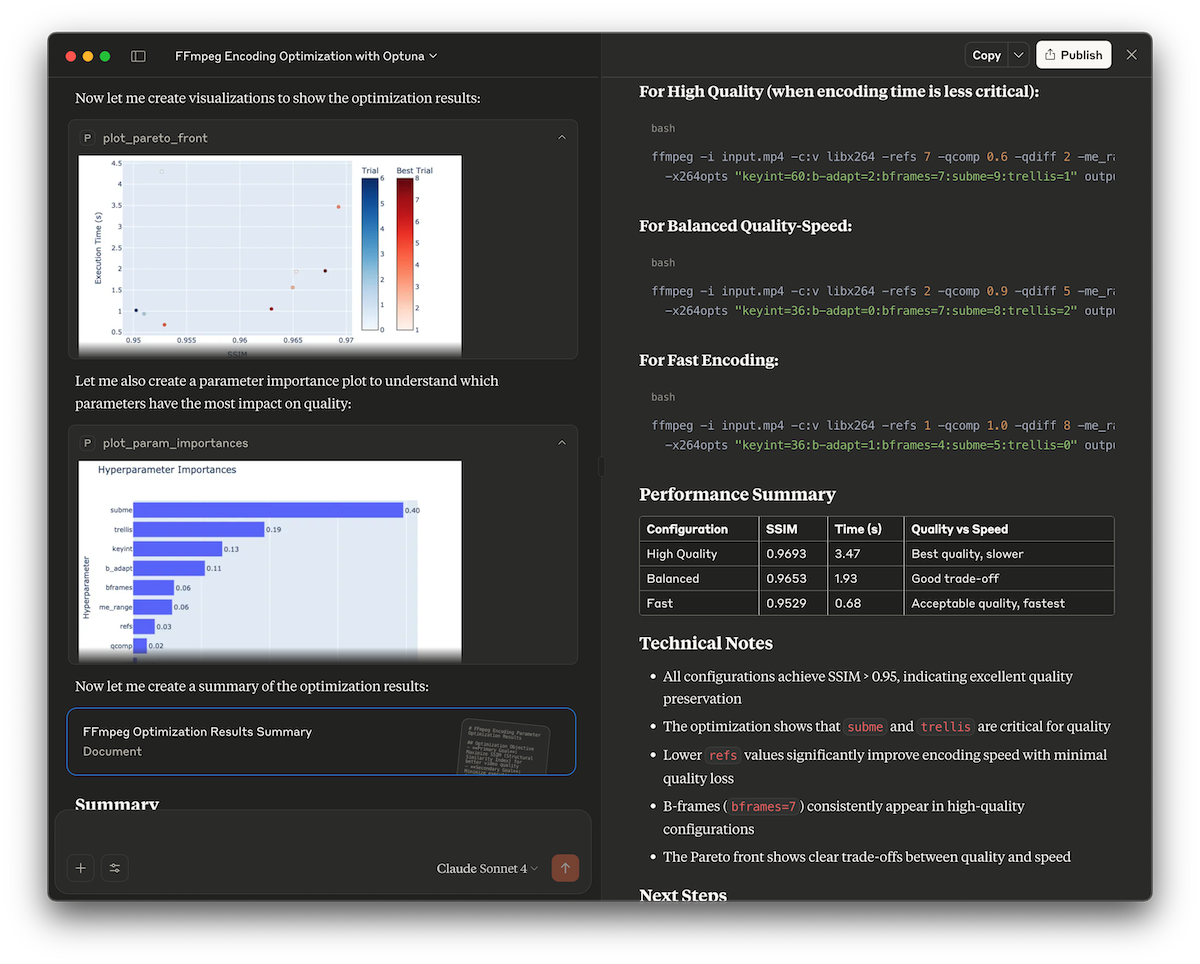
Optuna MCP服务器通过模型上下文协议为Optuna的优化框架提供全面接口。它支持自动超参数调优、优化结果的交互式分析以及与其他MCP工具的集成。该服务器提供丰富的工具集合,包括学习管理、试验执行和可视化功能。
试试问 AI
装完之后,这里有 3 个你可以让 AI 做的事:
什么时候选它
当您需要将自动化超参数集成到 MCP 支持的聊天界面中时,特别是机器学习工作流,选择 Optuna MCP。
什么时候不要选它
如果您需要在 MCP 客户端之外使用优化功能,或需要 Optuna 不支持的高级优化算法,请避免使用。
此 server 暴露的工具
从 README 抽取出 12 个工具create_studycreate_study(study_name: string, directions: list[string])Create a new Optuna study with the given study_name and directions.
get_all_study_namesGet all study names from the storage.
askask(search_space: dictionary)Suggest new parameters using Optuna.
telltell(trial_number: integer, values: float | list[float])Report the result of a trial.
plot_optimization_historyplot_optimization_history(target: integer, target_name: string)Return the optimization history plot as an image.
plot_pareto_frontplot_pareto_front(target_names: list[string], include_dominated_trials: boolean, targets: list[integer])Return the Pareto front plot as an image for multi-objective optimization.
plot_contourplot_contour(params: list[string], target: integer, target_name: string)Return the contour plot as an image.
plot_param_importancesplot_param_importances(params: list[string], target: integer, target_name: string)Return the parameter importances plot as an image.
best_trialGet the best trial.
set_trial_user_attrset_trial_user_attr(trial_number: integer, key: string, value: any)Set user attributes for a trial.
launch_optuna_dashboardlaunch_optuna_dashboard(port: integer)Launch the Optuna dashboard.
plot_sliceplot_slice(params: list[string], target: integer, target_name: string)Return the slice plot as an image.
可对比工具
安装
安装
使用 uv:
{
  "mcpServers": {
    "Optuna": {
      "command": "/path/to/uvx",
      "args": [
        "optuna-mcp"
      ]
    }
  }
}
使用 Docker:
{
  "mcpServers": {
    "Optuna": {
      "command": "docker",
      "args": [
        "run",
        "-i",
        "--rm",
        "--net=host",
        "-v",
        "/PATH/TO/LOCAL/DIRECTORY/WHICH/INCLUDES/DB/FILE:/app/workspace",
        "ghcr.io/optuna/optuna-mcp:latest",
        "--storage",
        "sqlite:////app/workspace/optuna.db"
      ]
    }
  }
}
optuna-mcp 对比
最后更新于 · 由 README + GitHub 公开数据自动生成。