Dive
by OpenAgentPlatform·★ 1,792·综合分 56
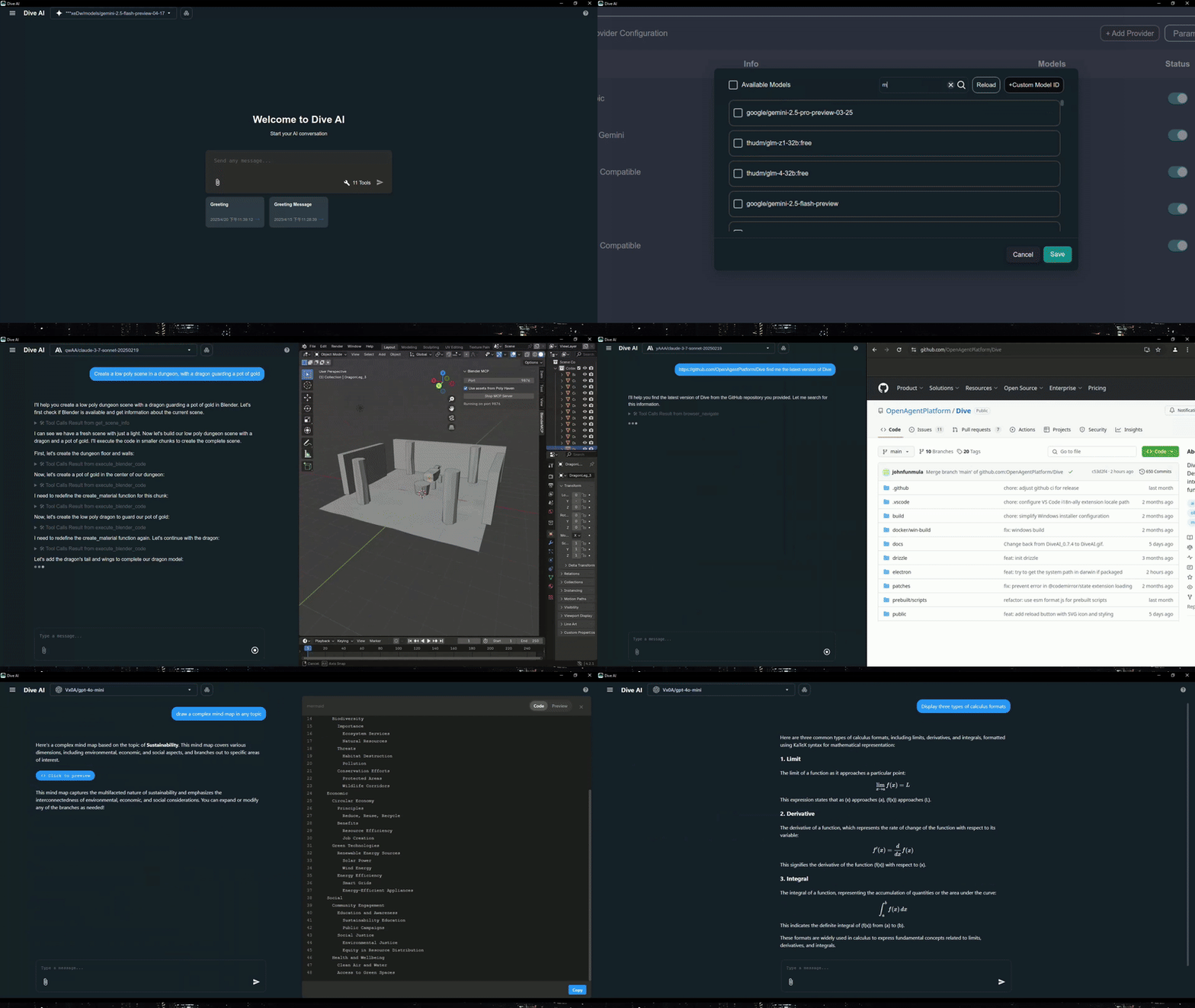
Dive 是一款跨平台桌面应用程序,作为 MCP 主机,能够将多种 LLM 与 AI 代理能力集成。
概述
Dive 是一款开源的 MCP 主机桌面应用程序,旨在无缝集成任何支持函数调用能力的 LLM。它为 AI 代理与 MCP 服务器的交互提供了通用接口,支持 stdio 和 SSE 模式。该应用程序采用双重架构,同时提供现代 Tauri 和传统 Electron 版本,确保在不同平台上都能获得最佳性能。Dive 包含高级功能,如精细的工具控制、自定义指令、多语言支持,以及用于文件管理、网络请求和命令执行的内置本地工具。
试试问 AI
装完之后,这里有 5 个你可以让 AI 做的事:
什么时候选它
当您需要桌面界面来管理多个 LLM 提供商的 MCP 服务器且无需复杂本地部署时,选择 Dive。
什么时候不要选它
如果您需要稳定的 MCP 服务器认证功能或希望资源占用最小化,则不应选择 Dive。
此 server 暴露的工具
从 README 抽取出 6 个工具fetchMake web requests to retrieve data from URLs
file_managerRead and write files on the local system
bashExecute shell commands on the local system
install_mcp_serverInstall and configure MCP servers automatically
search_chat_historySearch through previous chat conversations
skillExecute predefined skills or slash commands
说明:Tool names were inferred from the 'Built-in Local Tools' section and other feature descriptions. The exact signatures and detailed parameters are not provided in the README.
可对比工具
安装
安装方法
预构建应用程序
- 从 [GitHub Releases](https://github.com/OpenAgentPlatform/Dive/releases/latest) 下载最新版本
- 根据您的平台选择 Tauri(推荐)或 Electron 版本
- 遵循平台特定的安装说明
通过 OAPHub.ai(最简单)
- 在 [OAPHub.ai](https://oaphub.ai/) 注册
- 使用一键深度链接或配置文件连接 Dive
- 享受零设置管理的 MCP 服务器
从源代码构建
git clone https://github.com/OpenAgentPlatform/Dive.git
cd Dive
npm install
npm run dev  # 用于 Electron 开发
cargo tauri dev  # 用于 Tauri 开发
FAQ
- Tauri 版本和 Electron 版本有什么区别?
- Tauri 版本更现代化,安装程序更小(<30MB),系统资源占用更少。Electron 版本更传统,稳定性更好,平台兼容性更广。
- Dive 如何与 OAPHub.ai 集成?
- OAPHub.ai 提供企业级 MCP 服务器,可通过 Dive 的一键配置进行访问。这无需复杂的本地 Python、Docker 或其他依赖管理。
Hacker News 讨论
开发者社区最近的相关讨论。
- 帖子 by biggo_official · 2025-04-21
- 帖子 by biggo_official · 2025-02-11
- 帖子 by biggo_official · 2025-03-10
Dive 对比
最后更新于 · 由 README + GitHub 公开数据自动生成。