itsyconnect-macos
by nickustinov·★ 96·综合分 47
App Store Connect 替代桌面应用,带有可选的 MCP 服务器用于管理 iOS 应用列表。
概述
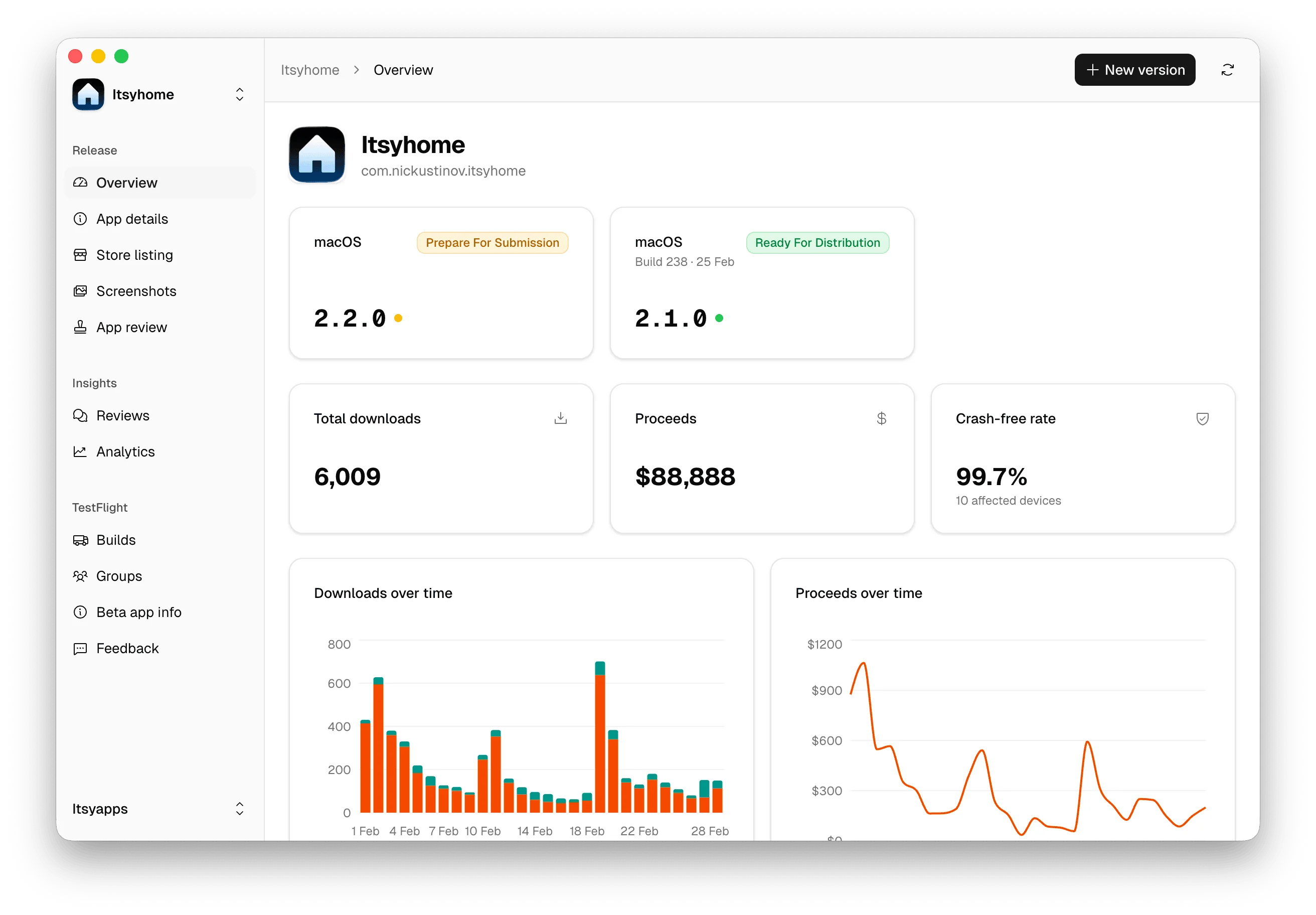
Itsyconnect 是一个桌面应用程序和自托管网络仪表板,提供 Apple App Store Connect 的替代方案。它允许开发人员从单个窗口管理所有区域的应用列表,包括编辑元数据、管理 TestFlight 版本、查看分析数据、回复客户评论和提交提名等功能。应用程序在本地运行,数据存储在加密的 SQLite 数据库中,无需云端依赖,尊重隐私。MCP 服务器功能允许 Claude Code、Codex 和 Cursor 等 AI 编码工具直接从终端管理应用列表。
试试问 AI
装完之后,这里有 5 个你可以让 AI 做的事:
什么时候选它
如果您正在开发 macOS 应用程序,希望通过 AI 编码工具直接管理 App Store Connect 列表并保持本地数据存储,请选择此 MCP 服务器。
什么时候不要选它
如果您需要基于云的团队协作功能,或者您不是为 Apple 生态系统开发,请不要选择此方案。
此 server 暴露的工具
从 README 抽取出 6 个工具update_release_notesUpdate release notes for an app listing
translate_fieldTranslate an app field to one or all locales
add_localeAdd a new locale to an app listing
manage_testflightManage TestFlight builds and testers
submit_nominationSubmit an App Store nomination
respond_to_reviewReply to customer reviews
说明:Tool names inferred from feature descriptions in the README. The README mentions MCP server functionality but doesn't provide explicit tool documentation beyond a reference to docs/MCP.md.
可对比工具
安装
按照 README 说明安装 Itsyconnect 桌面应用。要使用 MCP 服务器,请将以下内容添加到 Claude Desktop 配置中:
{
  "mcpServers": {
    "itsyconnect": {
      "command": "npx",
      "args": ["@nickustinov/itsyconnect-mcp"],
      "env": {}
    }
  }
}
FAQ
- MCP 服务器是否支持所有 App Store Connect 功能?
- MCP 服务器允许管理应用列表,包括更新发布说明、翻译字段和添加区域,但可能不暴露完整桌面应用的所有功能。
- 数据是本地存储还是云端存储?
- 所有内容都在本地运行,数据存储在单个 SQLite 数据库中。凭据使用 AES-256-GCM 加密,主密钥存储在 macOS Keychain 中,无需云端依赖。
itsyconnect-macos 对比
最后更新于 · 由 README + GitHub 公开数据自动生成。