arkon
by nduckmink·★ 729·综合分 52
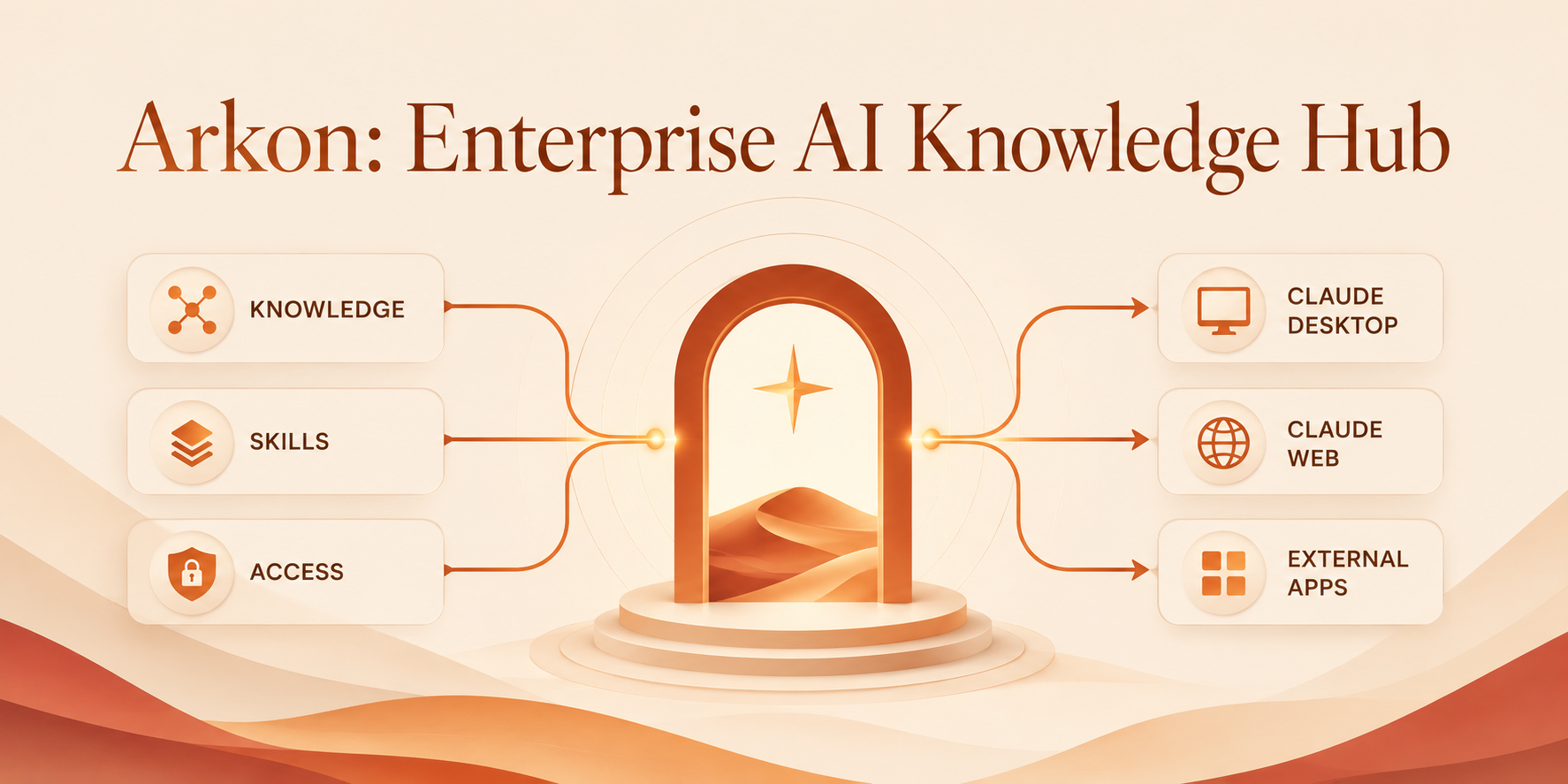
企业级AI知识中心,作为MCP服务器提供安全的组织RAG上下文和AI技能访问。
概述
Arkon是一个自托管的知识管理系统,作为MCP服务器运行,通过模型上下文协议桥接组织数据和AI客户端。它将SOP、政策和内部文档编译为结构化的知识维基,具有细粒度的访问控制。系统包含MRP流水线(映射-归约-规划-审查-优化-验证),在写入前生成人类可审查的计划,确保组织内的知识完整性。
试试问 AI
装完之后,这里有 3 个你可以让 AI 做的事:
什么时候选它
选择 Arkon 用于企业知识管理,尤其是在需要严格隔离不同部门和项目时,特别是当您需要包含人工审核流程的综合 MCP 解决方案时。
什么时候不要选它
如果您需要允许 SaaS 托管的宽松许可,或者为没有复杂 RBAC 要求的小团队寻找简单轻量级的解决方案,请不要选择 Arkon。
此 server 暴露的工具
从 README 抽取出 12 个工具search_wikiSearch the wiki with full-text and semantic search
read_wiki_pageRead a specific wiki page by title
list_wiki_pagesList all wiki pages in the current scope
read_wiki_indexRead the wiki index showing the page structure
get_sourceRetrieve a source document by its ID
get_source_outlineGet an outline of a source document
get_source_pagesList which wiki pages were created from a specific source
list_sourcesList all source documents in the current scope
propose_wiki_editPropose an edit to a wiki page as a draft
edit_wiki_pageDirectly edit a wiki page (requires appropriate permissions)
list_pending_draftsList all pending draft edits that need review
review_draftReview a specific draft edit with comments
可对比工具
安装
Docker安装
- 克隆仓库:
``shell git clone https://github.com/nduckmink/arkon.git cd arkon ``
- 配置环境:
``shell cp .env.docker.example .env.docker # 编辑.env.docker - 设置SECRET_KEY、管理员凭据和Postgres/MinIO密钥 ``
- 启动:
``shell docker compose --env-file .env.docker up -d --build ``
- 访问门户
http://localhost:3119,以管理员身份登录,然后进入**设置**选择嵌入/LLM/视觉模型并粘贴API密钥。
Claude Desktop集成
创建员工账户并生成MCP令牌后:
{
  "mcpServers": {
    "arkon": {
      "url": "https://your-arkon-server/mcp",
      "headers": { "Authorization": "Bearer ark_xxxxxxxxxxxx" }
    }
  }
}将其放入claude_desktop_config.json并重启Claude Desktop。
arkon 对比
最后更新于 · 由 README + GitHub 公开数据自动生成。