claude-prompts
by minipuft·★ 148·综合分 49
MCP提示模板服务器,提供热重载提示、验证门和工作流组合功能,适用于多种AI客户端。
概述
Claude Prompts MCP Server是一个全面的MCP工作流服务器,使用户能够创建带有验证和推理指导的可重用提示。它支持使用可组合操作符语法编排代理工作流,支持在步骤间传递上下文的多步工作流,并能将中间步骤交给具有完整工作流上下文的代理执行。该服务器具有版本化模板和热重载功能,支持回滚和历史记录系统,便于提示管理。
试试问 AI
装完之后,这里有 5 个你可以让 AI 做的事:
什么时候选它
如果你需要带验证门控的版本化提示模板,并希望构建在步骤间传递上下文的多步骤 AI 工作流,请选择它。
什么时候不要选它
如果你只需要简单的单次提示解决方案而无需工作流功能,或者偏好无潜在厂商锁定问题的开源替代方案,请避免使用。
此 server 暴露的工具
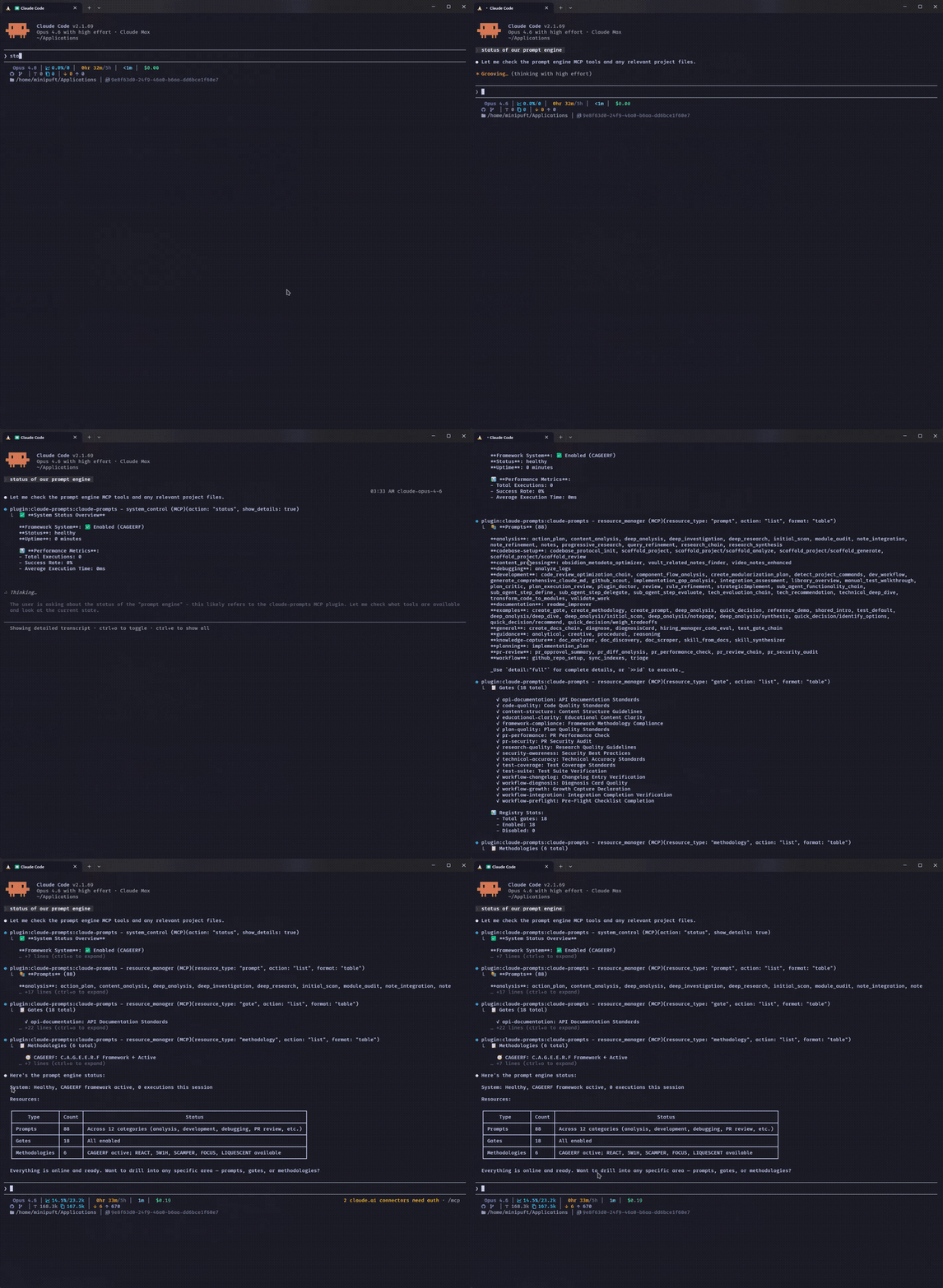
从 README 抽取出 4 个工具resource_managerManage prompt templates, validation rules, reasoning guidance, and styles
tech_evaluation_chainEvaluate technologies with research and scoring across multiple dimensions
code_reviewReview code for quality, best practices, and potential improvements
security_scanScan code or systems for security vulnerabilities
说明:Inferred tool names from examples in the README, but no explicit 'Tools' section was found. The server appears to expose MCP tools based on the demonstrated usage patterns.
可对比工具
安装
安装
Claude Code(推荐)
# 首次添加市场
/plugin marketplace add minipuft/minipuft-plugins

# 安装
/plugin install claude-prompts@minipuft
Claude Desktop
添加到配置文件:
{
  "mcpServers": {
    "claude-prompts": {
      "command": "npx",
      "args": ["-y", "claude-prompts@latest", "--client", "claude-code"]
    }
  }
}
VS Code / Copilot
添加到 .vscode/mcp.json:
{
  "servers": {
    "claude-prompts": {
      "command": "npx",
      "args": ["-y", "claude-prompts@latest"]
    }
  }
}
FAQ
- 哪些AI客户端支持此MCP服务器?
- 该服务器支持多种客户端,包括Claude Code、Claude Desktop、VS Code、Cursor、OpenCode、Gemini CLI、Codex、Windsurf和Zed,每种都有特定配置。
- 如何创建自定义提示模板?
- 您可以通过`npx -y claude-prompts@latest --init=~/my-prompts`初始化工作空间,或通过AI客户端使用resource_manager工具创建自定义提示。
claude-prompts 对比
最后更新于 · 由 README + GitHub 公开数据自动生成。