cupertino
by mihaelamj·★ 742·综合分 55
一个基于 Swift 的 MCP 服务器,为 AI 代理索引和提供苹果开发者文档。
概述
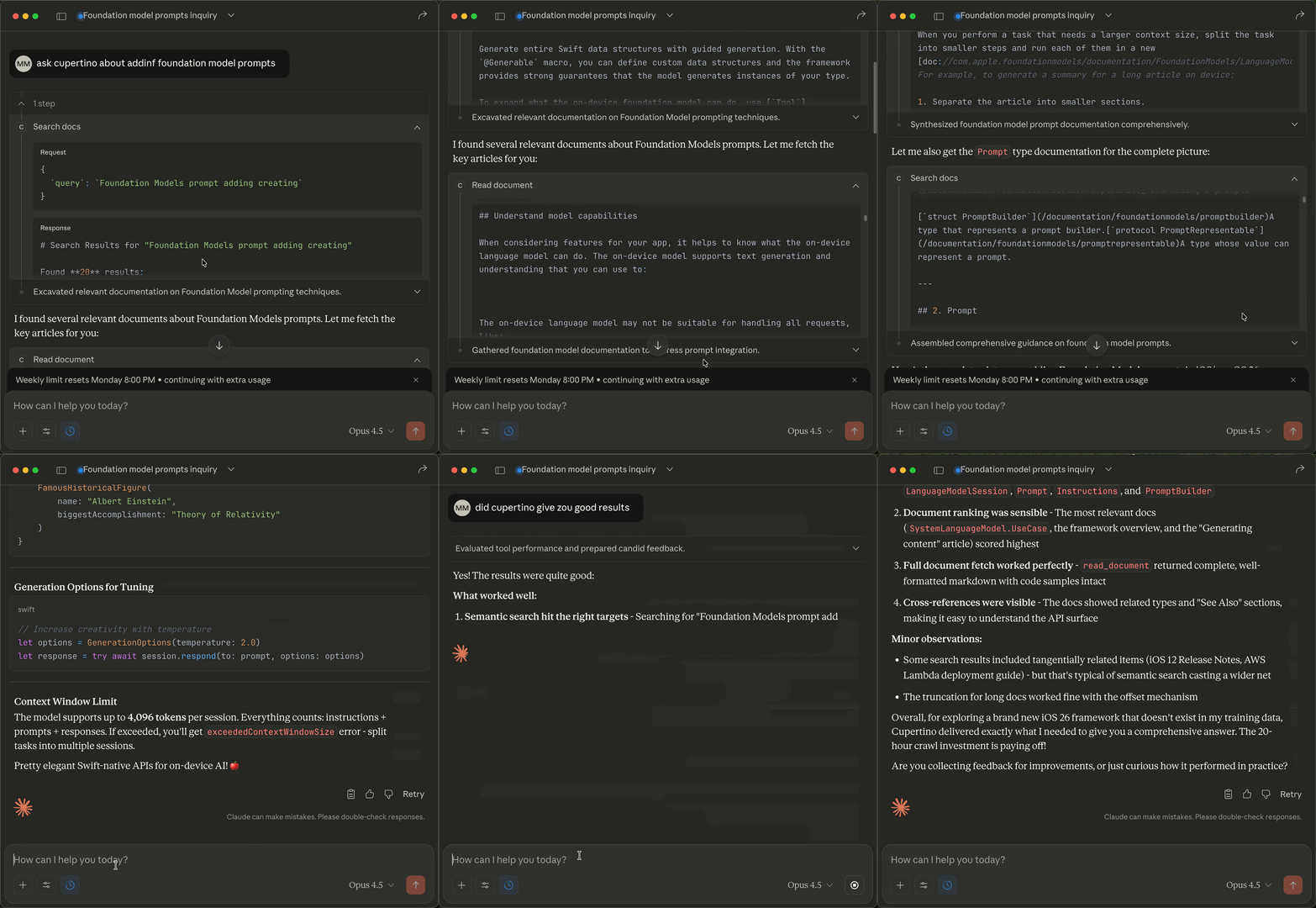
Cupertino 是一个苹果平台的全面本地文档系统,通过模型上下文协议 (MCP) 爬取、索引并提供苹果开发者文档。它提供对超过 285,735 个文档页面(涵盖 420 个框架)的离线访问,具有快速、可搜索的 SQLite FTS5 数据库功能。该项目具有自动更新、确定性搜索结果功能,专为 AI 代理集成而设计。
试试问 AI
装完之后,这里有 5 个你可以让 AI 做的事:
什么时候选它
当从事 Apple 平台开发并且需要通过 AI 助手准确、离线访问 Apple 官方文档时,选择 Cupertino。
什么时候不要选它
如果您需要跨平台支持(仅限 macOS)、磁盘空间非常有限或主要处理非 Apple 文档,则不要选择 Cupertino。
此 server 暴露的工具
从 README 抽取出 4 个工具searchSearch Apple documentation, Swift proposals, and sample code
readRead a specific documentation page by URI
list-frameworksList all available Apple frameworks
list-samplesList available sample code projects
说明:The tool names were explicitly documented in the README under the 'What You Get' and 'Available Sources' sections, with clear descriptions and example use cases.
可对比工具
安装
安装
**一键安装(推荐):**
bash <(curl -sSL https://raw.githubusercontent.com/mihaelamj/cupertino/main/install.sh)**使用 Homebrew:**
brew tap mihaelamj/tap
brew install cupertino
cupertino setup
cupertino serve
**Claude Desktop 配置:** 编辑 ~/Library/Application Support/Claude/claude_desktop_config.json:
{
  "mcpServers": {
    "cupertino": {
      "command": "/usr/local/bin/cupertino",
      "args": ["serve"]
    }
  }
}
FAQ
- Cupertino 包含哪些文档来源?
- Cupertino 爬取苹果开发者文档、Swift.org、Swift 演进提案、人机界面指南、苹果档案库遗留指南和 Swift 包元数据。
- 文档多久更新一次?
- 项目发布更新的数据库包(如 v1.1.0),可以通过 'cupertino setup' 下载。也可以使用 'cupertino save --remote' 自己构建数据库。
Hacker News 讨论
开发者社区最近的相关讨论。
- 帖子 by mihaela · 2025-11-28
cupertino 对比
最后更新于 · 由 README + GitHub 公开数据自动生成。