MCP-F1analisys
by Maxbleu·★ 0·综合分 32
一个提供F1赛车分析工具的MCP服务器。
概述
MCP-F1Analisys是一个专业的MCP服务器,通过Claude等LLM界面提供F1赛车分析数据。服务器提供了一系列工具用于分析F1性能指标,包括赛道主导性、圈速、车队表现和车手统计等信息。它连接到FastF1数据源,提供官方测试和预测试数据的深入分析。
试试问 AI
装完之后,这里有 5 个你可以让 AI 做的事:
什么时候选它
当您需要通过 MCP 界面获取详细的 F1 赛车分析时,选择此 MCP 服务器,尤其是如果您使用 Claude Desktop 并希望将赛车数据集成到您的工作流中。
什么时候不要选它
如果您需要实时 F1 数据,或者需要超越基本性能指标的分析,请避免使用此服务器,因为它依赖 FastF1,在比赛后数据可能有延迟。
此 server 暴露的工具
从 README 抽取出 12 个工具track_dominanceAnalyze track dominance data for F1 sessions
top_speedGet top speed information for F1 drivers
lap_time_averageCalculate average lap times for F1 sessions
lap_time_distributionAnalyze lap time distribution patterns
team_performanceEvaluate F1 team performance metrics
fastest_lapsRetrieve fastest lap information from F1 sessions
race_position_evolutionTrack position changes during F1 races
fastest_drivers_each_compoundIdentify fastest drivers for each tire compound
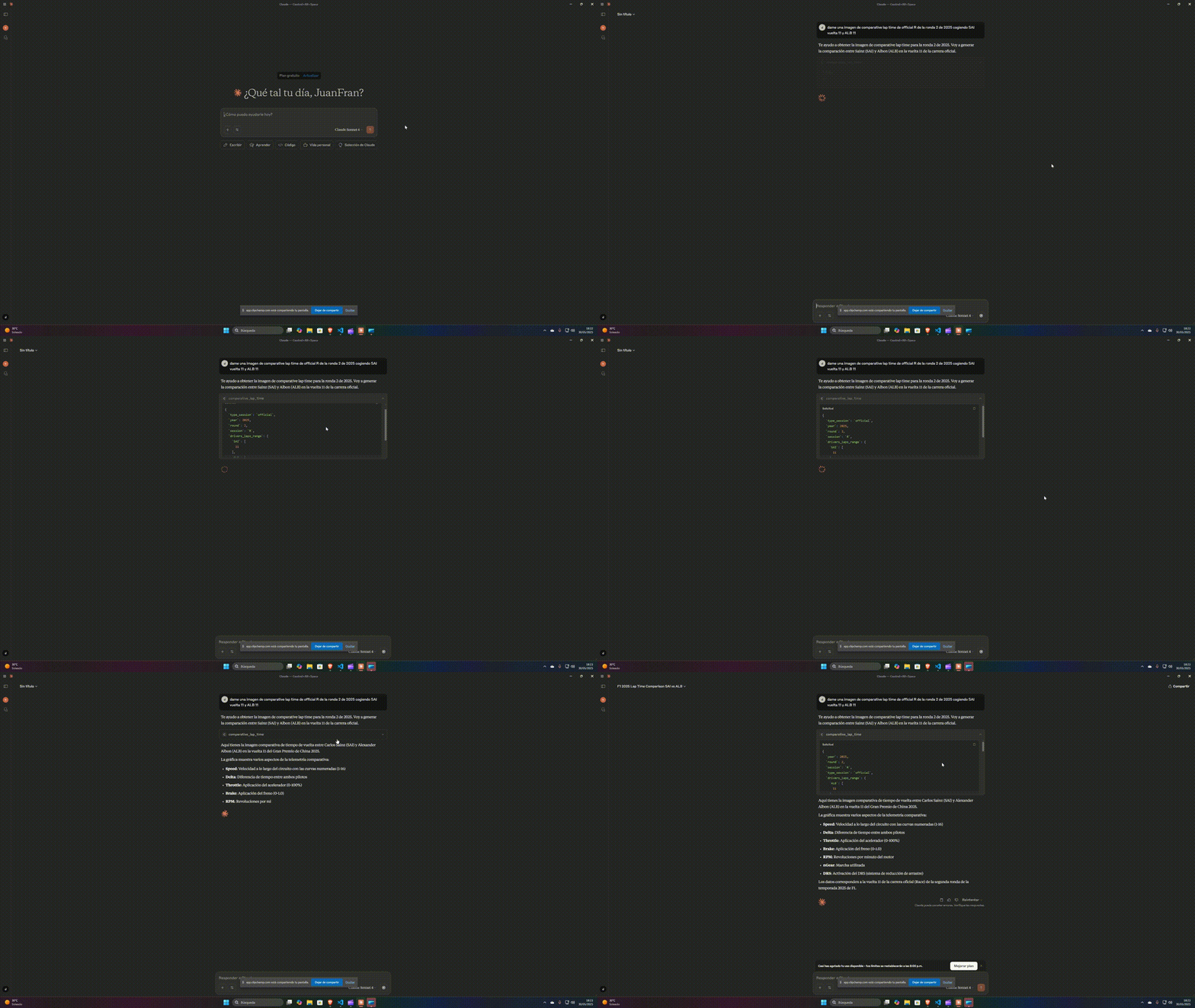
comparative_lap_timeCompare lap times between different drivers
throttle_usageAnalyze throttle usage patterns in F1
braking_usageEvaluate braking performance and usage
long_runsAnalyze long run performance in F1 practice sessions
可对比工具
安装
使用pip安装包:
pip install mcp-f1analisys通过将以下内容添加到配置文件来配置Claude Desktop:
{
  "mcpServers": {
    "mcp-f1analisys": {
      "command": "python",
      "args": [ "-m", "mcp-f1analisys" ]
    }
  }
}
进行开发测试:
mcp dev .\server.pyFAQ
- 这个MCP服务器使用什么数据源?
- 服务器使用FastF1的数据源,这是一个提供官方F1计时和遥测数据的Python库。
- 这个MCP服务器是否与F1官方有合作关系?
- 不,这是一个非官方项目,与任何F1公司或其许可实体都没有关联。
MCP-F1analisys 对比
最后更新于 · 由 README + GitHub 公开数据自动生成。