holoviz-mcp
by MarcSkovMadsen·★ 33·综合分 44
一个提供对 HoloViz 生态系统智能访问的 MCP 服务器,用于构建数据可视化和仪表板。
概述
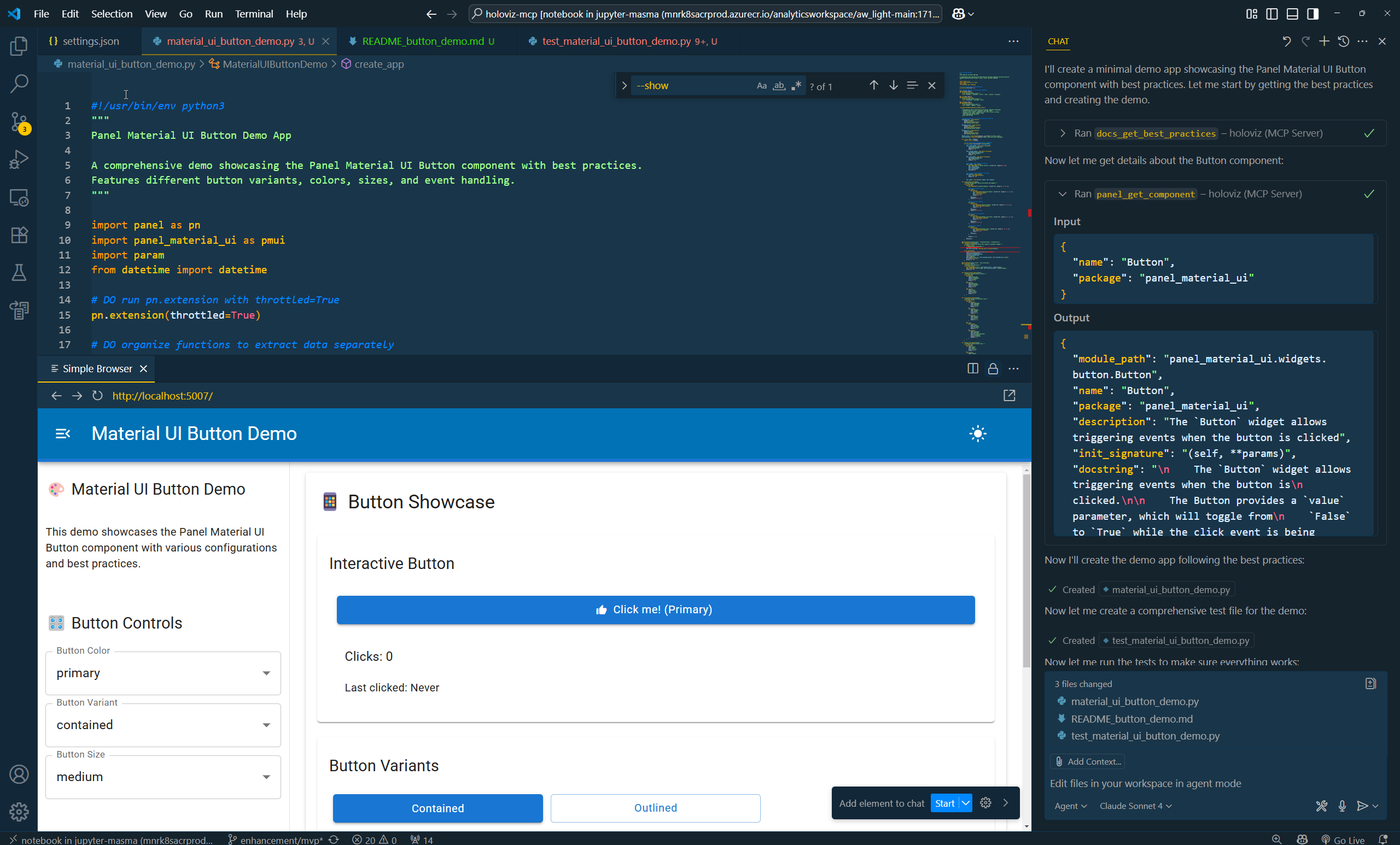
HoloViz MCP 是一个全面的模型上下文协议 (MCP) 服务器,使 AI 助手能够帮助使用 Panel、hvPlot、Lumen、Datashader 和其他 Python 库构建交互式仪表板和数据可视化。它提供文档访问、显示服务器(用于创建和共享带有即时 URL 的 Python 可视化)、组件智能(用于发现 Panel 组件)以及扩展支持(用于自动检测 Panel 扩展)。
试试问 AI
装完之后,这里有 6 个你可以让 AI 做的事:
什么时候选它
当你使用 HoloViz 生态系统库并需要 AI 辅助进行数据可视化和仪表板开发时,选择它。
什么时候不要选它
如果出于安全考虑担心 Python 代码执行能力,或者需要支持 HoloViz 生态系统之外的库的可视化,请避免使用。
此 server 暴露的工具
从 README 抽取出 8 个工具showCreate and share Python visualizations with instant URLs
search_documentationSearch through HoloViz documentation for specific information
get_component_infoGet detailed information about Panel components and their parameters
get_extension_infoGet information about available Panel extensions
get_hvplot_infoGet information about hvPlot plotting functionality
generate_visualizationGenerate visualization code based on natural language description
get_layout_examplesGet examples of Panel layout patterns
get_tutorialRetrieve specific tutorial steps from HoloViz documentation
说明:Tools inferred from feature descriptions in the README since no explicit 'Tools' section is provided. The actual tool names and signatures may differ from what was extracted.
可对比工具
安装
安装
pip
pip install holoviz-mcpconda
conda install -c conda-forge holoviz-mcpDocker
docker pull ghcr.io/marcskovmadsen/holoviz-mcpClaude Desktop
添加到您的 Claude Desktop 配置中:
"mcpServers": {
  "holoviz": {
    "command": "python",
    "args": ["-m", "holoviz_mcp.server"],
    "env": {
      "PYTHONPATH": "${path}"
    }
  }
}
FAQ
- 什么是 HoloViz MCP?
- HoloViz MCP 是一个模型上下文协议 (MCP) 服务器,提供对 HoloViz 生态系统的智能访问,使 AI 助手能够帮助使用 Panel、hvPlot、Lumen 和 Datashader 等 Python 库构建交互式仪表板和数据可视化。
- 显示服务器如何工作?
- 显示服务器在隔离环境中执行 Python 代码,并提供可通过网页访问的可视化 URL,您可以查看、共享和管理这些可视化。
- 启用代码执行是否安全?
- MCP 服务器在提供 Panel 应用时可以执行任意 Python 代码。这是可配置的,默认启用。有关风险和缓解策略的详细信息,请参阅安全考虑文档。
holoviz-mcp 对比
最后更新于 · 由 README + GitHub 公开数据自动生成。