mcp
by magicuidesign·★ 185·综合分 48
Magic UI 组件库的 MCP 服务器,让开发者可浏览和搜索 UI 组件。
developer-toolsai-llmproductivity
32
Forks
0
活跃 Issue
7 个月前
最近提交
162 天前
收录于
概述
@magicuidesign/mcp 是官方的 Model Context Protocol 服务器,提供对 Magic UI 组件库的访问。它使开发者能够通过 MCP 搜索、浏览和获取有关 UI 组件的信息。该服务器提供三个主要工具:列出注册表项目、按关键词搜索以及检索特定组件的详细信息。此集成使 AI 助手能够通过建议和实现 Magic UI 组件来辅助 UI 开发。
试试问 AI
装完之后,这里有 5 个你可以让 AI 做的事:
你:向 Web 项目添加 UI 动画
你:无需手动编码即可实现复杂的 UI 组件
你:通过 AI 助手发现可用的 Magic UI 组件
你:这个服务器提供哪些 MCP 工具?
你:哪些 AI 客户端与此 MCP 服务器兼容?
什么时候选它
当你使用 UI 组件并需要通过支持的 IDE 将 Magic UI 元素直接集成到开发工作流中时,选择这个 MCP 服务器。
什么时候不要选它
如果你需要超越 Magic UI 的更广泛 UI 组件库,请避免使用,因为此服务器专门针对特定组件生态系统。
此 server 暴露的工具
从 README 抽取出 3 个工具listRegistryItemsLists Magic UI registry items with optional filters
searchRegistryItemsSearches Magic UI registry items by keyword
getRegistryItemReturns details for a single registry item
可对比工具
ui-mcpshadcn-mcpcomponent-mcp
安装
安装
使用 Magic UI CLI 安装:
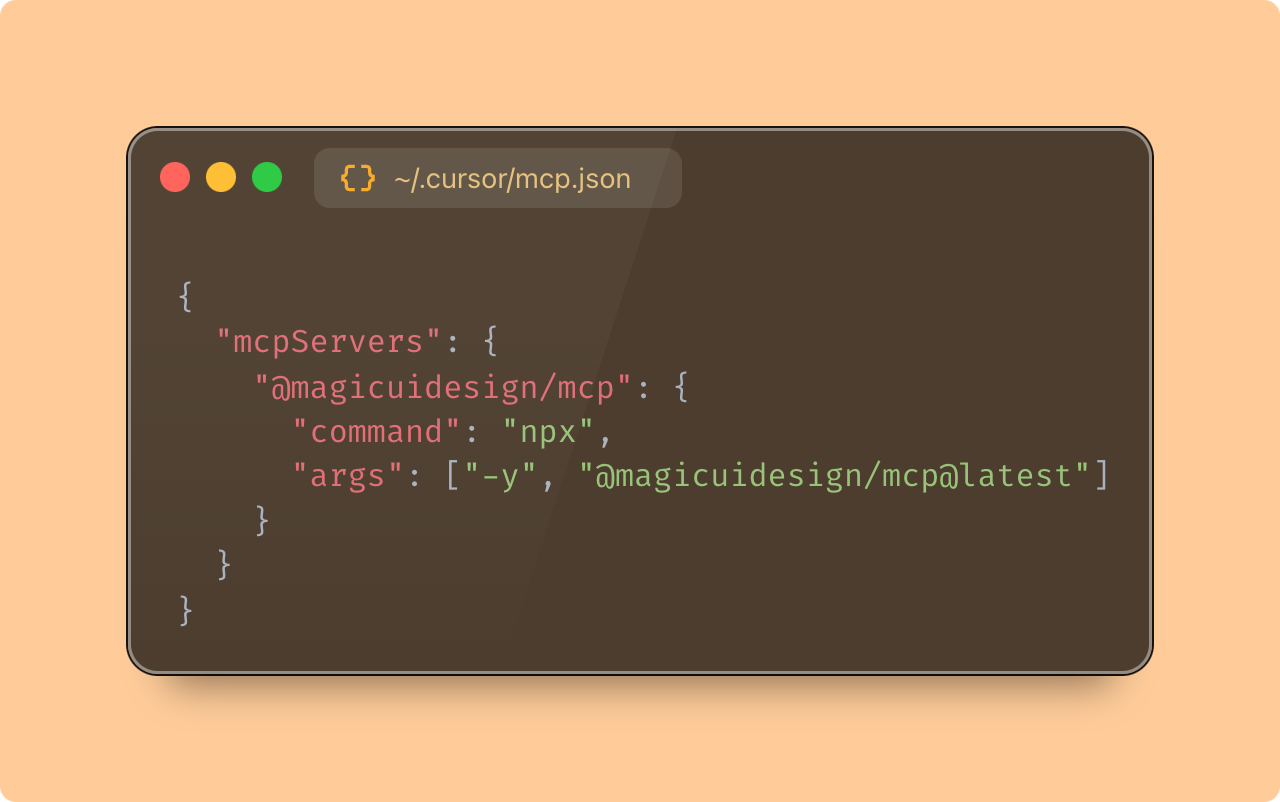
npx @magicuidesign/cli@latest install <客户端>或手动添加到您的 IDE 的 MCP 配置中:
{
  "mcpServers": {
    "magicuidesign-mcp": {
      "command": "npx",
      "args": ["-y", "@magicuidesign/mcp@latest"]
    }
  }
}
此服务器支持 Cursor、Windsurf、Claude、Cline 和 roo-cline 等客户端。
FAQ
- 这个服务器提供哪些 MCP 工具?
- 服务器提供三个工具:listRegistryItems、searchRegistryItems 和 getRegistryItem,用于浏览、搜索和获取 Magic UI 组件的详细信息。
- 哪些 AI 客户端与此 MCP 服务器兼容?
- 如 README 中所列,它支持 Cursor、Windsurf、Claude、Cline 和 roo-clide 客户端。
mcp 对比
最后更新于 · 由 README + GitHub 公开数据自动生成。