glade-mcp-unity
by Glade-tool·★ 132·综合分 50
Unity MCP 服务器,提供 235+ 工具、脚本搜索和资源管道。
概述
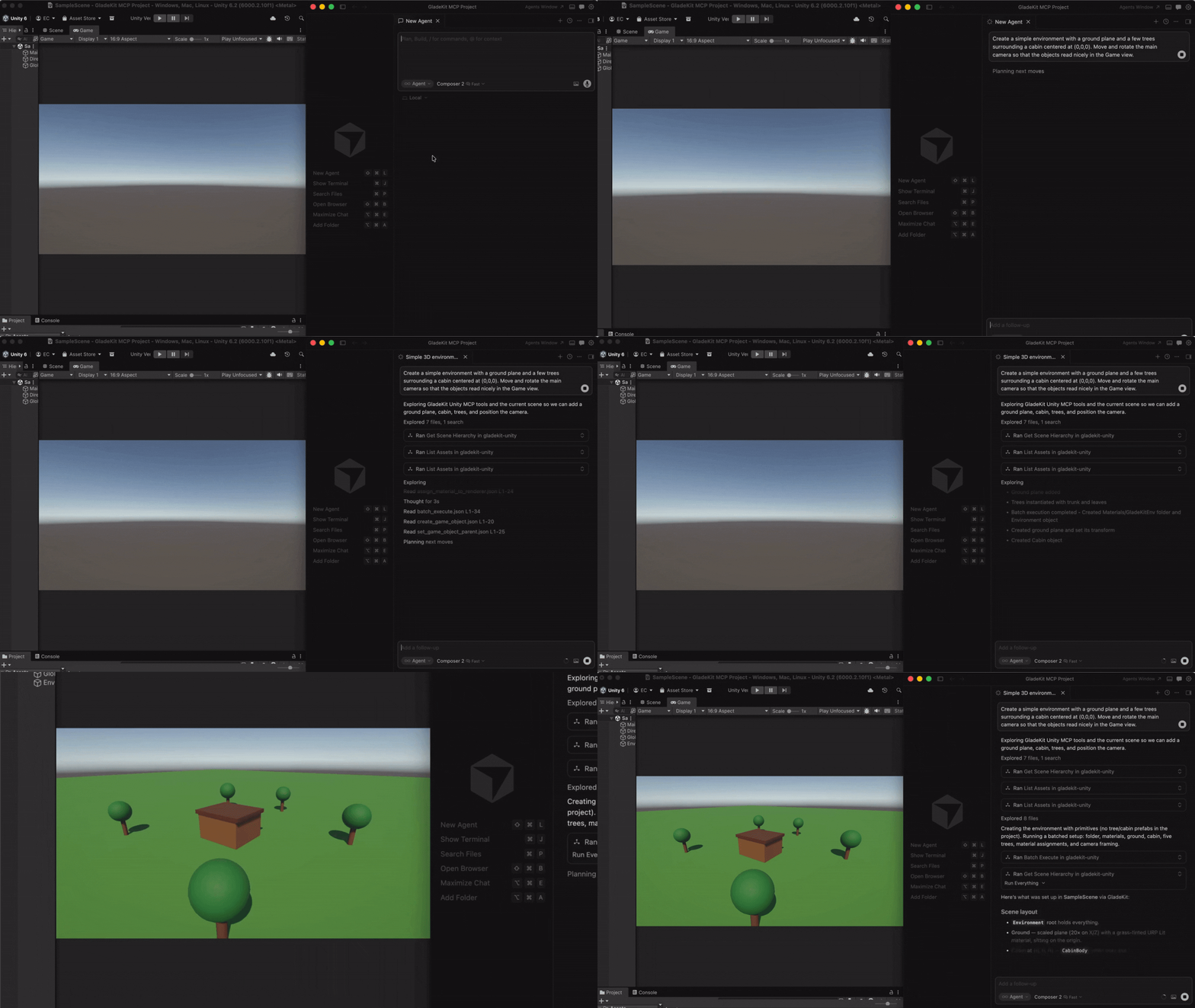
GladeKit Unity MCP 是一个全面的 MCP 服务器,可直接将 AI 客户端连接到 Unity 编辑器。它提供了跨越 16 个类别的精细工具,包括场景管理、游戏对象、脚本、材质、光照、音频、动画、物理、UI 等。服务器包含独特功能,如 GLADE.md 项目上下文注入、通过 OpenAI 嵌入的脚本语义搜索、适应用户专业技能水平的技能校准,以及带有 Kenney.nl 包的免费 CC0 资源管道。所有核心功能都在本地运行且免费,并带有用于 RAG 和跨会话记忆的可选云智能层。
试试问 AI
装完之后,这里有 5 个你可以让 AI 做的事:
什么时候选它
如果您在 Unity 中工作并希望工作流程中直接拥有大量游戏开发工具和 AI 助手,特别是对于已经使用多个 AI 客户端的团队,请选择 GladeKit Unity MCP。
什么时候不要选它
如果您不使用 Unity,或者您更喜欢具有较少专业游戏开发功能的最小工具集,请不要选择它。
此 server 暴露的工具
从 README 抽取出 12 个工具get_relevant_toolsDiscover tools based on current task context
remember_for_sessionStore facts for recall during the current session
recall_session_memoriesRetrieve facts previously stored for the session
batch_executeExecute multiple tools in sequence
search_project_scriptsFind scripts by semantic similarity to a query
find_assetSearch for free game assets by description and type
import_assetDownload and import a free asset into the Unity project
list_imported_assetsShow license information for imported assets
create_gameobjectCreate a new GameObject in the scene
add_componentAdd a component to a GameObject
create_materialCreate a new material asset
create_scriptGenerate a new C# script file
可对比工具
安装
安装
1. 安装 Unity 包
在 Unity 中:**Window > Package Manager > + > Add package from git URL...**
https://github.com/Glade-tool/glade-mcp-unity.git?path=/unity-bridgeUnity 桥在 localhost:8765 自动启动。
2. 连接您的 AI 客户端
安装 [uv](https://docs.astral.sh/uv/getting-started/installation/) 并将 MCP 配置添加到您的 AI 客户端。
**Claude Desktop:**
编辑 ~/Library/Application Support/Claude/claude_desktop_config.json(Mac)或 %APPDATA%\Claude\claude_desktop_config.json(Windows):
{
  "mcpServers": {
    "gladekit-unity": {
      "command": "uvx",
      "args": ["gladekit-mcp"]
    }
  }
}
FAQ
- 支持哪些 AI 客户端?
- GladeKit 支持 Claude Code、Cursor、Windsurf、Claude Desktop、VS Code(GitHub Copilot)以及 Unity 原生 AI 网关。
- 是否需要脚本语义搜索?
- 不需要,这是可选功能。没有 OPENAI_API_KEY 时,脚本仍会返回但未排序。核心功能无需此密钥即可工作。
glade-mcp-unity 对比
最后更新于 · 由 README + GitHub 公开数据自动生成。