jebmcp
by flankerhqd·★ 235·综合分 49
一个 MCP 服务器,让 AI 助手能够与 JEB Pro 反汇编工具交互进行二进制分析。
概述
jebmcp 是一个模型上下文协议 (MCP) 服务器,为 AI 助手提供对 JEB Pro 专业逆向工程工具的程序访问。该服务器允许 AI 系统通过 MCP 接口反编译代码、分析方法、重命名类和方法,以及执行其他逆向工程任务。对于希望通过 AI 进行自动化漏洞检测和二进制应用程序代码分析的安全研究人员和分析师来说,此工具特别有价值。
试试问 AI
装完之后,这里有 3 个你可以让 AI 做的事:
什么时候选它
当您使用JEB Pro进行Android逆向工程,并希望利用AI助手进行自动化分析、代码探索和批量重命名任务时,选择jebmcp。
什么时候不要选它
如果您不使用JEB Pro,或者需要针对Android应用以外的平台进行逆向工程,则不应选择此工具。
此 server 暴露的工具
从 README 抽取出 12 个工具pingCheck the connection to the MCP server
check_connectionVerify the connection status to the JEB MCP server
get_manifestGet the manifest information from the JEB decompiled application
get_all_exported_activitiesRetrieve all exported activities from the JEB decompiled application
get_exported_activities_countCount the number of exported activities in the JEB decompiled application
get_an_exported_activity_by_indexGet a specific exported activity by its index from the JEB decompiled application
get_class_decompiled_codeGet the decompiled code for a specific class in JEB
get_method_decompiled_codeGet the decompiled code for a specific method in JEB
get_method_callersGet all callers of a specific method in JEB
get_method_overridesGet all methods overridden by a specific method in JEB
get_superclassGet the superclass of a specific class in JEB
get_interfacesGet all interfaces implemented by a specific class in JEB
可对比工具
安装
安装
要求
- Python 3.11 或更高版本
- uv: https://docs.astral.sh/uv/getting-started/installation/
步骤
- 将 src/jeb_mcp/MCP.py 复制到 $JEB_INSTALLATION_DIR/scripts
- 在 JEB GUI 中运行脚本(
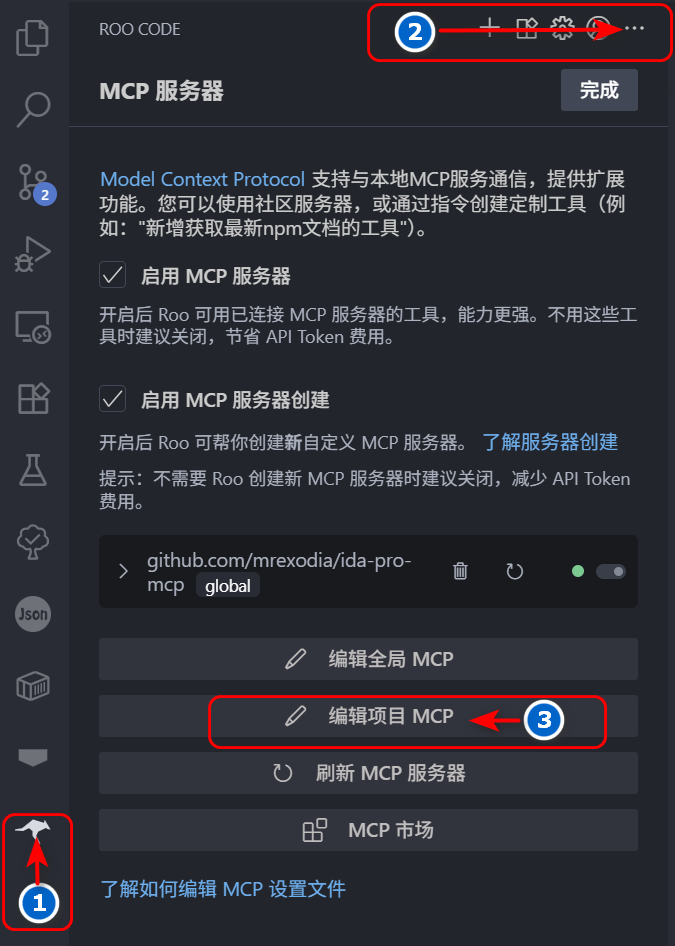
文件->脚本->脚本选择器...) - 在您的客户端(如 Cline、Cursor)中添加 MCP 服务器配置
示例配置:
{
  "mcpServers": {
    "jeb": {
      "command": "uv",
      "args": ["--directory", "jeb-mcp/src/jeb_mcp", "run", "server.py"],
      "timeout": 1800,
      "disabled": false
    }
  }
}
jebmcp 对比
最后更新于 · 由 README + GitHub 公开数据自动生成。