iterm-mcp
by ferrislucas·★ 556·综合分 50
MCP 服务器让模型能够控制你的 iTerm 终端,具有高效的令牌使用和完整的 REPL 支持。
概述
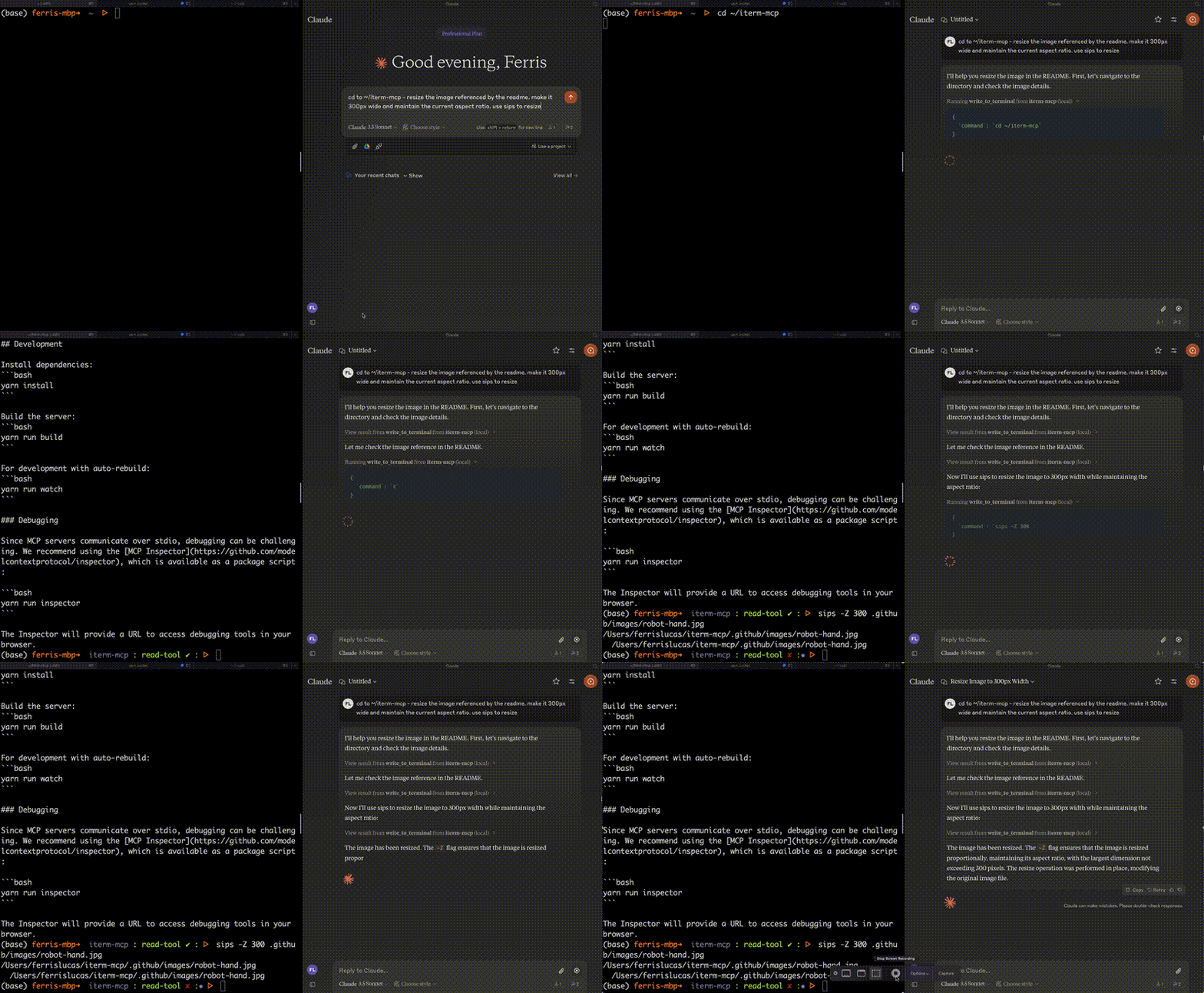
iterm-mcp 是一个实现良好的 MCP 服务器,将 AI 模型与终端交互连接起来。它提供三个核心工具:写入终端、读取终端输出和发送控制字符。该服务器通过仅向模型提供相关输出来高效管理令牌使用,使其成为 REPL 交互和 CLI 辅助的理想选择。使用最少的依赖构建,设计用于轻松集成到 Claude Desktop 等 MCP 客户端中。
试试问 AI
装完之后,这里有 5 个你可以让 AI 做的事:
什么时候选它
当您需要在终端环境中直接使用 AI 辅助,特别是进行 REPL 交互、CLI 调试或自动化终端工作流程时,选择 iterm-mcp。
什么时候不要选它
如果您需要命令的安全限制,在非 macOS 系统上使用 iTerm,或者需要在 MCP 协议生态系统之外进行终端交互,请避免使用此工具。
此 server 暴露的工具
从 README 抽取出 3 个工具write_to_terminalWrites to the active iTerm terminal, often used to run a command. Returns the number of lines of output.
read_terminal_outputReads the requested number of lines from the active iTerm terminal.
send_control_characterSends a control character to the active iTerm terminal.
可对比工具
安装
安装
要在 Claude Desktop 中使用,请添加服务器配置:
在 macOS 上:~/Library/Application Support/Claude/claude_desktop_config.json 在 Windows 上:%APPDATA%/Claude/claude_desktop_config.json
{
  "mcpServers": {
    "iterm-mcp": {
      "command": "npx",
      "args": [
        "-y",
        "iterm-mcp"
      ]
    }
  }
}
通过 Smithery 安装
要通过 [Smithery](https://smithery.ai/server/iterm-mcp) 自动为 Claude Desktop 安装 iTerm:
npx -y @smithery/cli install iterm-mcp --client claudeFAQ
- 使用 iterm-mcp 安全吗?
- 该服务器不会尝试评估命令安全性。用户负责安全使用,并应监控活动以在必要时中断。
- 需要什么版本的 iTerm?
- 必须运行 iTerm2。还需要 Node 版本 18 或更高版本。
Hacker News 讨论
开发者社区最近的相关讨论。
- 帖子 by deathmonger5000 · 2025-01-30
iterm-mcp 对比
最后更新于 · 由 README + GitHub 公开数据自动生成。