pitlane-mcp
by eresende·★ 73·综合分 48
高效代码智能 MCP 服务器,索引代码一次并让代理检索仅需要的符号。
概述
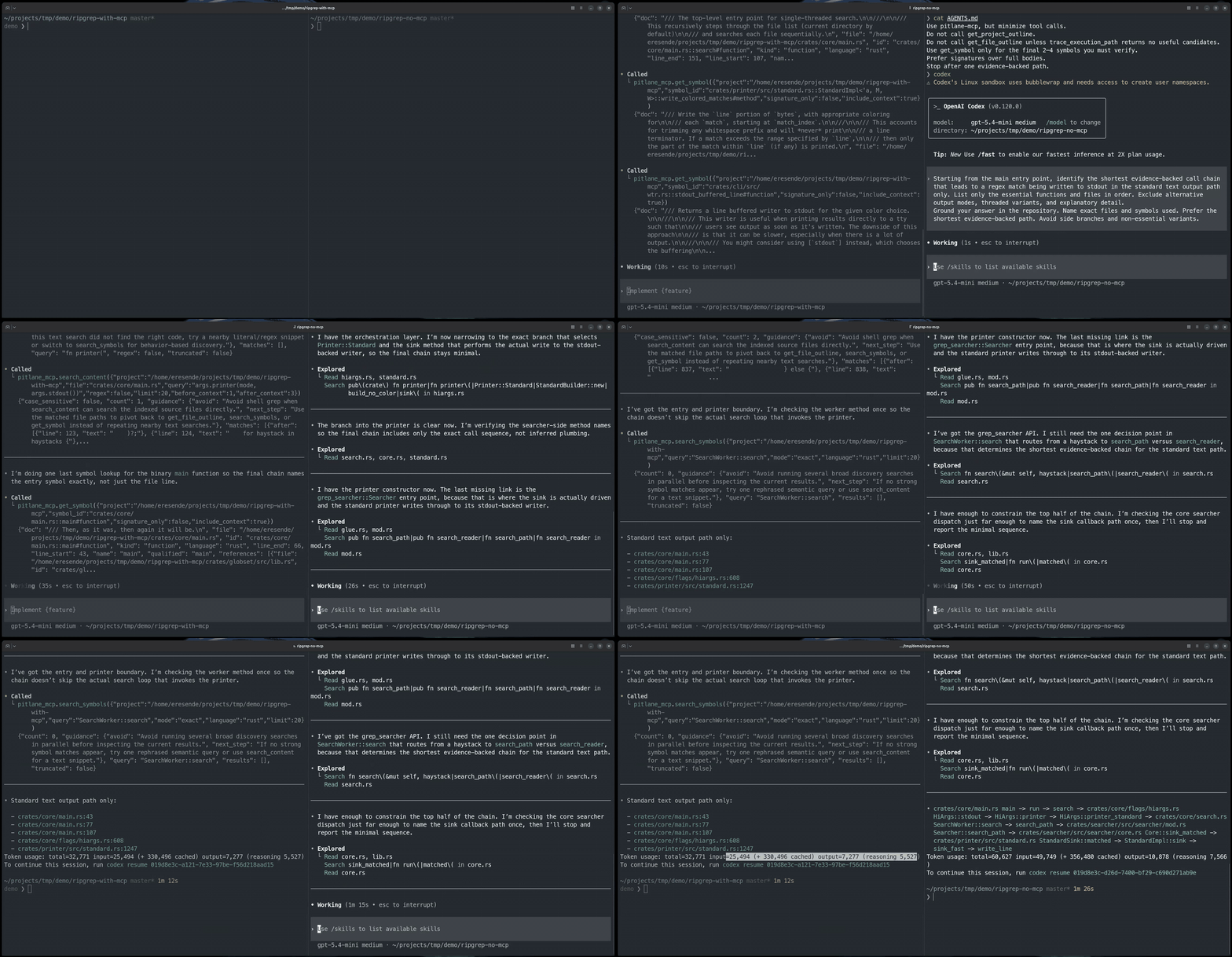
pitlane-mcp 是一个生产就绪的 MCP 服务器,通过提供基于 AST 的代码索引来减少 AI 编程代理中的令牌使用。它支持多种编程语言,并实现了一个复杂的基于符号的导航系统,允许代理仅检索实际需要的代码部分,而不是处理整个文件。该解决方案包含 BM25 符号搜索、可选的语义搜索以及代码调查、定位、追踪和影响分析的工具。
试试问 AI
装完之后,这里有 5 个你可以让 AI 做的事:
什么时候选它
当处理大型代码库且 AI 代理需要高效代码导航而不增加上下文负担时,或者需要符号级检索而非整个文件分析时,选择 pitlane-mcp。
什么时候不要选它
如果你需要写入代码库的权限(它是只读的),或者处理的是小型代码库,其中索引开销不值得节省的令牌,请避免使用 pitlane-mcp。
此 server 暴露的工具
从 README 抽取出 8 个工具ensure_project_readyEnsures the index exists and reports whether embeddings are still running.
investigateProvides broad code intelligence for subsystem, behavior, and execution-path questions.
locate_codeHelps discover code symbols and files without reading full source.
read_code_unitReads a specific code unit once the target is known.
trace_pathTraces execution paths and source-to-sink relationships.
analyze_impactAnalyzes impact before making edits or refactors.
get_index_statsProvides statistics about the codebase index.
search_contentSearches for text fragments within the codebase.
可对比工具
安装
安装
从 [GitHub Releases](https://github.com/eresende/pitlane-mcp/releases/latest) 下载适用于 Linux、macOS 和 Windows 的预构建二进制文件。
或者通过 Homebrew 安装:
brew tap eresende/pitlane-mcp
brew install pitlane-mcp
或者通过 cargo-binstall 安装:
cargo binstall pitlane-mcp或者从 crates.io 安装:
cargo install pitlane-mcpClaude Desktop 设置
添加到 Claude Desktop 配置:
{
  "mcpServers": {
    "pitlane-mcp": {
      "command": "pitlane-mcp",
      "args": []
    }
  }
}
FAQ
- pitlane-mcp 支持哪些编程语言?
- pitlane-mcp 支持 Rust、Python、JavaScript、TypeScript、Svelte、C、C++、Go、Java、C#、Bash、Ruby、Swift、Objective-C、PHP、Zig、Lua、Kotlin 和 Solidity。
- pitlane-mcp 如何减少令牌使用?
- 它使用 tree-sitter 对代码进行一次索引,并让代理只检索它们需要的符号,而不是将整个文件转储到上下文中,从而将提示符占用减少一到两个数量级。
pitlane-mcp 对比
最后更新于 · 由 README + GitHub 公开数据自动生成。