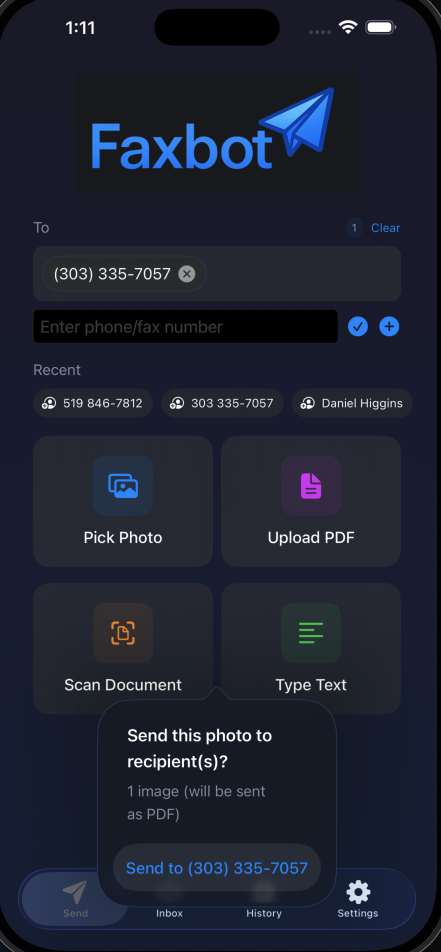
Faxbot
by DMontgomery40·★ 7·综合分 38
一个支持MCP的传真API,可与AI助手集成。
概述
Faxbot是一个开源、可自托管的传真平台,提供图形界面的管理控制台和多种后端适配器。它具有符合HIPAA标准的传真发送功能,并支持官方的Node.js和Python MCP服务器。该平台支持多种后端,包括Phaxio和Sinch等云服务,以及FreeSWITCH和SIP/Asterisk等自托管解决方案。MCP集成使AI助手能够通过标准化接口发送传真。
试试问 AI
装完之后,这里有 3 个你可以让 AI 做的事:
什么时候选它
如果您需要自托管传真功能并与AI助手集成,并且已有现有的部署基础设施,请选择Faxbot。
什么时候不要选它
如果您不需要自托管的简单云传真服务,或者需要Faxbot提供的HIPAA控制措施之外的大量合规认证,请不要选择Faxbot。
此 server 暴露的工具
从 README 抽取出 8 个工具send_faxSend a fax to a recipient
get_fax_statusCheck the status of a fax
cancel_faxCancel a pending fax
list_faxesList all sent or received faxes
get_fax_contentRetrieve the content of a fax
get_provider_infoGet information about the current fax provider
configure_faxConfigure fax settings
verify_webhookVerify a webhook signature
说明:Tool names inferred from the fax API functionality described in the README, as there's no explicit 'Tools' section. The documentation mentions MCP integration but doesn't specify the exact tool names or their signatures.
可对比工具
安装
安装
- 使用Docker Compose:
docker compose up -d --build api
docker compose --profile mcp up -d --build faxbot-mcp
docker compose --profile mcp up -d --build faxbot-mcp-sse- 通过MCP:
对于Claude Desktop,添加到claude_desktop_config.json:
{
  "mcpServers": {
    "faxbot": {
      "command": "node",
      "args": ["/path/to/faxbot-mcp"]
    }
  }
}- 通过SDK:
- Python:
pip install faxbot - Node.js:
npm install faxbot
Faxbot 对比
最后更新于 · 由 README + GitHub 公开数据自动生成。