context-lens
by cornelcroi·★ 22·综合分 42
一个为 MCP AI 助手设计的语义搜索知识库,使用 LanceDB 向量存储技术索引本地文件或 GitHub 仓库。
概述
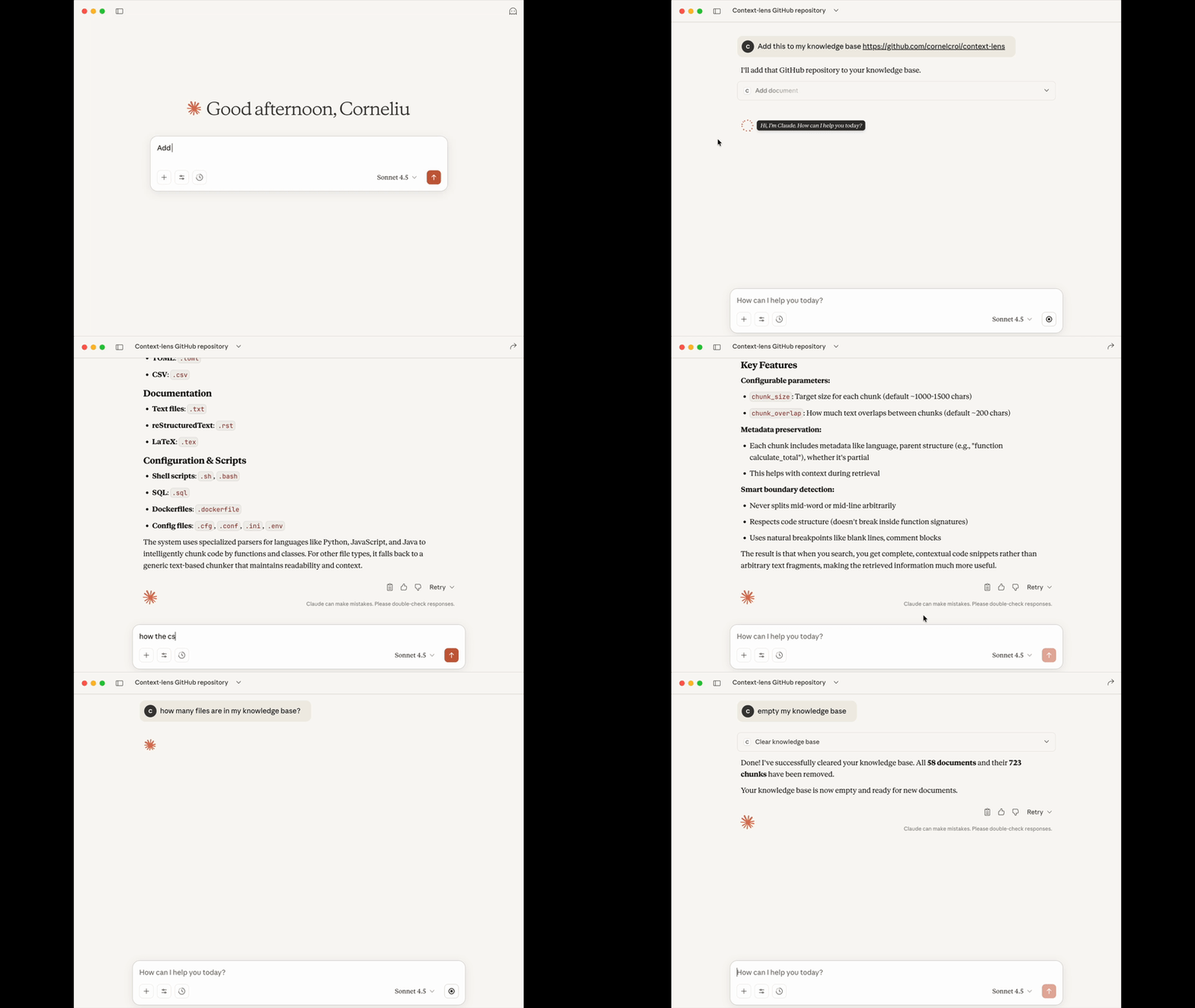
Context Lens 将任何内容转换为 AI 助手的可搜索知识库,使用语义搜索技术。它是一个自包含的 MCP 服务器,内置向量存储,能够理解含义而非仅仅匹配关键词。该工具使用 LanceDB 作为无服务器向量数据库,完全本地化且私密,无需外部 API 调用。它支持多种文件格式,智能解析能够保留代码结构,创建更有意义的片段以获得更好的搜索结果。
试试问 AI
装完之后,这里有 5 个你可以让 AI 做的事:
什么时候选它
当您需要为本地文件或 GitHub 仓库提供语义搜索功能,同时不希望设置外部服务或云基础设施时,选择 Context Lens。
什么时候不要选它
如果需要搜索非常大的仓库(每个文件限制为 10MB)、需要协作功能或需要索引非文本文件类型,请避免使用 Context Lens。
此 server 暴露的工具
从 README 抽取出 6 个工具add_documentAdd files, folders, or GitHub URLs to the knowledge base
search_documentsSemantic search across all indexed content
list_documentsBrowse all indexed documents
get_document_infoGet metadata about a specific document
remove_documentRemove specific documents from the knowledge base
clear_knowledge_baseRemove all documents from the knowledge base
可对比工具
安装
安装
Context Lens 可通过 PyPI 安装:
pip install context-lensClaude Desktop 设置
添加到 Claude Desktop 配置:
{
  "mcpServers": {
    "context-lens": {
      "command": "uvx",
      "args": ["context-lens"]
    }
  }
}
Cursor 设置
添加到 .cursor/mcp.json:
{
  "mcpServers": {
    "context-lens": {
      "command": "uvx",
      "args": ["context-lens"]
    }
  }
}
其他 MCP 客户端
对于任何兼容的 MCP 客户端:
{
  "mcpServers": {
    "context-lens": {
      "command": "uvx",
      "args": ["context-lens"]
    }
  }
}
FAQ
- Context Lens 支持哪些文件类型?
- Context Lens 支持 25+ 种文件类型,包括 Python、JavaScript/TypeScript、JSON、YAML、Markdown、Rust 等多种文本格式。最大文件大小为 10MB。
- Context Lens 如何处理不同的编程语言?
- Context Lens 使用针对每种语言定制的智能解析。对于 Python,它使用 AST 解析;对于 JSON/YAML,它进行结构化解析;对于 Markdown,它按标题分割。这保留了自然结构并创建有意义的片段。
context-lens 对比
最后更新于 · 由 README + GitHub 公开数据自动生成。