home-assistant-vibecode-agent
by Coolver·★ 550·综合分 53
一个MCP服务器,允许AI IDE通过自然语言管理Home Assistant,用于创建自动化、设计仪表板和管理配置。
概述
Home Assistant Vibecode Agent是一个全面的MCP服务器,通过安全的REST API将AI助手与Home Assistant连接。它采用双模块架构,一个代理在Home Assistant内部运行,另一个MCP服务器在用户计算机上运行。这支持AI驱动的自动化、脚本、仪表板和主题的创建和管理,并具有完整的Git版本控制。该服务支持Supervisor(插件)和独立Docker部署模式。
试试问 AI
装完之后,这里有 5 个你可以让 AI 做的事:
什么时候选它
如果您想使用 Claude Code 或 Cursor 等 AI 助手管理 Home Assistant 自动化和配置,无需手动编辑 YAML,请选择此工具。
什么时候不要选它
如果您是 Home Assistant 新手(需要经验),需要插件管理但使用没有 Supervisor 的容器,或想要没有自动版本控制的解决方案,请不要选择此工具。
此 server 暴露的工具
从 README 抽取出 12 个工具analyze_automationsAnalyze Home Assistant automations and suggest optimizations
create_automationCreate new Home Assistant automations based on natural language description
create_dashboardDesign and customize Home Assistant UI dashboards
manage_integrationsInstall and manage Home Assistant integrations
analyze_logsMonitor and troubleshoot Home Assistant through log analysis
deploy_changesDeploy changes to Home Assistant with automatic versioning
query_entitiesQuery and analyze Home Assistant entities
create_themeCreate and tweak Home Assistant themes
troubleshoot_issueDebug and fix issues in Home Assistant
create_helperCreate Home Assistant helpers for programmatic management
backup_configurationCreate backups of Home Assistant configuration
rollback_changesRollback Home Assistant configuration to a previous state
可对比工具
安装
安装
选项A:Home Assistant插件(推荐)
- 打开Home Assistant UI → 设置 → 插件 → 插件商店 → ⋮ → 代码库
- 添加代码库:
https://github.com/coolver/home-assistant-vibecode-agent - 找到HA Vibecode Agent → 安装 → 开机启动:开启 → 启动
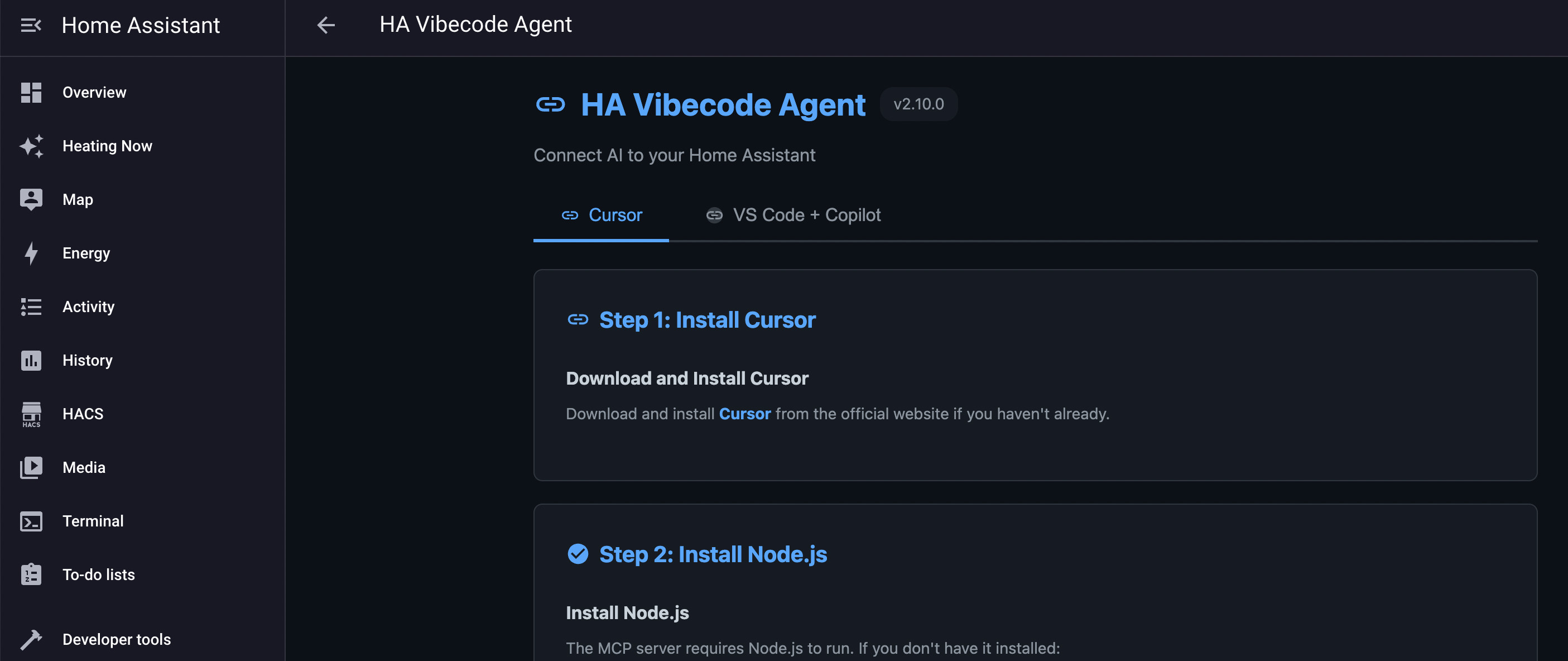
- 点击"打开Web UI"并按照您IDE的设置说明操作
选项B:独立Docker
- 克隆代码库:
git clone https://github.com/Coolver/home-assistant-vibecode-agent.git - 复制并配置
.env:cp .env.example .env - 启动代理:
docker compose -f docker-compose.standalone.yml up -d - 从日志或配置文件获取API密钥
- 使用API密钥配置MCP客户端
FAQ
- 这个工具对我的Home Assistant安装安全吗?
- 是的,它包含所有更改的Git版本控制,并且需要明确审查才能部署。但是,它专为了解Home Assistant的熟练用户设计。
- 支持哪些AI IDE?
- Claude Code、Cursor、VS Code、Antigravity和任何支持MCP的IDE都可以使用此服务器。
home-assistant-vibecode-agent 对比
最后更新于 · 由 README + GitHub 公开数据自动生成。