mcp-unity
by CoderGamester·★ 1,699·综合分 56
Unity Editor 的 MCP 服务器,让 AI 助手可以操作场景、GameObject 和其他 Unity 资源。
概述
MCP Unity 是一个全面的模型上下文协议实现,将 Unity 编辑器与 AI 编码助手连接起来。它提供了广泛的工具来操作 Unity 场景、GameObject 属性、组件、材质和包。服务器支持基于工具的操作和基于资源的查询,实现 AI 代理和 Unity 项目之间的双向通信。其 IDE 集成功能通过将 Library/PackedCache 添加到工作区上下文来改进 Unity 包的代码智能。
试试问 AI
装完之后,这里有 5 个你可以让 AI 做的事:
什么时候选它
如果您是 Unity 开发者,想使用 Cursor 或 Claude Code 等 AI 助手通过自然语言直接操作 Unity 项目和场景,请选择 MCP Unity。
什么时候不要选它
如果您使用的是较早的 Unity 版本(低于 6)、需要超出 Unity 操作范围的广泛写入操作,或需要更通用的游戏开发助手,请不要选择 MCP Unity。
此 server 暴露的工具
从 README 抽取出 12 个工具execute_menu_itemExecutes Unity menu items (functions tagged with the MenuItem attribute)
select_gameobjectSelects game objects in the Unity hierarchy by path or instance ID
update_gameobjectUpdates a GameObject's core properties or creates the GameObject if it does not exist
update_componentUpdates component fields on a GameObject or adds it to the GameObject if it does not contain the component
add_packageInstalls new packages in the Unity Package Manager
run_testsRuns tests using the Unity Test Runner
get_gameobjectGets detailed information about a specific GameObject including all components
get_console_logsRetrieves logs from the Unity console with pagination support
save_sceneSaves the current active scene, with optional Save As to a new path
duplicate_gameobjectDuplicates a GameObject in the scene with optional renaming and reparenting
move_gameobjectMoves a GameObject to a new position (local or world space)
batch_executeExecutes multiple tool operations in a single batch request
可对比工具
安装
安装
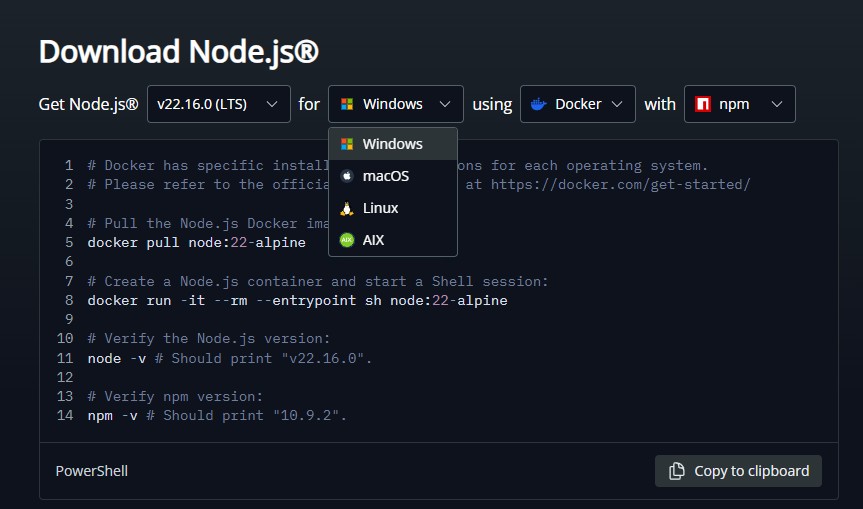
- 从 [nodejs.org](https://nodejs.org/en/download/) 安装 Node.js 18 或更高版本
- 通过 npm 安装 Unity MCP 服务器:
``bash npm install -g @codergamester/mcp-unity ``
- 配置您的 IDE(Cursor、Windsurf 等)以使用 MCP 服务器
Claude Desktop 配置
添加到 Claude 的 config.json:
{
  "mcpServers": {
    "unity": {
      "command": "npx",
      "args": ["@codergamester/mcp-unity"],
      "env": {
        "UNITY_PROJECT_PATH": "/path/to/your/unity/project"
      }
    }
  }
}
FAQ
- 支持哪些 Unity 版本?
- MCP Unity 支持 Unity 6 及更高版本。
- 哪些 IDE 与 MCP Unity 兼容?
- 它专为支持 MCP 的 Cursor、Claude Code、Codex、Windsurf 和其他类似 VSCode 的 IDE 设计。
mcp-unity 对比
最后更新于 · 由 README + GitHub 公开数据自动生成。