Kiln
by codeofaxel·★ 18·综合分 43
Kiln 是一个 MCP 服务器,让 AI 代理能够控制 3D 打印机,设计、生成、切片和打印实物。
概述
Kiln 让 AI 代理能够全面控制多种 3D 打印机,包括 OctoPrint、Moonraker/Klipper、Creality、Bambu Lab、Prusa Link 等。它实现了从自然语言到物理物体的完整流程,AI 代理可以设计部件、切片、排队打印、监控进度并处理故障。该解决方案提供免费和付费版本,额外功能包括类 Git 的 3D 设计版本控制、故障恢复和智能材料路由。
试试问 AI
装完之后,这里有 5 个你可以让 AI 做的事:
什么时候选它
当您需要AI代理完全控制3D打印工作流程,特别是使用多种打印机类型或需要3D设计版本控制时,选择Kiln。
什么时候不要选它
如果您只需要基本的打印机控制而不需要AI集成,或者您寻找免费开源解决方案,因为Kiln的高级功能需要付费版本,请不要选择Kiln。
此 server 暴露的工具
从 README 抽取出 12 个工具uploadUpload a G-code file to a printer
printPrint a G-code file on a printer
sliceSlice an STL file into G-code and optionally print it
snapshotTake a webcam snapshot from a printer
waitMonitor a running print job
statusCheck the status of a printer
historyView print history
discoverDiscover printers on the network
authAuthenticate a printer with Kiln
verifyVerify Kiln installation and dependencies
visualize_branch_treeVisualize a design's branch tree with version information
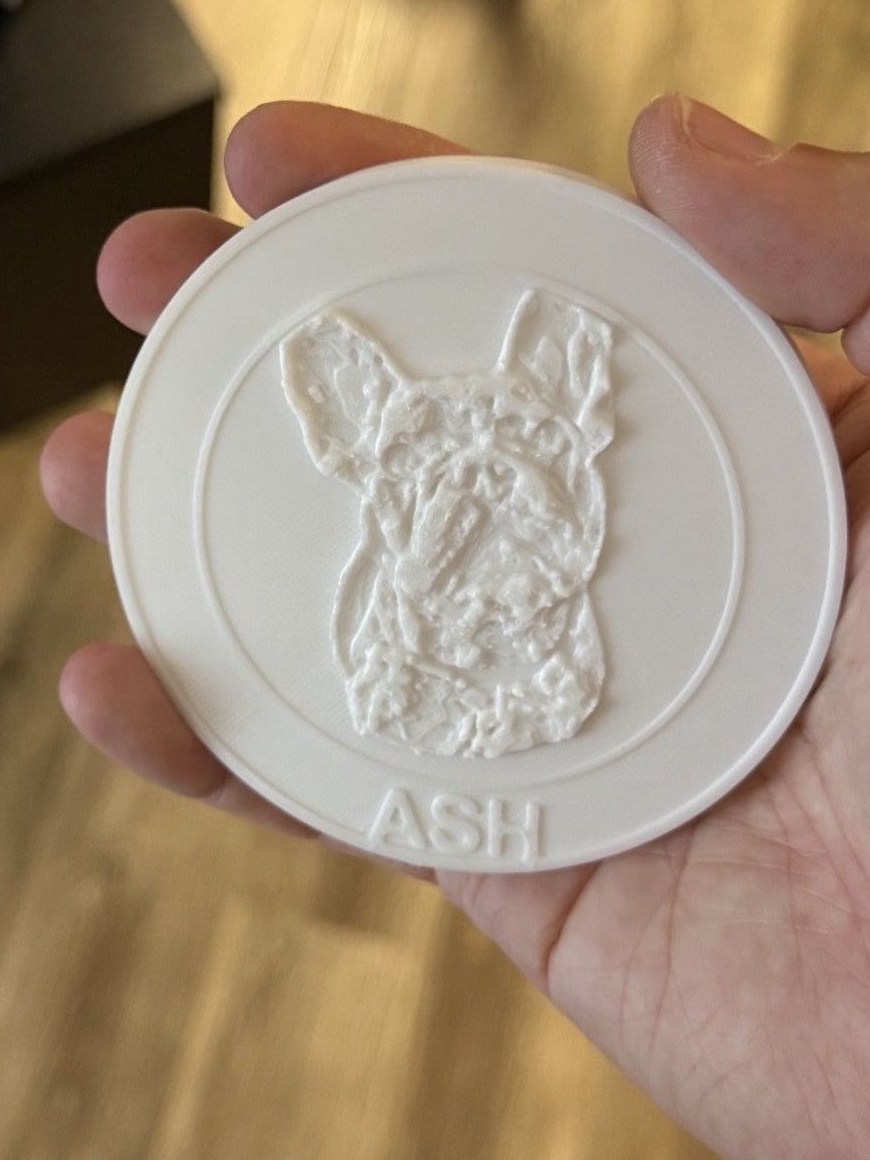
embossAdd decorations (text, logos, etc.) to a 3D model
可对比工具
安装
pip install kiln3d然后添加到您的 MCP 客户端配置中:
{
  "mcpServers": {
    "kiln": {
      "command": "python",
      "args": ["-m", "kiln"],
      "env": {
        "KILN_PRINTER_CONFIG": "your/config/path.json"
      }
    }
  }
}
FAQ
- Kiln 支持哪些打印机?
- Kiln 支持 OctoPrint、Moonraker/Klipper、Creality、Bambu Lab、Prusa Link、Elegoo 打印机,以及通过 USB 直连 Marlin/RepRapFirmware 打印机。
- Kiln 可以在没有互联网的情况下工作吗?
- 是的,Kiln 只需要局域网访问打印机。完全支持以太网打印机,USB 直连打印机甚至不需要任何网络连接。
Kiln 对比
最后更新于 · 由 README + GitHub 公开数据自动生成。