antigravity-link-extension
by cafeTechne·★ 163·综合分 48
Google Antigravity IDE 的移动伴侣,提供 9 个 MCP 工具和 OpenAPI 用于自动化。
概述
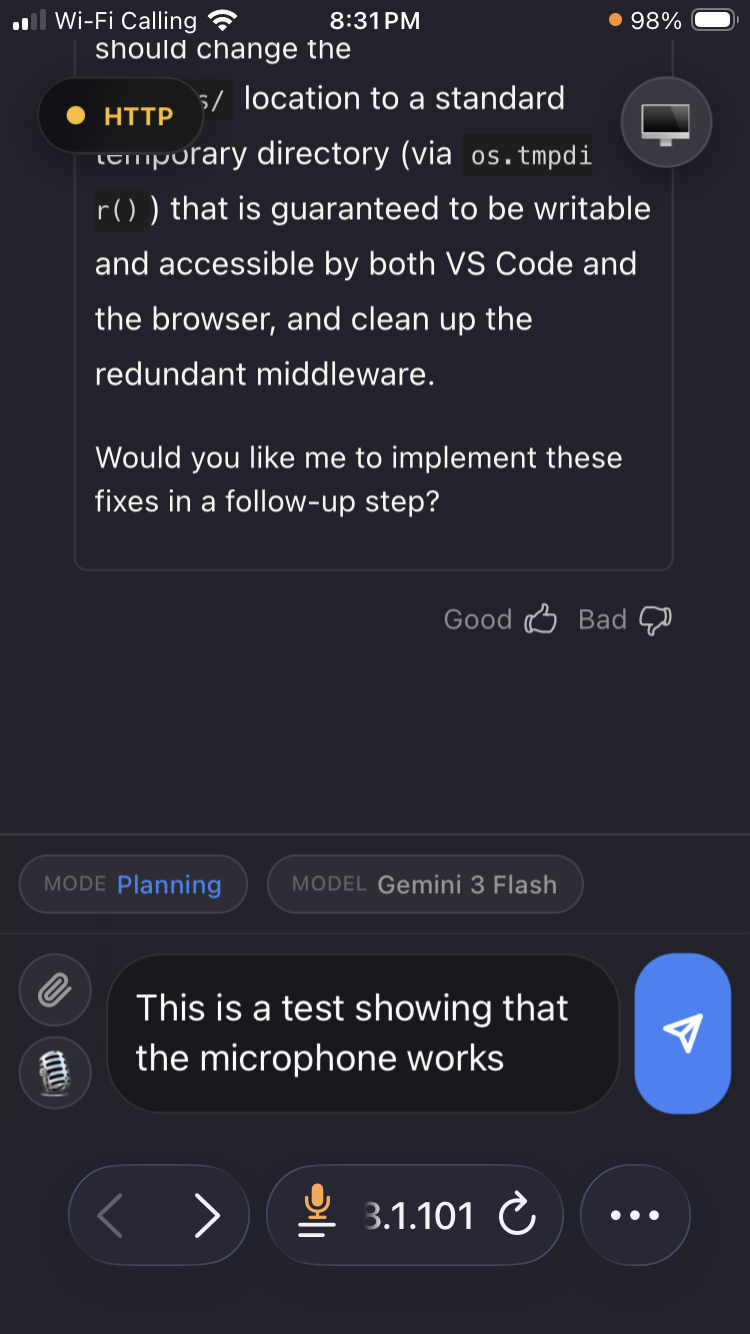
Antigravity Link 是一个 VS Code 扩展,为 Google 的 Antigravity IDE 创建移动界面,使用户能够从手机控制 AI 会话。它通过本地 HTTP API 和 MCP 服务器暴露 9 个工具,用于程序化控制 Antigravity 会话。该解决方案支持远程交互 AI 聊天、文件上传、语音输入和停止生成,同时通过本地操作和令牌认证保持安全性。
试试问 AI
装完之后,这里有 3 个你可以让 AI 做的事:
什么时候选它
如果您已经在使用 Google 的 Antigravity IDE 并且需要移动访问或对 AI 会话进行编程控制,同时保持通信在本地网络内,请选择此工具。
什么时候不要选它
如果您不使用 Antigravity IDE,请不要选择此工具,因为它专门为此平台设计。
此 server 暴露的工具
从 README 抽取出 10 个工具get_snapshotGet current chat state, mode, model, and generation status.
send_messageSend a message to the active chat.
stop_generationCancel active AI generation.
get_instancesList available Antigravity windows.
switch_instanceSwitch to a different Antigravity window.
click_elementClick a UI element.
upload_fileUpload a file to the active chat.
get_taskRead the current task document.
get_walkthroughRead the current walkthrough document.
get_planRead the current implementation plan.
可对比工具
安装
安装
- 从 Antigravity 扩展市场安装:搜索 **Antigravity Link** 或[直接从 Open VSX 安装](https://open-vsx.org/extension/cafetechne/antigravity-link-extension)
- 启用远程调试启动 Antigravity:
antigravity --remote-debugging-port=9000- 在 VS Code 中运行
Antigravity Link: Start Server
- 运行
Antigravity Link: Show QR Code并用手机扫描
Claude Desktop 配置
{
  "antigravity-link": {
    "command": "node",
    "args": ["<extension-dir>/mcp-server.mjs"],
    "env": {
      "AG_BRIDGE_URL": "https://localhost:3000",
      "AG_BRIDGE_TOKEN": "<token>"
    }
  }
}
antigravity-link-extension 对比
最后更新于 · 由 README + GitHub 公开数据自动生成。