prometheus_mcp_server
by CaesarYangs·★ 34·综合分 35
一个让LLM查询、分析并交互Prometheus数据库的MCP服务器。
概述
这个基于Python的MCP服务器使大型语言模型能够从Prometheus数据库检索和分析指标数据。它提供用于获取特定指标、执行统计分析、搜索指标使用模式和执行复杂PromQL查询的工具。服务器支持数据分析的自定义时间范围,并设计为可与Claude Desktop等AI环境集成。
试试问 AI
装完之后,这里有 5 个你可以让 AI 做的事:
什么时候选它
当您需要将Prometheus监控数据与LLM工作流集成,特别是希望通过自然语言查询而非编写PromQL来分析系统指标时,选择此服务器。
什么时候不要选它
如果需要写入Prometheus(此服务器仅支持读取),或者您的Prometheus实例需要基本主机配置之外的复杂认证,请不要选择此服务器。
此 server 暴露的工具
从 README 抽取出 4 个工具retrieve_metric_infoRetrieve comprehensive metric information including names and descriptions from Prometheus
fetch_metric_dataFetch and analyze specific metric data using metric names
analyze_metric_dataAnalyze metric data within custom time ranges
execute_promql_queryExecute advanced PromQL queries for in-depth data exploration
说明:Tool names were inferred from the capabilities section of the README as there is no explicit 'Tools' section listing the MCP functions. The actual tool names and signatures are not explicitly documented in the README.
可对比工具
安装
通过Smithery安装
npx -y @smithery/cli install @CaesarYangs/prometheus_mcp_server --client claude手动安装
**准备Python环境**
cd ./src/prometheus_mcp_server
python3 -m venv .venv
source .venv/bin/activate
**安装依赖**
pip install -r requirements.txt在Claude Desktop中使用
添加到Claude Desktop配置文件:
{
    "mcpServers": {
        "prometheus": {
            "command": "uv",
            "args": [
                "--directory",
                "/path/to/prometheus_mcp_server",
                "run",
                "server.py"
            ],
            "env": {
                "PROMETHEUS_HOST": "http://localhost:9090"
            }
        }
    }
}
FAQ
- 支持哪些Prometheus操作?
- 该服务器支持检索指标信息、获取和分析特定指标、分析自定义时间范围内的数据以及执行PromQL查询。标签过滤被标记为开发中。
- 我能否将其与其他MCP客户端一起使用?
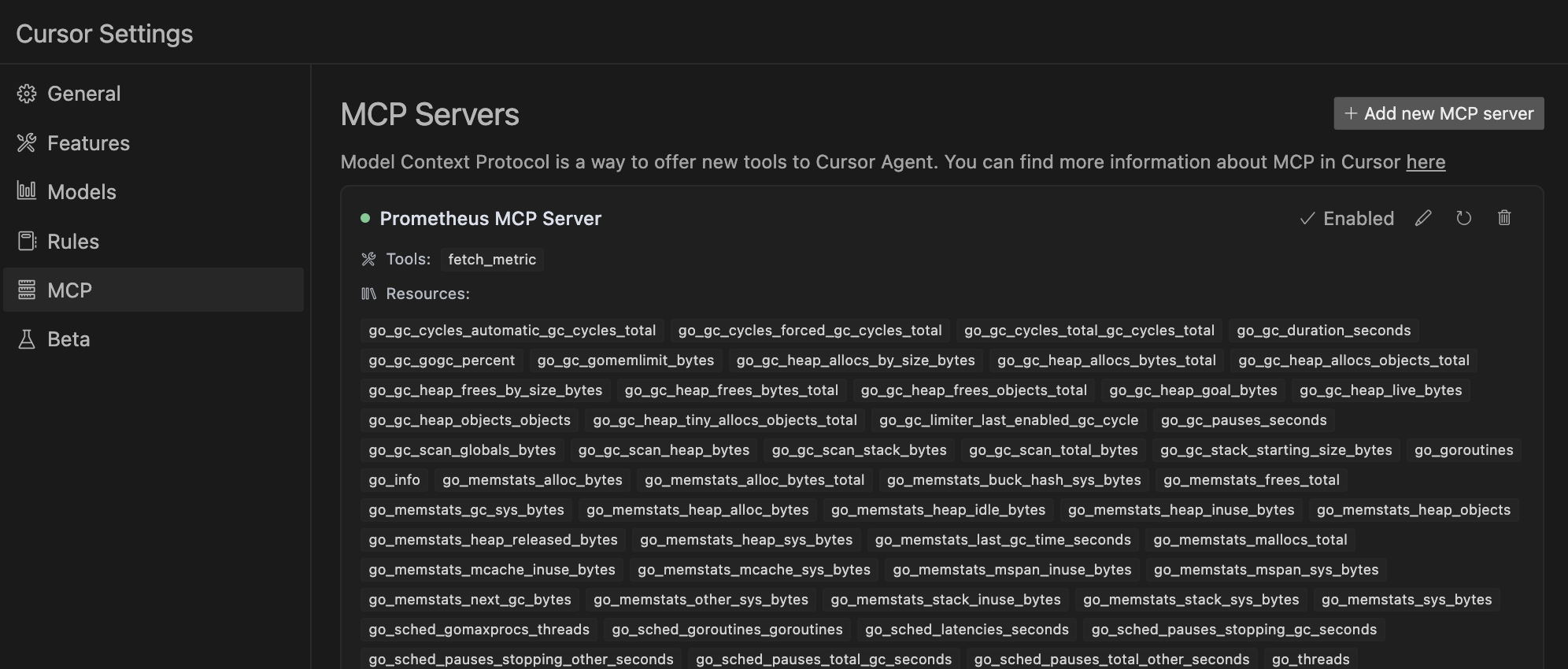
- 是的,该服务器可以作为独立服务器与任何MCP客户端一起使用。README提供了在Cursor环境和作为独立服务器中使用的说明。
prometheus_mcp_server 对比
最后更新于 · 由 README + GitHub 公开数据自动生成。