dbhub
by bytebase·★ 2,769·综合分 57
零依赖 MCP 服务器,高效连接多种数据库并提供 SQL 工具。
databasedeveloper-toolsops-infra
235
Forks
10
活跃 Issue
6 个月前
最近提交
162 天前
收录于
概述
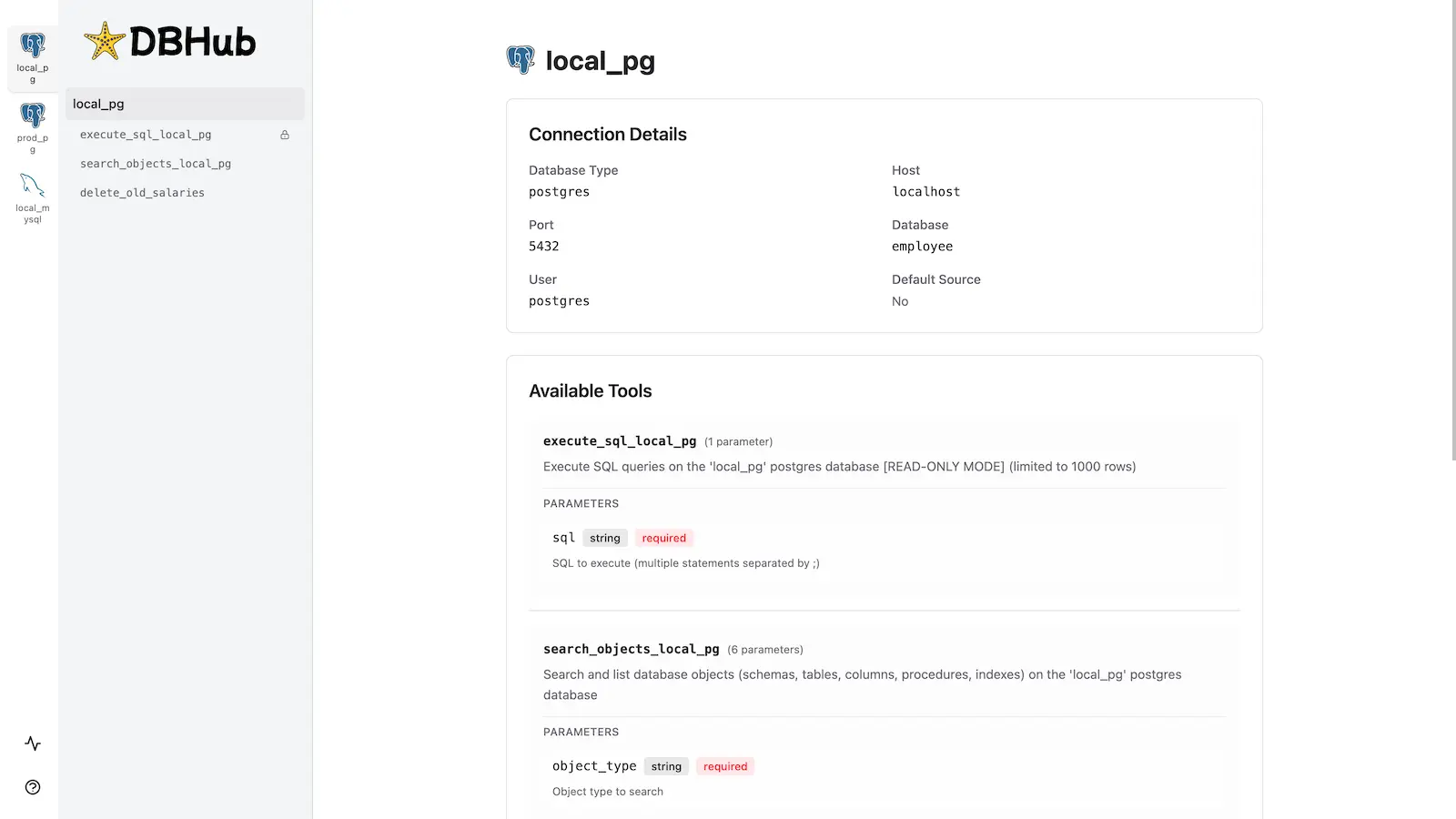
DBHub 是一个轻量级的 Model Context Protocol 服务器,使兼容 MCP 的客户端能够连接和交互多种数据库系统,包括 PostgreSQL、MySQL、SQL Server、MariaDB 和 SQLite。它采用零依赖设计,仅通过两个核心 MCP 工具(execute_sql 和 search_objects)实现高效的令牌使用,最大化上下文窗口。服务器还包含内置的 Web 界面,允许在不使用 MCP 客户端的情况下进行可视化数据库交互,同时提供安全措施如只读模式、行限制和查询超时来防止失控操作。
试试问 AI
装完之后,这里有 5 个你可以让 AI 做的事:
你:开发者进行数据库探索和模式检查
你:在 CI/CD 管道中执行带安全控制的 SQL 查询
你:通过统一界面管理多个数据库和操作
你:DBHub 真的是零依赖的吗?
你:DBHub 如何确保 SQL 执行的安全性?
什么时候选它
当您需要跨多个系统的令牌高效数据库访问、内置安全控制,并希望零依赖安装时,选择 DBHub。
什么时候不要选它
如果您需要对数据库进行写入访问或需要超出其只读功能的复杂事务操作,请不要选择 DBHub。
此 server 暴露的工具
从 README 抽取出 3 个工具execute_sqlExecute SQL queries with transaction support and safety controls
search_objectsSearch and explore database schemas, tables, columns, indexes, and procedures
custom_toolsDefine reusable, parameterized SQL operations in configuration
可对比工具
supabase-mcpneon-mcpsql-copilot-mcppostgres-mcp
安装
安装
**Docker:**
docker run --rm --init \ --name dbhub \ --publish 8080:8080 \ bytebase/dbhub \ --transport http \ --port 8080 \ --dsn "postgres://user:password@localhost:5432/dbname?sslmode=disable"**NPM:**
npx @bytebase/dbhub@latest --transport http --port 8080 --dsn "postgres://user:password@localhost:5432/dbname?sslmode=disable"**演示模式:**
npx @bytebase/dbhub@latest --transport http --port 8080 --demoClaude Desktop 配置
将以下内容添加到您的 Claude Desktop 配置中:
{
  "mcpServers": {
    "dbhub": {
      "command": "npx",
      "args": ["@bytebase/dbhub@latest", "--transport", "stdio"]
    }
  }
}
FAQ
- DBHub 真的是零依赖的吗?
- 是的,DBHub 没有运行时依赖,使其轻量且易于部署。
- DBHub 如何确保 SQL 执行的安全性?
- DBHub 包含只读模式、行限制和查询超时控制,可防止失控操作并确保安全执行 SQL。
dbhub 对比
最后更新于 · 由 README + GitHub 公开数据自动生成。