mcp-ssh-manager
by bvisible·★ 203·综合分 51
功能全面的 MCP 服务器,提供 37 个远程 SSH 管理工具,支持 DevOps 自动化、备份、数据库操作和健康监控。
概述
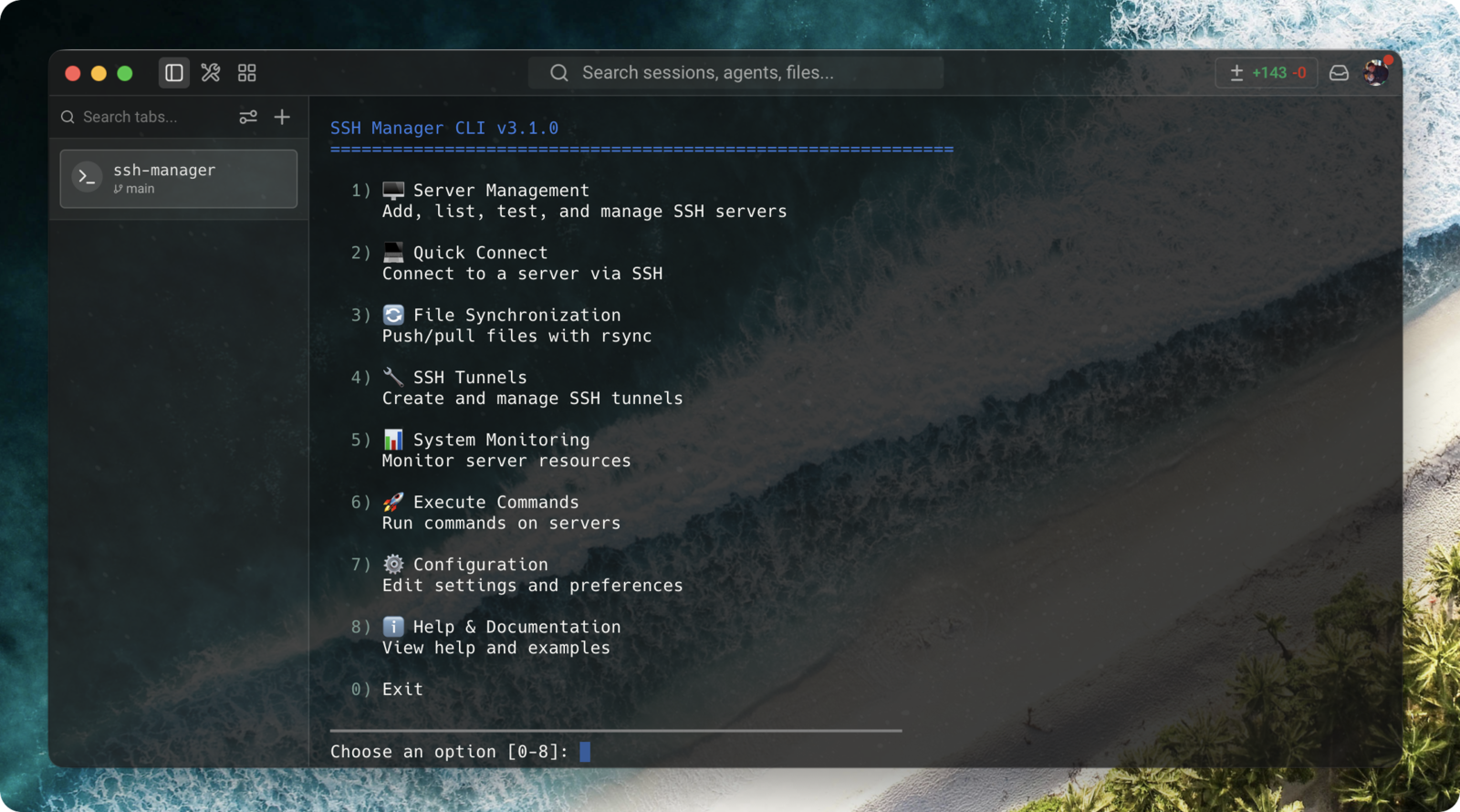
MCP SSH Manager 是一个功能强大的 Model Context Protocol 服务器,使 Claude Code 和 OpenAI Codex 能够管理多个 SSH 连接,提供企业级功能。它提供广泛的工具,包括文件传输、命令执行、数据库管理、自动备份和实时健康监控。该服务器支持多种身份验证方法,包括带密码短语的 SSH 密钥、ssh-agent 集成和堡垒机/跳主机支持。37 个工具分为 6 个组(核心、会话、监控、备份、数据库、高级),为远程服务器管理和 DevOps 自动化任务提供完整解决方案。
试试问 AI
装完之后,这里有 7 个你可以让 AI 做的事:
什么时候选它
当您需要通过AI界面进行全面的服务器管理功能时,选择MCP SSH Manager,特别适合DevOps自动化、监控和数据库操作。
什么时候不要选它
如果您需要OpenSSH不支持的Windows特定SSH功能,或者需要超出SSH范围的专业云提供商集成,请避免使用。
此 server 暴露的工具
从 README 抽取出 12 个工具ssh_executeExecute commands on remote servers with working directory support
ssh_uploadUpload files from local system to remote servers
ssh_downloadDownload files from remote servers to local system
ssh_syncSynchronize files between local and remote systems using rsync
ssh_tailMonitor remote log files with real-time updates
ssh_monitorMonitor server health metrics like CPU, RAM, and disk usage
ssh_backupCreate backups of databases and files on remote servers
ssh_restoreRestore databases and files from backups on remote servers
ssh_mysql_queryExecute queries on remote MySQL databases
ssh_postgres_queryExecute queries on remote PostgreSQL databases
ssh_mongo_queryExecute queries on remote MongoDB databases
ssh_deployDeploy files with permission handling and backup
可对比工具
安装
安装
通过 npm 安装:
npm install -g mcp-ssh-manager对于 Claude Desktop,添加到您的 config.json:
{
  "mcpServers": {
    "ssh-manager": {
      "command": "npx",
      "args": ["mcp-ssh-manager"]
    }
  }
}
对于 OpenAI Codex,使用 TOML 配置:
[mcpServers.ssh-manager]
command = "npx"
args = ["mcp-ssh-manager"]
安装后,运行:
ssh-manager server add来配置您的第一个服务器。
FAQ
- 如何启用特定工具以减少上下文使用?
- 使用工具管理 CLI:`ssh-manager tools configure` 进行交互式设置,或 `ssh-manager tools enable/disable <组>` 来激活特定的工具组(核心、会话、监控、备份、数据库、高级)。
- 是否支持 Windows SSH 服务器?
- 是的,该服务器支持 Windows SSH 主机,使用 `platform=windows` 配置选项。这确保了 Windows 环境中的正确命令执行和超时处理。
- 如何连接到堡垒机后面的服务器?
- 添加服务器时使用 `PROXYJUMP` 配置字段。该工具支持链式多跳连接和循环依赖检测。
mcp-ssh-manager 对比
最后更新于 · 由 README + GitHub 公开数据自动生成。