mcp-server
by bitDive·★ 86·综合分 47
为AI代理提供追踪分析、请求重现和回归管理的MCP服务器。
概述
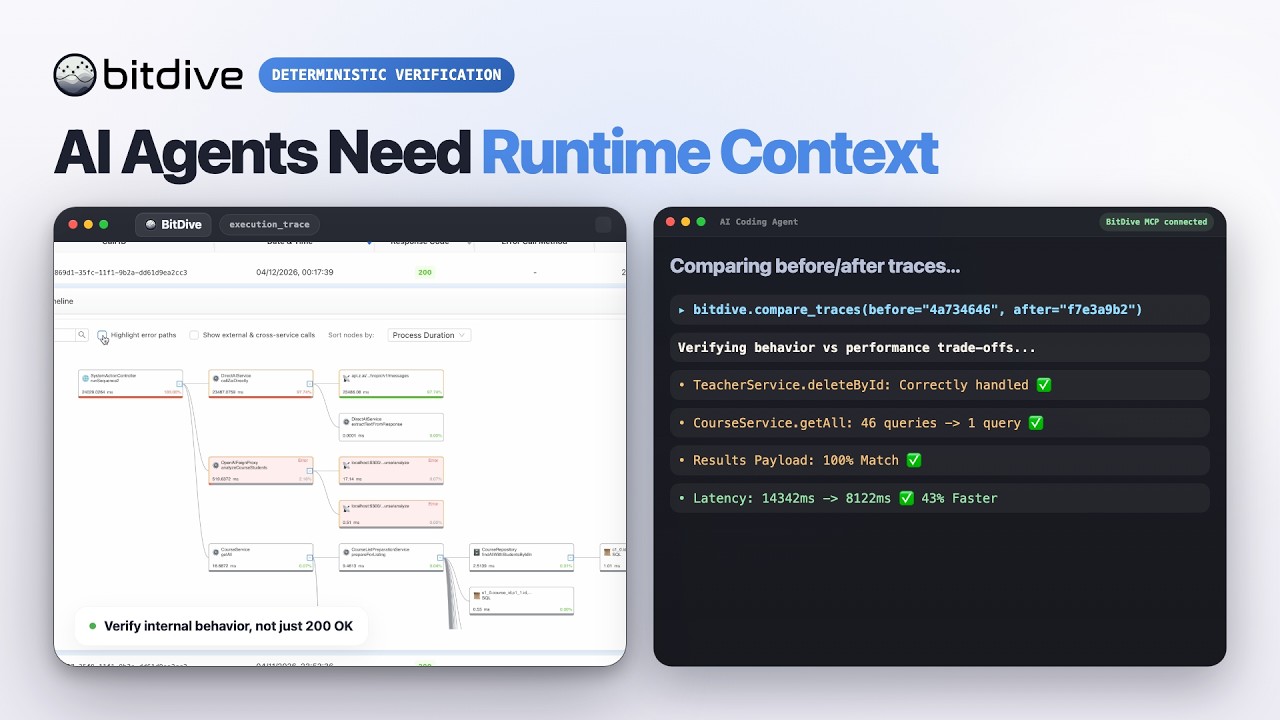
BitDive MCP服务器将监控和QA操作暴露给Cursor和Claude Desktop等MCP客户端。它实现了23个工具,用于发现活动模块、获取追踪、重现请求、比较代码变更前后的追踪以及管理测试组。服务器在API代理之外添加了重要价值,包括追踪可读性格式化、带规范化Java结构的比较逻辑,以及生成curl/PowerShell命令的重现工作流助手。
试试问 AI
装完之后,这里有 5 个你可以让 AI 做的事:
什么时候选它
如果您使用 Java 应用程序,并且需要 AI 代理分析运行时跟踪、重现问题以及比较行为变化,而无需离开开发环境,请选择此服务器。
什么时候不要选它
如果您不使用 BitDive 进行监控,或者需要支持非 Java 应用程序,请避免使用此服务器,因为它与 BitDive 生态系统紧密集成。
此 server 暴露的工具
从 README 抽取出 12 个工具get_heatmap_all_systemGet a compact heatmap summary for the entire system
get_heatmap_for_moduleGet a heatmap summary for a specific module
get_heatmap_for_serviceGet a heatmap summary for a specific service
get_last_callsGet the most recent system calls
find_trace_allFind traces across the entire system
find_trace_for_methodFind traces for a specific method
get_trace_names_batchGet trace names in batches
get_reproduction_commandGet reproduction commands for captured requests
search_methods_shortSearch for methods with short information
compare_tracesCompare two traces to detect differences
create_test_groupCreate a new test group in BitDive
get_all_test_scriptsGet all test scripts from BitDive
可对比工具
安装
安装依赖:
pip install -r requirements.txt在stdio模式下运行:
python server.py或在streamable-http模式下运行:
MCP_TRANSPORT=streamable-http MCP_HOST=0.0.0.0 MCP_PORT=8000 python server.py配置Claude Desktop:
{
  "mcpServers": {
    "bitdive": {
      "command": "python",
      "args": [
        "/absolute/path/to/server.py"
      ],
      "env": {
        "BITDIVE_MCP_TOKEN": "your-token"
      }
    }
  }
}
FAQ
- 除了BitDive API外,这个服务器还提供什么?
- 它添加了追踪可读性格式化、带规范化Java结构的比较逻辑、重现工作流助手,以及为快速代理使用而设计的测试管理功能,而不是原始响应。
- 如何配置身份验证?
- 设置BITDIVE_MCP_TOKEN环境变量或直接将mcp_token参数传递给工具。服务器需要有效的BitDive MCP令牌才能运行。
mcp-server 对比
最后更新于 · 由 README + GitHub 公开数据自动生成。