beever-atlas
by Beever-AI·★ 328·综合分 50
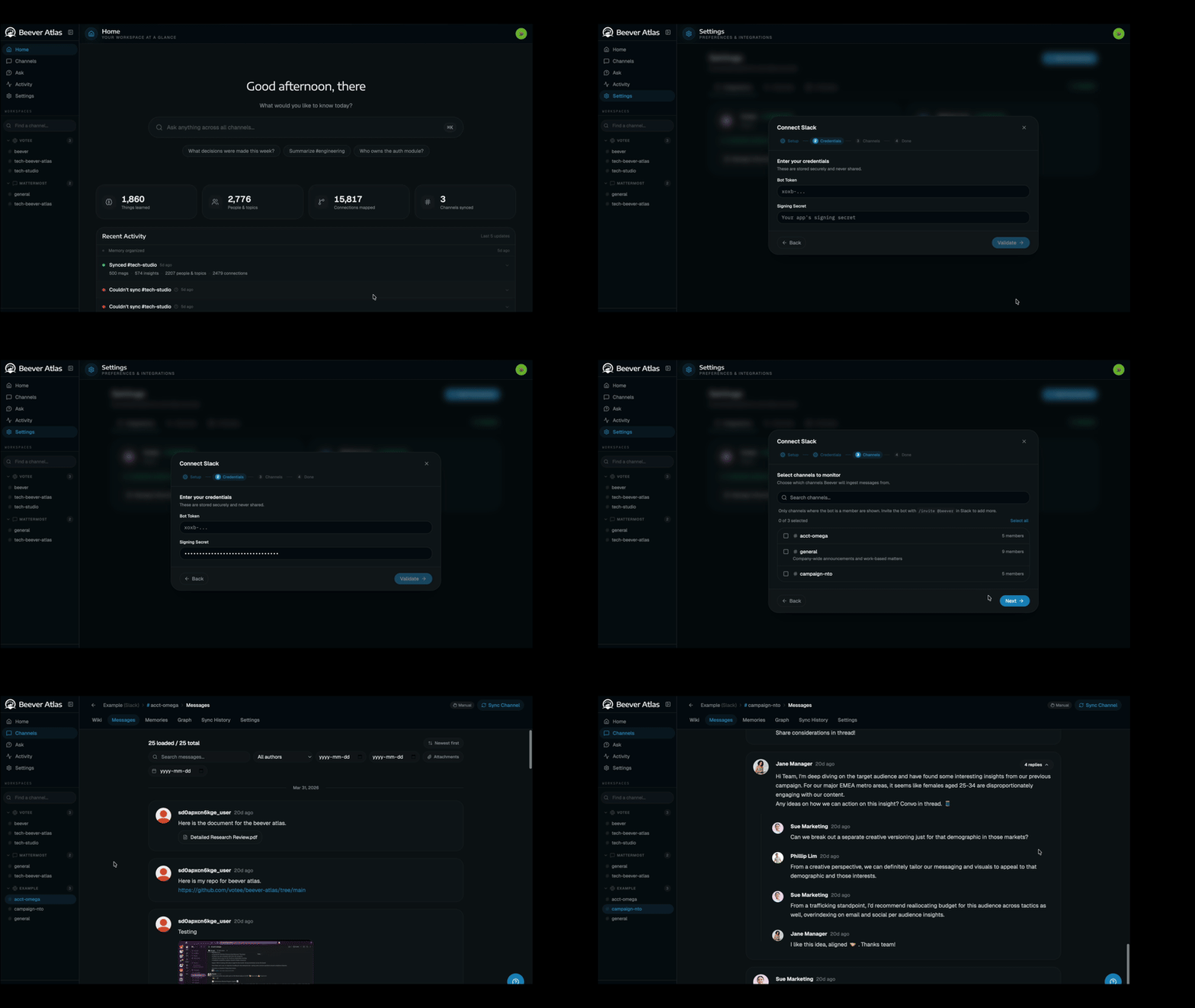
Beever Atlas 是一个 MCP 服务器,将团队聊天转换为自动维护的知识库,集成搜索和问答功能。
概述
Beever Atlas 从 Slack、Discord、Teams 和 Mattermost 对话中提取原子事实,去重并聚合成带引用的主题页面。它采用三层语义存储和图记忆系统,为自动生成的 LLM 知识库和可通过仪表板或 MCP 集成访问的 QA 代理提供支持。系统支持 16 个 MCP 工具,用于带代理认证功能的知识库查询。
试试问 AI
装完之后,这里有 5 个你可以让 AI 做的事:
什么时候选它
如果您的团队已经在使用 Slack/Discord/Teams 并希望自动将对话转化为可通过 MCP 供 AI 代理访问的结构化知识库,请选择 Beever Atlas。
什么时候不要选它
如果您需要完全控制数据存储(它使用 Weaviate、Neo4j、MongoDB、Redis),需要无云依赖的本地解决方案,或需要处理聊天平台之外的文档,请避免使用 Beever Atlas。
此 server 暴露的工具
从 README 抽取出 12 个工具ask_knowledge_baseAsk questions about the knowledge base and get cited answers.
get_channel_wikiRetrieve the auto-generated wiki for a specific channel.
search_messagesSearch for specific messages or conversations across all connected platforms.
get_entity_graphRetrieve the entity graph showing relationships between people, projects, and decisions.
list_topicsList all identified topics in a channel's knowledge base.
get_topic_detailsGet detailed information about a specific topic including citations.
get_citationsRetrieve source citations for a specific fact or answer.
get_people_mentionsFind all mentions of specific people across conversations.
get_project_timelineRetrieve the timeline of events and decisions for a specific project.
get_channel_overviewGet a high-level overview of a channel's activity and key topics.
get_faqRetrieve frequently asked questions and answers for a channel.
get_glossaryAccess the glossary of terms and their definitions from a channel.
说明:Inferred from the MCP server feature description and architecture diagram, which mentions '16 tools' but doesn't list them explicitly. Tool names and descriptions are based on the functionality described in the README about the knowledge ba
可对比工具
安装
安装步骤
- 克隆仓库:
git clone https://github.com/beever-ai/beever-atlas.git
cd beever-atlas- 尝试演示(可选):
make demo- 获取 API 密钥:
GOOGLE_API_KEY用于 Gemini 提取和回答JINA_API_KEY用于嵌入(Jina v4)
- 一键安装:
./atlas这将引导您完成设置,包括嵌入模型、LLM 提供商、图后端和 MCP 服务器配置。
Claude Desktop 集成
添加到 Claude Desktop 配置:
{
  "mcpServers": {
    "beever-atlas": {
      "command": "npx",
      "args": ["beever-atlas-mcp"]
    }
  }
}
FAQ
- Beever Atlas 支持哪些平台?
- Beever Atlas 支持 Slack、Discord、Microsoft Teams 和 Mattermost 的对话,也可以从文件导入。
- Beever Atlas 提供多少个 MCP 工具?
- Beever Atlas 提供 16 个 MCP 工具,用于带代理认证功能的知识库查询。
beever-atlas 对比
最后更新于 · 由 README + GitHub 公开数据自动生成。