mcp-agent-langchainjs
by Azure-Samples·★ 183·综合分 48
一个使用 LangChain.js 和 MCP 服务器的汉堡点餐 AI 代理系统。
概述
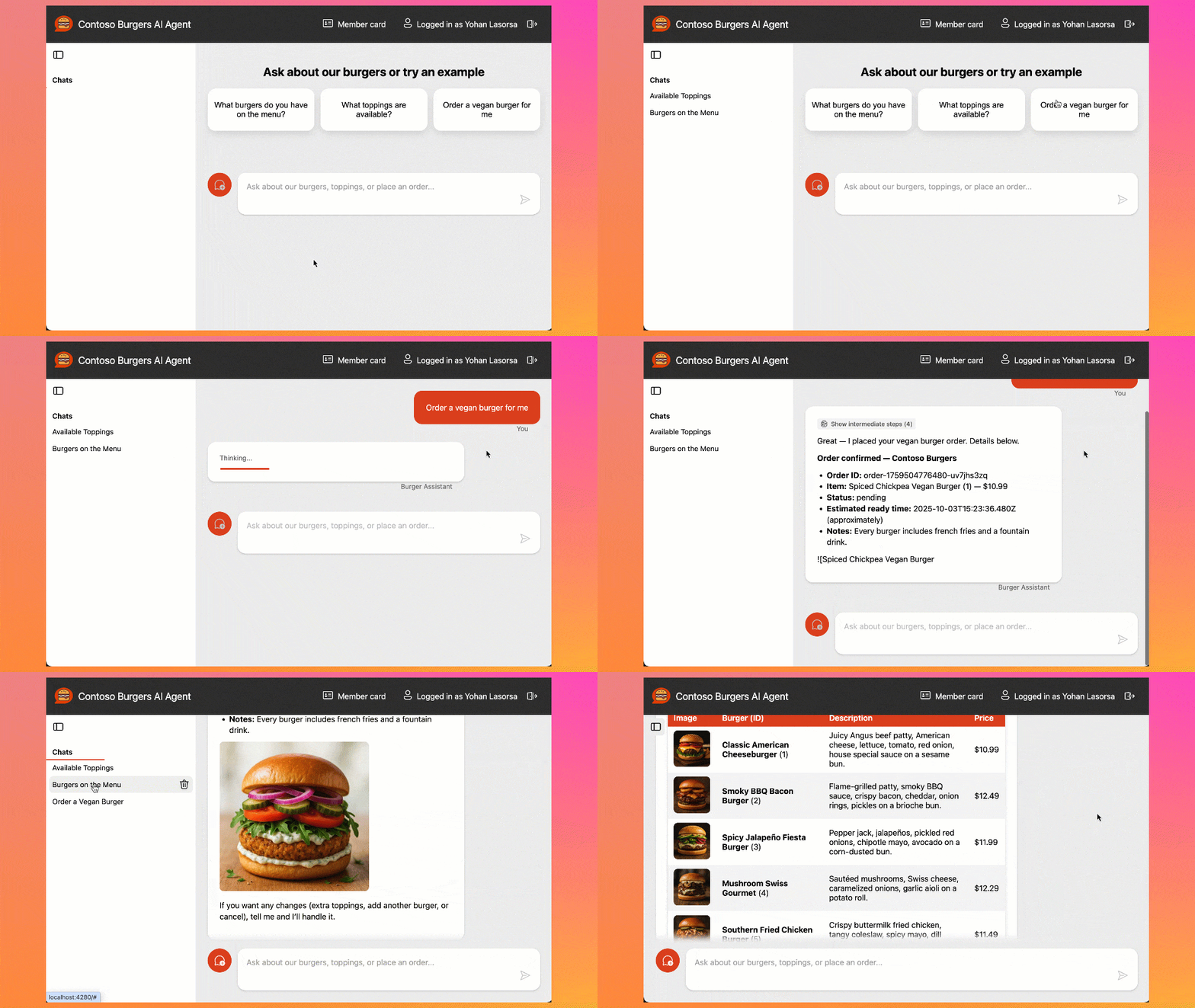
这个项目展示了如何使用模型上下文协议 (MCP) 构建与真实世界 API 交互的 AI 代理。它包含一个完整的汉堡点餐系统,具有无服务器 API、Web 界面和 MCP 服务器,使 AI 代理能够浏览菜单、下订单和跟踪订单状态。该系统使用 LangChain.js 进行 LLM 推理和工具调用,基于 Azure 服务构建,包括静态 Web 应用、Azure Functions 和 Cosmos DB。
试试问 AI
装完之后,这里有 5 个你可以让 AI 做的事:
什么时候选它
希望为电子商务场景构建生产就绪的 MCP 服务器的团队,尤其是已经使用 Azure 无服务器基础设施的团队。
什么时候不要选它
对于非 Azure 环境,或者如果您需要更简单的 MCP 实现,而不希望处理完整的多服务架构复杂性。
此 server 暴露的工具
从 README 抽取出 3 个工具view_menuView the burger menu and available items
place_orderPlace a new burger order with specific items and preferences
get_order_statusCheck the current status of an existing order
说明:The table was truncated in the README, but I could see the beginning of an MCP tools section with three burger-related tools. Tool names were visible but descriptions and signatures were not fully shown.
可对比工具
安装
安装步骤
- **GitHub Codespaces (推荐)**:
- 在 [GitHub Codespaces](https://codespaces.new/Azure-Samples/mcp-agent-langchainjs?hide_repo_select=true&ref=main&quickstart=true) 中打开项目,获取预配置环境
- **本地开发**:
- 克隆仓库: git clone <your-repo-url> - 安装 Node.js LTS - 安装 Azure Developer CLI 1.19+ - 使用 Ollama 进行本地测试: ``bash ollama pull qwen3:8b ` 创建 .env 文件,内容如下: `env AZURE_OPENAI_API_ENDPOINT="http://localhost:11434/v1" AZURE_OPENAI_MODEL="qwen3:8b" AZURE_OPENAI_API_KEY="__not_used__" `` - 按照 README 说明启动应用
- **部署到 Azure**:
- 运行 azd auth login - 运行 azd up 部署所有服务
**Claude Desktop 配置** (添加到 claude_desktop_config.json):
{
  "mcpServers": {
    "burger-mcp": {
      "command": "node",
      "args": ["packages/burger-mcp/dist/server.js"]
    }
  }
}
FAQ
- 这个项目包含哪些 MCP 服务器?
- 项目包含一个汉堡 MCP 服务器(用于点餐)和一个啤酒 MCP 服务器(用于 AI 驱动的啤酒推荐)。
- 我可以在没有云成本的情况下测试此应用吗?
- 是的,可以使用 Ollama 模型在本地测试应用,无需任何云成本。
mcp-agent-langchainjs 对比
最后更新于 · 由 README + GitHub 公开数据自动生成。