dotbot
by andresharpe·★ 50·综合分 45
零依赖的 MCP 服务器,为团队提供结构化、可审计的 AI 辅助开发。
概述
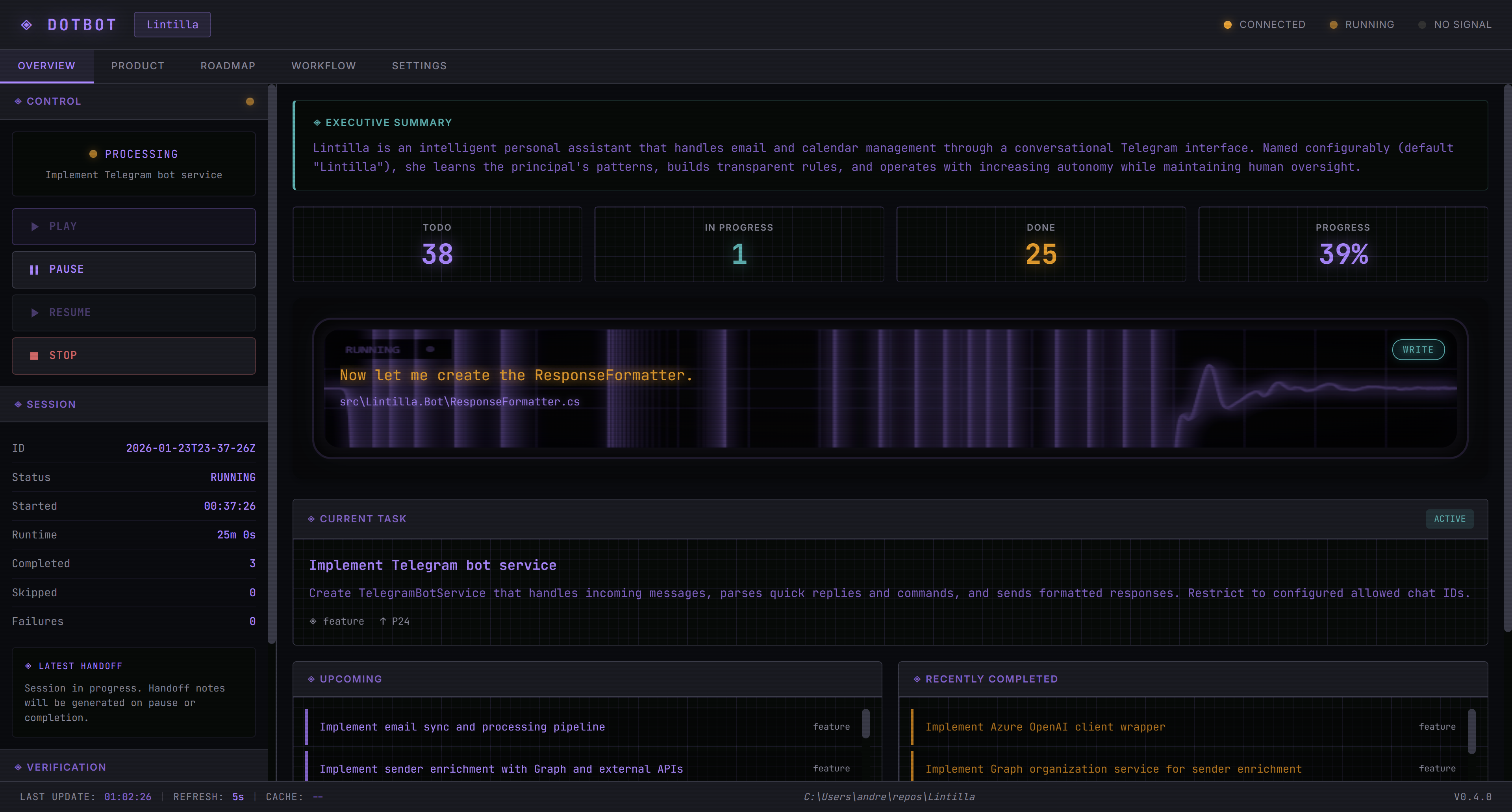
dotbot 是一个全面的 AI 开发平台,将 AI 辅助编码包装在透明的工作流程中。它提供多步骤管道系统,支持工作清单清单、类型化任务和企业注册库。这个零依赖的 PowerShell 实现包括 MCP 服务器、网络仪表板和多提供商 AI CLI 支持,同时通过 Git 集成实现所有 AI 会话和代码变更的版本控制。
试试问 AI
装完之后,这里有 3 个你可以让 AI 做的事:
什么时候选它
当您的团队需要结构化、可审计的 AI 开发工作流,以及多提供商支持和企业级治理时,选择 dotbot。
什么时候不要选它
如果您需要轻量级工具且依赖最少,或者您更喜欢使用 PowerShell 以外的语言进行开发工作流,请避免使用 dotbot。
此 server 暴露的工具
从 README 抽取出 12 个工具task_createCreates a new task in the task queue
task_listLists all tasks in the task queue with their status
task_get_nextGets the next available task for processing
task_mark_doneMarks a specified task as completed
decision_createCreates a new architectural decision record
decision_listLists all architectural decision records
session_initializeInitializes a new development session
plan_createCreates a new project plan
steering_heartbeatSends a heartbeat to the autonomous execution engine
dev_startStarts the development environment
dev_stopStops the development environment
session_get_statsGets statistics about the current session
可对比工具
安装
安装步骤
- **全局安装 dotbot**:
Install-Module Dotbot -Scope CurrentUser- **在项目中初始化**:
cd your-project
dotbot init
dotbot init -Workflow <工作流名称> -Stack <堆栈名称>- **在 Claude Desktop 中配置 MCP 服务器**:
{
  "mcpServers": {
    "dotbot": {
      "command": "pwsh",
      "args": ["-NoProfile", "-File", ".bot/systems/mcp/dotbot-mcp.ps1"]
    }
  }
}- **启动网络仪表板**:
.bot\go.ps1dotbot 对比
最后更新于 · 由 README + GitHub 公开数据自动生成。