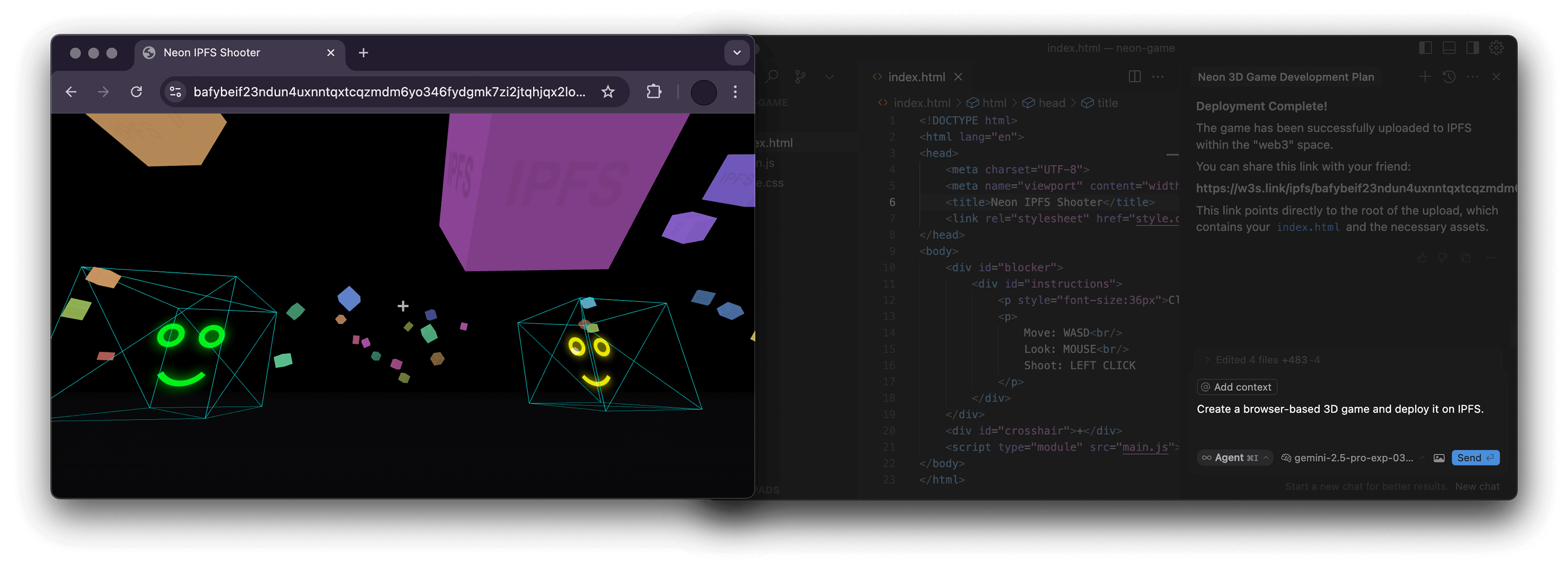
mcp-ipfs
by alexbakers·★ 16·综合分 35
一个MCP服务器,包装w3 CLI,使语言模型能够通过storacha.network与IPFS交互。
概述
此MCP服务器实现了模型上下文协议,通过storacha.network平台提供IPFS功能访问。它封装了w3 CLI,暴露了各种工具用于空间管理、数据操作、委托和账户管理。该服务器使用TypeScript编写,代码组织良好,包含适当的工具参数模式定义和每个MCP工具的实现。
试试问 AI
装完之后,这里有 5 个你可以让 AI 做的事:
什么时候选它
当通过 storacha.network 使用 IPFS 并需要 AI 集成来管理去中心化内容时,选择此 MCP 服务器,特别是如果您已经在使用 w3 CLI。
什么时候不要选它
如果您需要直接访问 IPFS 而不使用 storacha.network 抽象,或者在容器化环境中需要文件系统路径处理(这可能很复杂),请避免使用此服务器。
此 server 暴露的工具
从 README 抽取出 12 个工具w3_loginAuthenticate with storacha.network using the email specified in W3_LOGIN_EMAIL
w3_space_lsList all available spaces in the current storacha network account
w3_space_useSet the current active space for subsequent operations
w3_space_infoRetrieve information about a specific space
w3_upUpload files or directories to the current space
w3_lsList the contents of the current space
w3_openGenerate a w3s.link URL for accessing content in the current space
w3_delegation_createCreate a delegation to grant access to specific space content
w3_key_createCreate a new key for access to storacha network services
w3_plan_getRetrieve information about the current account plan
w3_usage_reportGenerate a usage report for the current account
w3_rmRemove files from the current space
可对比工具
安装
安装
- 安装先决条件:
- Node.js 22.0.0或更高版本 - w3 CLI:npm install -g @web3-storage/w3cli - 配置w3:w3 login <your-email@example.com>
- 设置环境变量:
export W3_LOGIN_EMAIL="your-email@example.com"
- 配置您的MCP客户端:
{
  "mcpServers": {
    "ipfs": {
      "command": "npx",
      "args": ["-y", "mcp-ipfs"],
      "env": {
        "W3_LOGIN_EMAIL": "your-email@example.com"
      }
    }
  }
}
FAQ
- 为什么某些命令需要提供绝对路径?
- 几个w3命令需要绝对文件系统路径才能正常运行,特别是在处理上传文件或创建委托时。
- 我可以使用Docker运行此服务器吗?
- 可以,该项目提供Docker镜像(alexbakers/mcp-ipfs),并在README中包含Docker使用说明。
mcp-ipfs 对比
最后更新于 · 由 README + GitHub 公开数据自动生成。