lean-ctx
by yvgude·★ 1,676·Score 57
lean-ctx is an MCP server that reduces token waste in AI coding tools by 60-95% through intelligent context compression and caching.
Overview
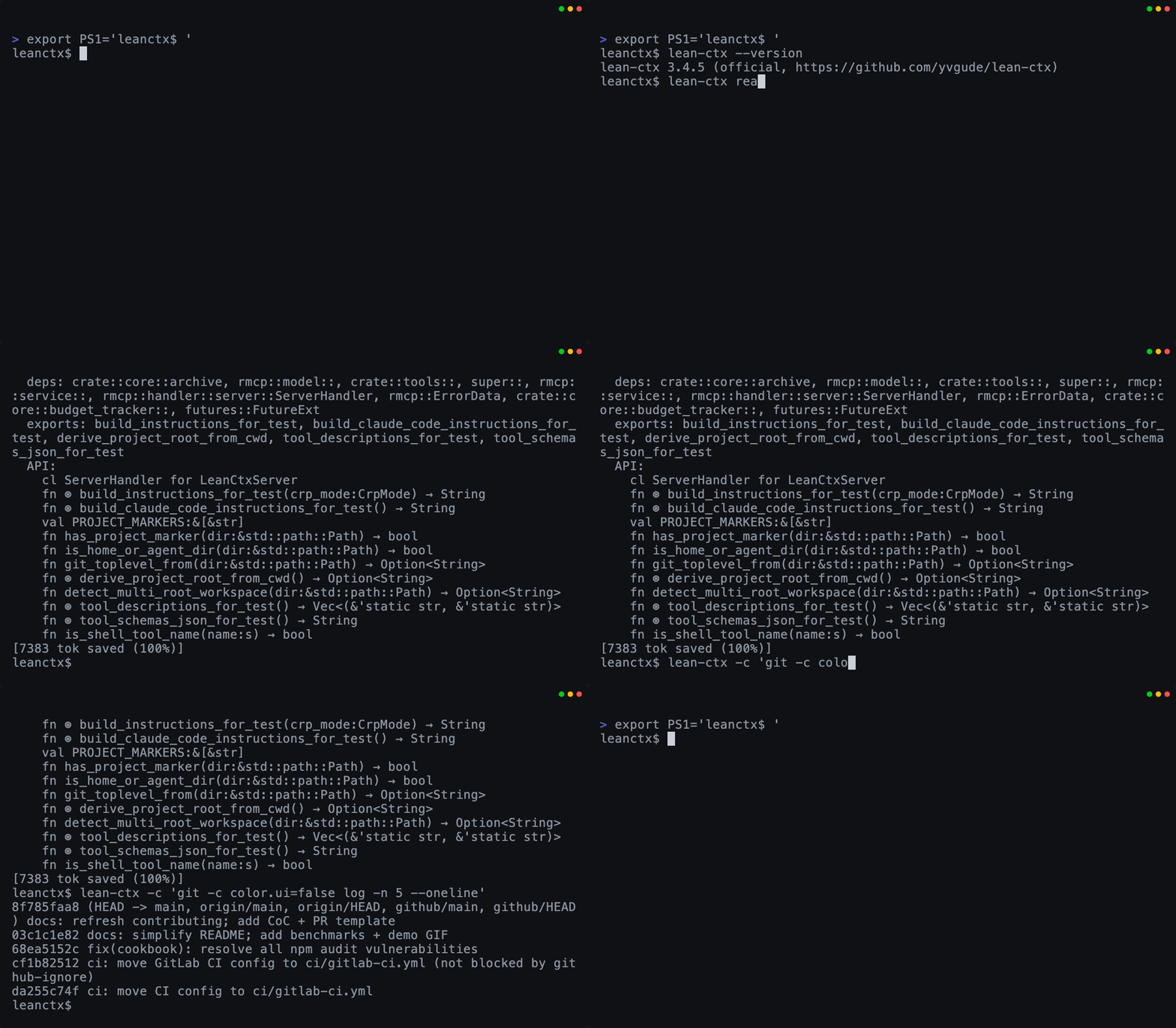
lean-ctx is a local-first context runtime that functions as both an MCP server and shell hook. It compresses file reads and shell output before they reach the LLM, with cached re-reads dropping to approximately 13 tokens. The project provides 51 tools, 10 read modes, and 60+ patterns to optimize context management across multiple AI coding tools like Cursor, Claude Code, and Copilot. It features a property graph for code intelligence, session memory capabilities, and context packaging for sharing across projects.
Try asking AI
After installing, here are 5 things you can ask your AI assistant:
When to choose this
Choose lean-ctx if you regularly use AI coding assistants in medium-to-large repositories and want to significantly reduce token costs while maintaining full context awareness.
When NOT to choose this
Avoid lean-ctx if you primarily work with very small repositories, don't use shell commands from your AI tools, or need raw/unfiltered logs for debugging.
Tools this server exposes
12 tools extracted from the READMEctx_refactorLanguage-server-powered refactoring operations (rename, references, go-to-definition, find-implementations)
ctx_expandArchive full-text search over all previously archived tool outputs
ctx_readCached + mode-aware file reads with multiple options
ctx_packCreate context packages bundling knowledge, graph, session, and gotchas
ctx_searchSearch across codebase with hybrid search capabilities
ctx_memoryPersist and query session facts across multiple conversations
ctx_graphQuery the property graph for code relationships and impact analysis
ctx_benchmarkBenchmark and measure compression effectiveness by language and mode
ctx_inspectInspect repository structure and configuration
ctx_exportExport context data for external tools or sharing
ctx_importImport external context or previous sessions
ctx_analyzeAnalyze code patterns and provide insights
Comparable tools
Installation
Install lean-ctx using one of these methods:
# Universal installer (no Rust needed)
curl -fsSL https://leanctx.com/install.sh | sh

# macOS / Linux via Homebrew
brew tap yvgude/lean-ctx && brew install lean-ctx

# Node.js
npm install -g lean-ctx-bin

# Rust
cargo install lean-ctx

# Pi Coding Agent
pi install npm:pi-lean-ctx
After installation, set up with:
lean-ctx setupThen restart your shell and AI tools. For Claude Desktop, add to your config.json:
{
  "mcpServers": {
    "lean-ctx": {
      "command": "lean-ctx",
      "args": ["mcp"]
    }
  }
}
FAQ
- Which AI coding tools does lean-ctx support?
- lean-ctx supports over 20 AI coding tools including Cursor, Claude Code, GitHub Copilot, Windsurf, Gemini, and many others. It works with any MCP-compatible client and has specific integrations for various IDEs like VS Code, Neovim, and JetBrains.
- How does lean-ctx reduce token usage?
- lean-ctx reduces token usage by caching file reads with compression (down to ~13 tokens for cached re-reads), compressing shell output using 60+ patterns, and using intelligent read modes that only send relevant context based on the task.
Compare lean-ctx with
Last updated · Auto-generated from public README + GitHub signals.