mindmap-mcp-server
by YuChenSSR·★ 231·Score 43
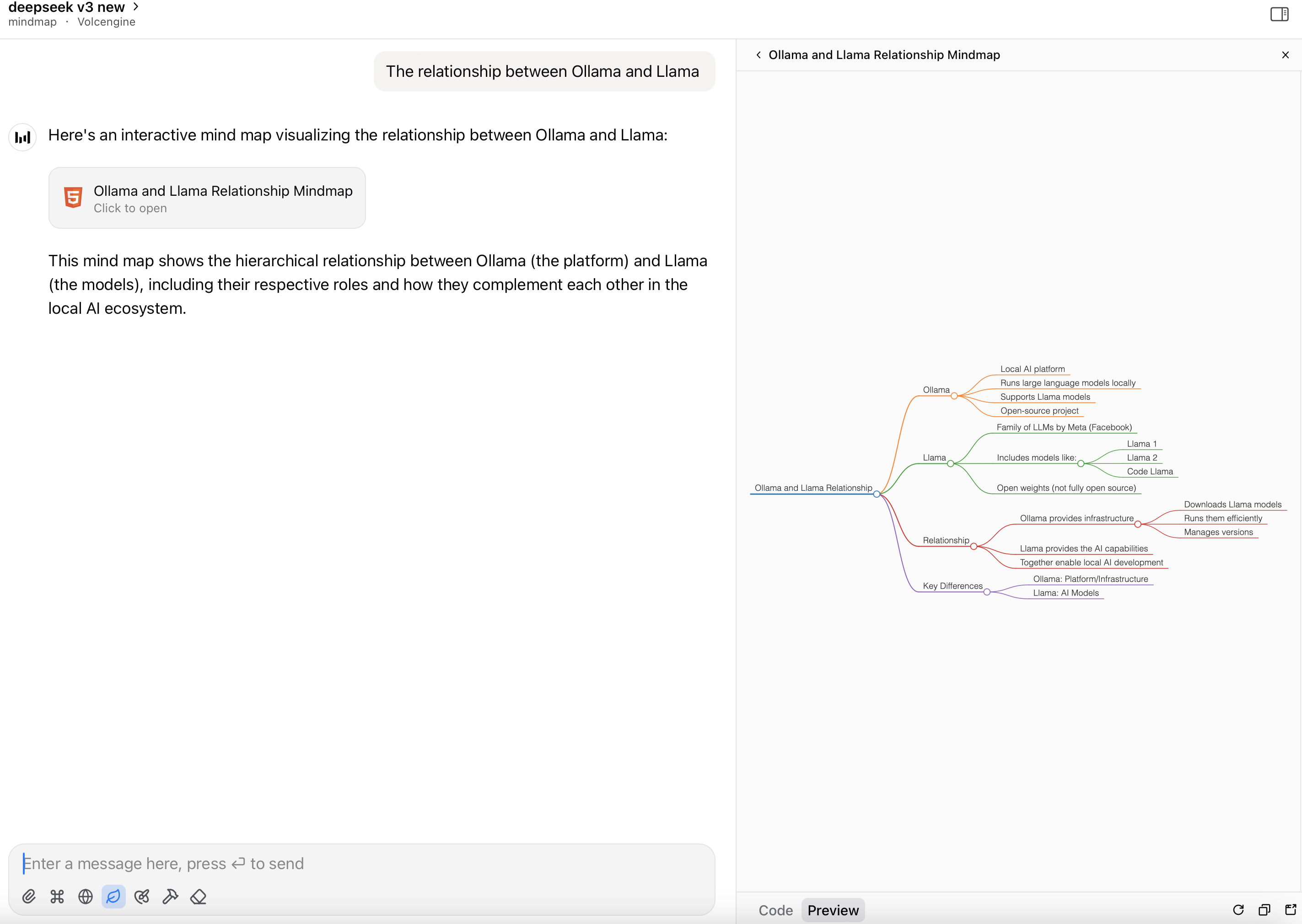
MCP server that converts Markdown content to interactive mindmaps with HTML or file output options.
Overview
Mindmap MCP Server is a specialized Model Context Protocol server that transforms Markdown content into interactive mind visualizations using the markmap library. It supports multiple output formats, including full HTML content for artifact preview and file paths for offline viewing, with options to customize toolbars and save tokens. The server can be deployed via pip, uvx, Docker, or directly as a Python script, making it accessible across different environments and integration preferences.
Try asking AI
After installing, here are 5 things you can ask your AI assistant:
When to choose this
Choose this server when you need to convert Markdown content to interactive mindmaps and want options for both HTML preview and file output to save tokens.
When NOT to choose this
Avoid this if you need more advanced mindmap features, customization options beyond basic toolbar visibility, or if you're working on Windows where Docker might be required for proper functionality.
Tools this server exposes
2 tools extracted from the READMEmarkdown-to-mindmap-contentmarkdown (string, required), toolbar (boolean, optional)Converts Markdown to an HTML mind map and returns the entire HTML content.
markdown-to-mindmap-filemarkdown (string, required), filename (string, optional), toolbar (boolean, optional)Converts Markdown to an HTML mind map and saves it to a file.
Comparable tools
Installation
Installation
pip install mindmap-mcp-serverOr using uvx:
uvx mindmap-mcp-serverOr using Docker:
docker pull ychen94/mindmap-converter-mcpClaude Desktop Configuration
{
  "mcpServers": {
    "mindmap": {
      "command": "uvx",
      "args": ["mindmap-mcp-server", "--return-type", "filePath"]
    }
  }
}
FAQ
- What return types are available?
- The server supports two return types: 'html' returns the full HTML content for artifact preview, while 'filePath' saves the mindmap to a file and returns the path, which saves tokens.
- How do I handle issues with Windows?
- For Windows users experiencing issues with npx, the Docker method is recommended. Alternatively, the 'Markmap' extension for Visual Studio Code offers a simpler solution than command-line tools.
Compare mindmap-mcp-server with
Last updated · Auto-generated from public README + GitHub signals.