DrissionPageMCP
by wxhzhwxhzh·★ 214·Score 46
A browser automation MCP server using DrissionPage and FastMCP for AI-controlled web operations.
Overview
DrissionPageMCP is a specialized MCP server that bridges AI capabilities with browser automation through DrissionPage library. It provides comprehensive APIs for controlling web browsers, including page navigation, element interaction, JavaScript execution, and network monitoring. The server exposes tools for browser control, file operations, and screenshot capabilities, making it particularly valuable for web scraping, automated testing, and complex web interactions that require AI decision-making.
Try asking AI
After installing, here are 5 things you can ask your AI assistant:
When to choose this
Choose DrissionPageMCP when you need browser automation capabilities through MCP for AI agents, especially when working with Chinese web pages that require robust element handling.
When NOT to choose this
Avoid if you need cross-browser support beyond Chrome, or if you're working in a restricted environment where installing additional browsers isn't feasible.
Tools this server exposes
12 tools extracted from the READMEopen_browserOpen and connect to a browser instance
close_browserClose the active browser instance
find_elementLocate a page element for interaction
execute_javascriptRun JavaScript code in the browser
screenshotCapture a screenshot of the current page
simulate_keyboardSimulate keyboard key presses
download_fileDownload files from the current page
upload_fileUpload files to a webpage
monitor_packetsMonitor network packets in the background
get_page_sourceRetrieve the HTML source of the current page
navigate_toNavigate to a specific URL
wait_for_elementWait for an element to appear on the page
Note: Tool names were inferred from the features listed in the README, as there wasn't a dedicated 'Tools' section with explicit names and descriptions. The actual API might differ slightly.
Comparable tools
Installation
Installation
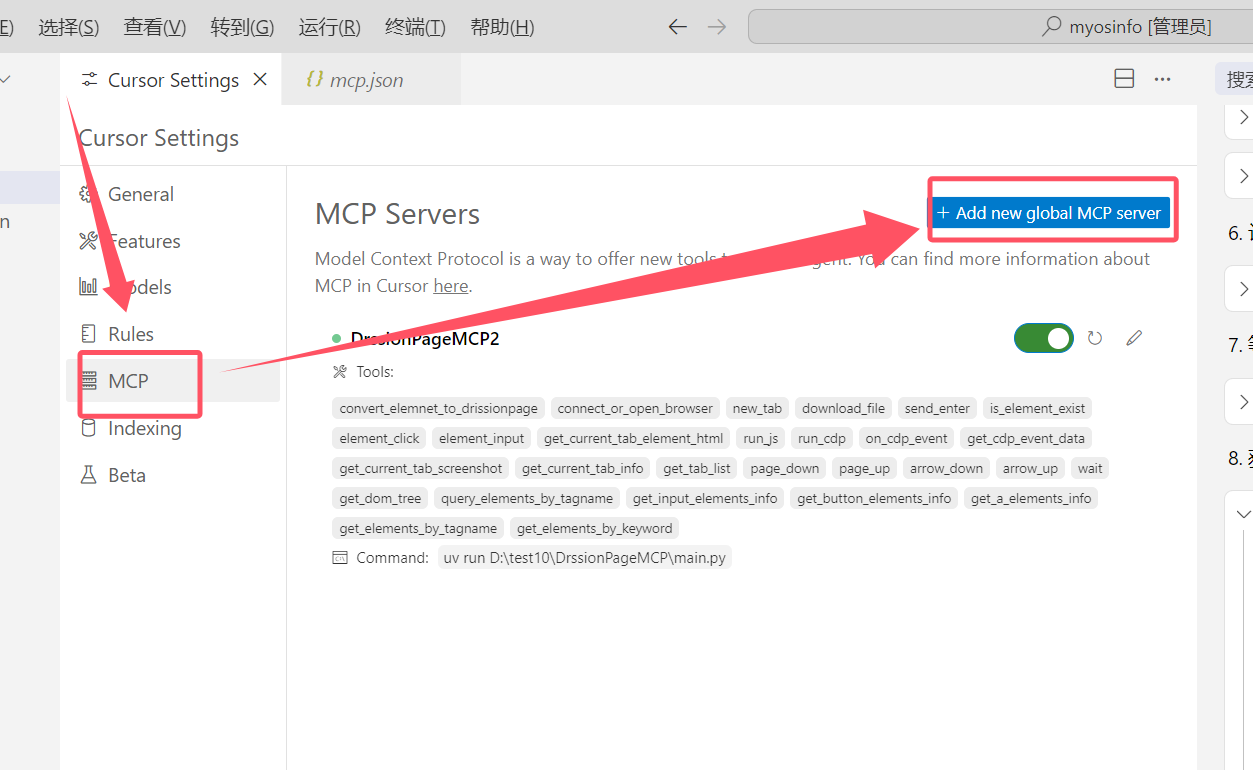
- Clone the repository locally
- Install dependencies with uv:
uv install - Configure your editor's MCP settings:
{
  "mcpServers": {
    "DrissionPageMCP": {
      "type": "stdio",
      "command": "uv",
      "args": ["--directory", "<path_to_repo>", "run", "main.py"]
    }
  }
}- Optional: Use the MCP inspector for debugging:
mcp dev <path_to_repo>/main.py
FAQ
- What browsers are supported?
- Chrome browser (version 90 and above recommended) is the primary supported browser.
- Can this MCP server be used for web scraping?
- Yes, it provides comprehensive tools for web scraping, including JavaScript execution and network monitoring capabilities.
Compare DrissionPageMCP with
Last updated · Auto-generated from public README + GitHub signals.