github-brain
by wham·★ 75·Score 46
GitHub Brain MCP server summarizes GitHub discussions, issues, and PRs with local database for fast responses.
Overview
GitHub Brain is an experimental MCP server that complements the official GitHub MCP server by storing GitHub data in a local database. This approach enables faster responses, overcomes the standard 100-item API limit, and provides token-efficient Markdown output. The server is programmed in Markdown, making it accessible to developers while maintaining functionality. It supports both OAuth and Personal Access Token authentication methods.
Try asking AI
After installing, here are 5 things you can ask your AI assistant:
When to choose this
Choose GitHub Brain when you need to analyze large amounts of GitHub data beyond the standard API limits, require faster response times, or prefer to keep data local for security reasons.
When NOT to choose this
Avoid this if you need real-time data from GitHub or require write access to repositories, as this is a read-only solution that requires periodic database updates.
Tools this server exposes
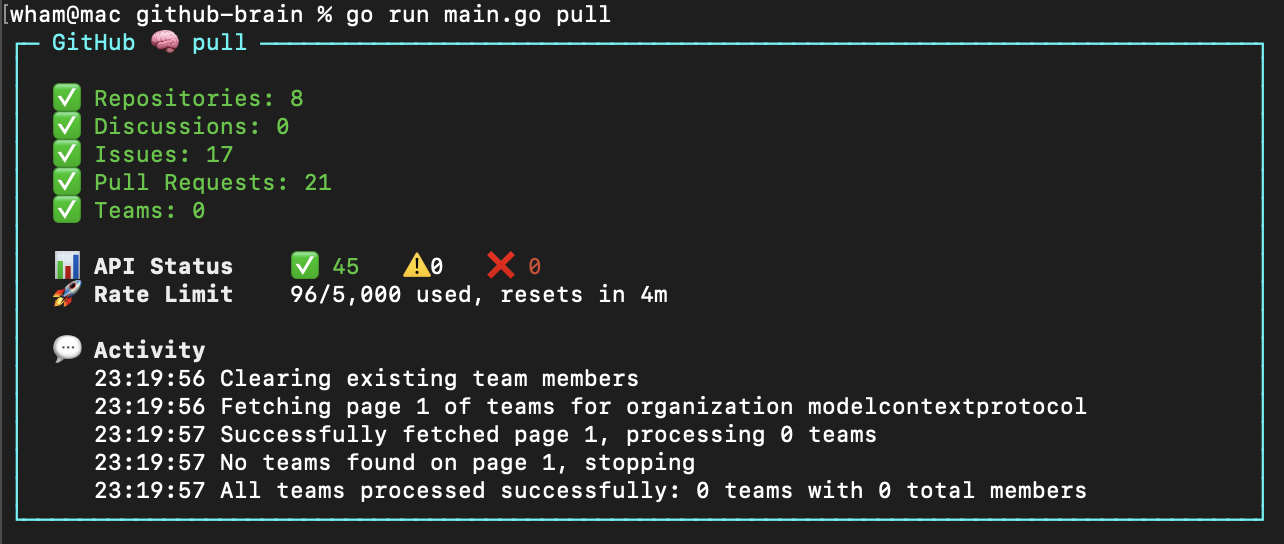
2 tools extracted from the READMEpullPopulate the local database with GitHub data
query_githubQuery GitHub data from the local database
Note: Tool names inferred from usage description and examples. The README doesn't explicitly list MCP tool names but describes functionality that would likely be exposed as MCP tools.
Comparable tools
Installation
npm i -g github-brainOr with npx:
npx github-brain@latestMCP Configuration
Claude Desktop
Add to Claude MCP configuration:
{
  "mcpServers": {
    "github-brain": {
      "type": "stdio",
      "command": "github-brain",
      "args": ["mcp"],
      "env": {
        "ORGANIZATION": "your-org"
      }
    }
}
FAQ
- How does GitHub Brain differ from the official GitHub MCP server?
- GitHub Brain stores data in a local database for faster responses, allows more than the 100-item API limit, and provides more token-efficient Markdown output.
- What authentication methods are supported?
- GitHub Brain supports both GitHub OAuth (recommended) and Personal Access Tokens for authentication.
Compare github-brain with
Last updated · Auto-generated from public README + GitHub signals.