mcp-victorialogs
by VictoriaMetrics·★ 73·Score 48
VictoriaLogs MCP server provides access to VictoriaLogs observability data through Model Context Protocol.
Overview
This is a fully functional MCP server that bridges VictoriaLogs with AI models and tools. It implements the Model Context Protocol specification, allowing seamless integration with VictoriaLogs APIs. The server exposes tools for querying logs, exploring data, showing instance parameters, listing streams/fields, and querying statistics. It supports multiple modes including stdio, SSE, and HTTP, with comprehensive configuration options and built-in documentation search capabilities.
Try asking AI
After installing, here are 5 things you can ask your AI assistant:
When to choose this
Choose this when you need AI-driven access to VictoriaLogs for log analysis, metrics, and observability without writing custom API clients.
When NOT to choose this
Don't choose this if you need write access to VictoriaLogs or require integration with non-Victoria observability stacks.
Tools this server exposes
7 tools extracted from the READMEquery_logsquery_logs(query: string, start_time?: string, end_time?: string, step?: string) -> objectQuery logs from VictoriaLogs with optional time range and step parameters
show_parametersshow_parameters() -> objectShow parameters of the VictoriaLogs instance
list_streamslist_streams() -> objectList available streams in VictoriaLogs
list_fieldslist_fields(stream?: string) -> objectList available fields in specified stream or all streams
list_field_valueslist_field_values(field: string, stream?: string) -> objectList values for a specific field in a stream
query_statsquery_stats(query: string, start_time?: string, end_time?: string) -> objectQuery statistics for logs as metrics
search_docssearch_docs(query: string) -> objectSearch embedded VictoriaLogs documentation
Comparable tools
Installation
Installation
Go
go install github.com/VictoriaMetrics/mcp-victorialogs/cmd/mcp-victorialogs@latestDocker
docker run -d --name mcp-victorialogs \
  -e VL_INSTANCE_ENTRYPOINT=https://your-victorialogs-url \
  -e MCP_SERVER_MODE=http \
  -e MCP_LISTEN_ADDR=:8081 \
  -p 8081:8081 \
  ghcr.io/victoriametrics/mcp-victorialogs
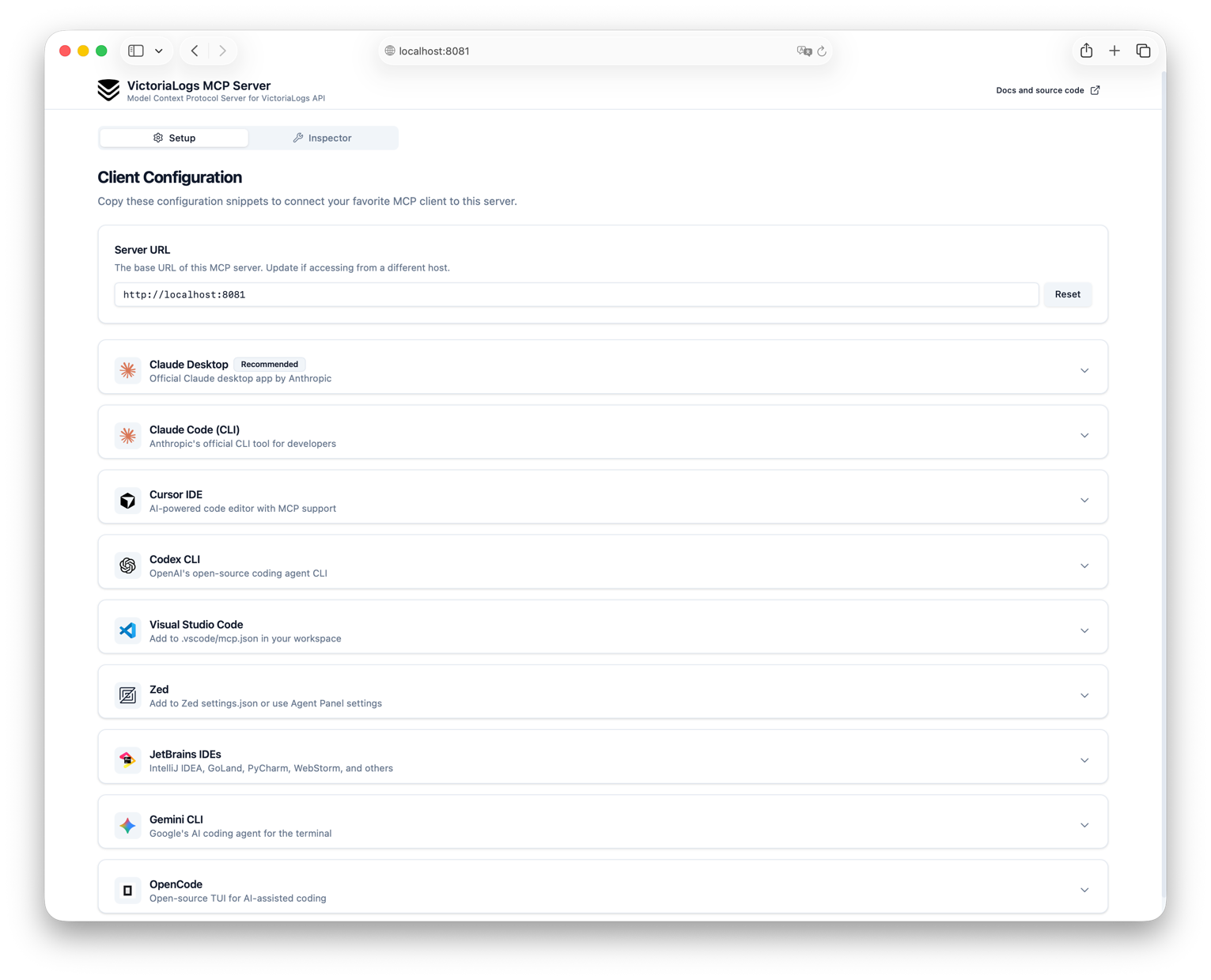
Claude Desktop Configuration
{
  "mcpServers": {
    "victorialogs": {
      "command": "mcp-victorialogs",
      "args": ["--env", "VL_INSTANCE_ENTRYPOINT=https://your-victorialogs-url"]
    }
  }
}
FAQ
- What VictoriaLogs APIs are supported?
- The MCP server supports almost all read-only APIs of VictoriaLogs, including query functions available in the Web UI.
- What transport modes are available?
- Three modes are supported: stdio (default), SSE (Server-Sent Events), and HTTP (Streamable HTTP).
Compare mcp-victorialogs with
Last updated · Auto-generated from public README + GitHub signals.