bear-notes-mcp
by vasylenko·★ 192·Score 48
An MCP server for Bear Notes with ranked search, SQLite queries, and write capabilities.
Overview
This unofficial MCP server for Bear Notes provides relevance-ranked search across titles, bodies, and hierarchical tags. It reads directly from Bear's SQLite database, allowing note searching without opening the Bear app. The server offers read-only capabilities by default, with an optional Edit Mode that enables creating notes, adding text, attaching files, and managing tags. It works with any MCP client including Claude Desktop, Claude Code, Gemini, and Cursor.
Try asking AI
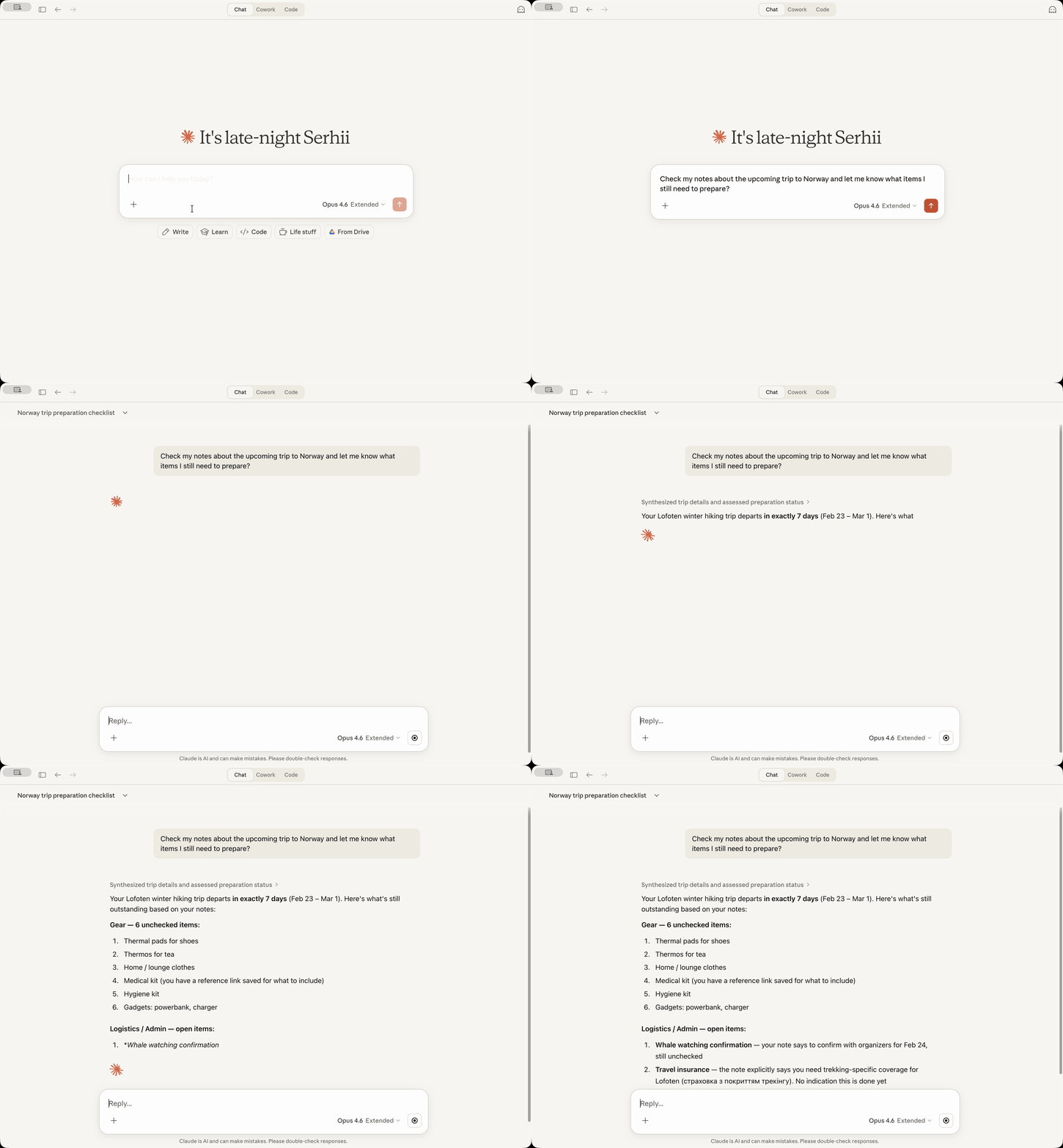
After installing, here are 6 things you can ask your AI assistant:
When to choose this
Choose this for Bear Notes users with large libraries who need relevance-ranked search and want to query notes without keeping Bear app open, especially when working across multiple MCP clients.
When NOT to choose this
Avoid if you need write access by default (Edit Mode is off by default) or if you're not on macOS, as Bear is macOS-only.
Tools this server exposes
12 tools extracted from the READMEbear-open-noteRead the full text content of a Bear note by its ID or title, including OCR'd text from attached images and PDFs
bear-create-noteCreate a new note in your Bear library with optional title, content, and tags
bear-search-notesFind notes by relevance across titles, body, and OCR-extracted text from attached images and PDFs
bear-add-textInsert text at the beginning or end of a Bear note, or within a specific section identified by its header
bear-replace-textReplace content in an existing Bear note — either the full body or a specific section
bear-add-fileAttach a local file (image, PDF, document) to an existing Bear note by its ID or title
bear-list-tagsList all tags in your Bear library as a hierarchical tree with note counts
bear-find-untagged-notesFind notes in your Bear library that have no tags assigned
bear-add-tagAdd one or more tags to an existing Bear note
bear-archive-noteArchive a Bear note to remove it from active lists without deleting it
bear-rename-tagRename a tag across all notes in your Bear library
bear-delete-tagDelete a tag from all notes in your Bear library without affecting the notes
Comparable tools
Installation
Claude Desktop Extension
- Download the latest
bear-notes-mcpb-*.mcpbextension file from [Releases](https://github.com/vasylenko/bear-notes-mcp/releases) - Make sure Claude Desktop is running
- Double-click the extension file to install
Standalone MCP Server
Add to your MCP configuration:
{
  "mcpServers": {
    "bear-notes": {
      "command": "npx",
      "args": ["-y", "bear-notes-mcp@latest"]
    }
  }
}
FAQ
- Could this steal my data?
- No. The server only reads Bear's local database and uses Bear's native API to add text to notes. No network transmission or external servers are involved.
- Why SQLite and not just the native Bear app's x-callback-url API?
- For read operations, direct SQLite access is simpler and more reliable than using x-callback-url API, which would require handling x-success responses in a server or custom binary.
Compare bear-notes-mcp with
Last updated · Auto-generated from public README + GitHub signals.