powhttp-mcp
by usestring·★ 71·Score 48
MCP server enabling AI assistants to analyze HTTP traffic captured by powhttp with advanced debugging capabilities.
Overview
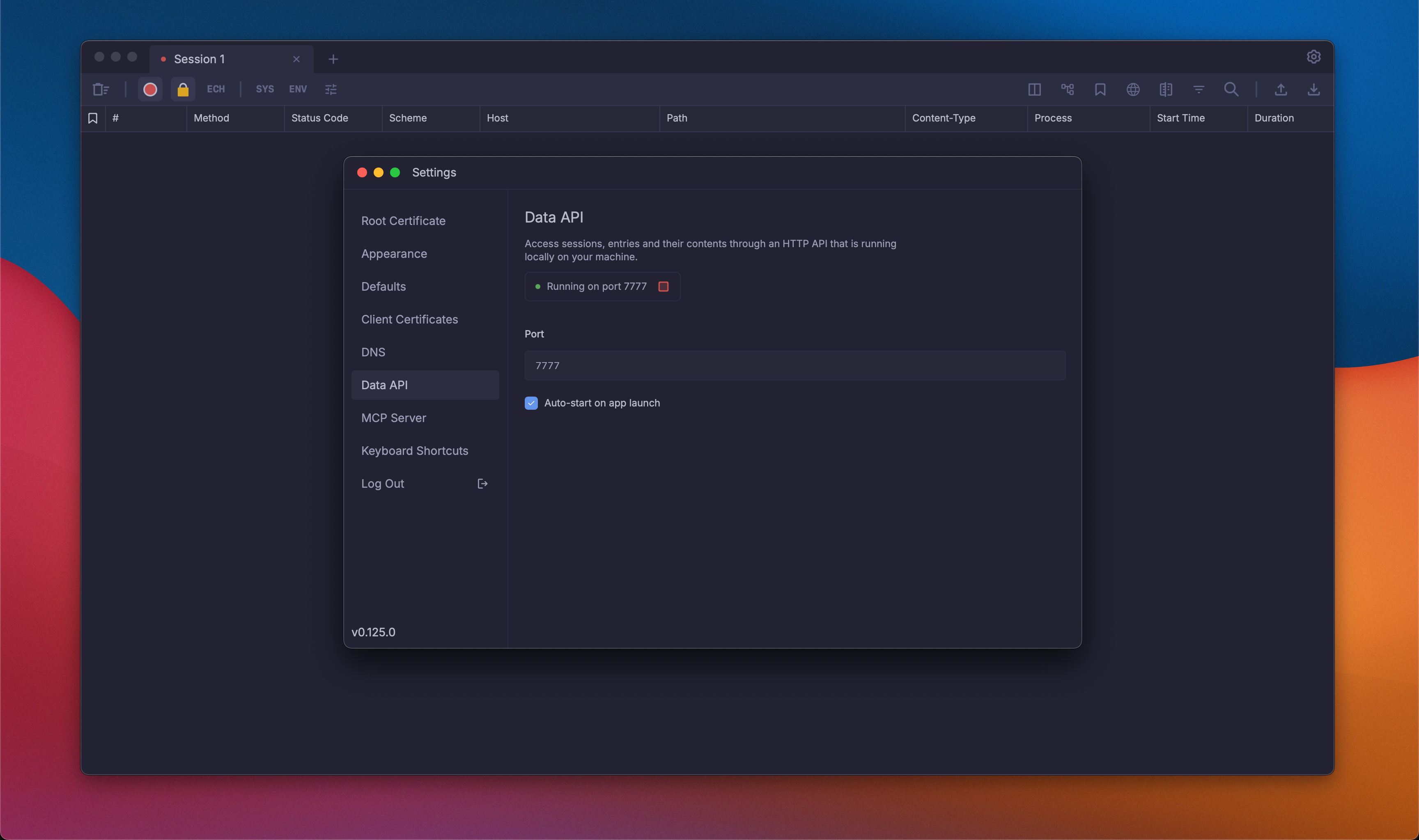
powhttp-mcp is a comprehensive Model Context Protocol server that bridges AI assistants with HTTP traffic analysis. It provides 17 tools for examining HTTP requests/responses, comparing browser vs program traffic, generating TLS/HTTP fingerprints, clustering API endpoints, analyzing GraphQL operations, and even generating Go scrapers from captured traffic. The server integrates specifically with powhttp, a HTTP traffic capture tool, allowing AI assistants to gain deep insights into web communication patterns.
Try asking AI
After installing, here are 3 things you can ask your AI assistant:
When to choose this
Choose this server when you need to analyze HTTP traffic patterns, debug web scraping issues, or generate scrapers from captured traffic.
When NOT to choose this
Avoid if you don't use powhttp as your traffic capture tool, as this MCP server specifically requires it as a dependency.
Tools this server exposes
12 tools extracted from the READMEpowhttp_sessions_listList all sessions with entry counts
powhttp_session_activeGet the currently active session
powhttp_search_entriesSearch entries with filters and free text
powhttp_get_entryGet full details of a specific entry
powhttp_fingerprintGenerate HTTP, TLS, and HTTP/2 fingerprints
powhttp_extract_endpointsCluster entries into endpoint groups
powhttp_validate_schemaValidate entry bodies against a schema
powhttp_infer_schemaInfer merged schema from multiple entry bodies with field statistics
powhttp_graphql_operationsCluster GraphQL traffic by operation name and type
powhttp_graphql_inspectParse and inspect individual GraphQL operations
powhttp_trace_flowTrace related requests around a seed entry
powhttp_diff_entriesCompare two entries to find detection differences
Comparable tools
Installation
Installation
Install via go install:
go install github.com/usestring/powhttp-mcp/cmd/powhttp-mcp@latestAdding to Claude Desktop
Add to your Claude Desktop config (~/Library/Application Support/Claude/claude_desktop_config.json on macOS):
{
  "mcpServers": {
    "powhttp": {
      "command": "powhttp-mcp",
      "env": {
        "POWHTTP_BASE_URL": "http://localhost:7777",
        "POWHTTP_PROXY_URL": "http://localhost:8888"
      }
    }
  }
}
Compare powhttp-mcp with
Last updated · Auto-generated from public README + GitHub signals.