mcp-notion-server
by suekou·★ 892·Score 55
MCP server for connecting Notion to MCP-compatible clients, enabling AI agents to find, read, query and update Notion workspaces.
Overview
This MCP server targets the Notion API 2026-03-11 and provides comprehensive tools for interacting with Notion workspaces. It offers both simplified tools for common tasks like reading pages, appending content, and querying data sources, as well as raw API tools for advanced operations. The server supports MCP tools, prompts, resources, structured tool results, and optional MCP Apps like Data Source Explorer and Page Workbench for interactive workflows.
Try asking AI
After installing, here are 5 things you can ask your AI assistant:
When to choose this
Choose this server for comprehensive Notion integration with AI agents when you need both high-level tools for common operations and low-level access to the full Notion API.
When NOT to choose this
Avoid if you need read-only access (this server requires write permissions) or if you're concerned about vendor lock-in to Notion's API.
Tools this server exposes
9 tools extracted from the READMEnotion_findSearch and target discovery for Notion pages and data sources
notion_read_pageCompact page reading with stable block IDs
notion_inspect_data_sourceInspect schema of a Notion data source or database
notion_query_data_source_by_valuesQuery data source items based on specific values
notion_create_data_source_item_from_valuesCreate new items in a data source with simple values
notion_append_markdownAppend Markdown content to a Notion page
notion_append_contentAppend structured content to a Notion page
notion_update_contentUpdate content in a Notion page
notion_update_content_batchUpdate multiple content blocks in a Notion page
Comparable tools
Installation
Quick Start
Add this server to an MCP host such as Claude Desktop:
{
  "mcpServers": {
    "notion": {
      "command": "npx",
      "args": ["-y", "@suekou/mcp-notion-server"],
      "env": {
        "NOTION_API_TOKEN": "your-integration-token"
      }
    }
  }
}
Setup Guide
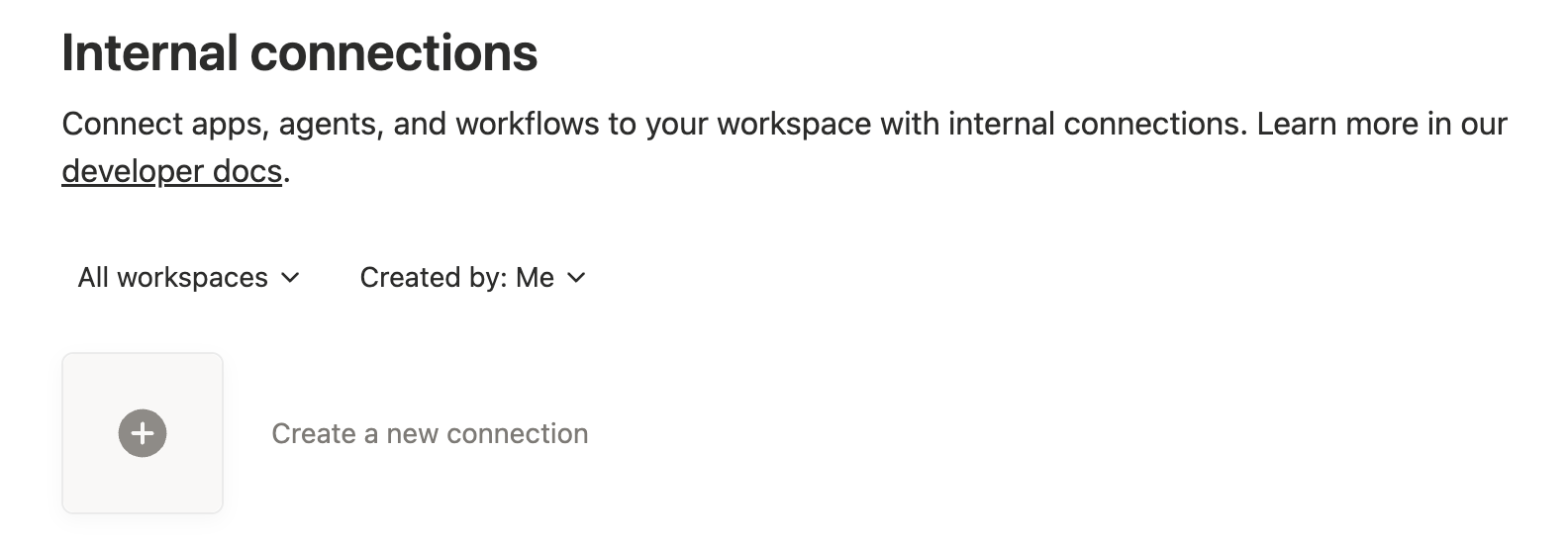
- Create a Notion integration at [Notion integrations dashboard](https://www.notion.so/profile/integrations)
- Configure capabilities (read, insert, update content as needed)
- Grant content access to specific pages/databases
- Copy the internal integration token as NOTION_API_TOKEN
FAQ
- What Notion API version does this server support?
- This server targets the Notion API version 2026-03-11 and uses the current database/data source model.
- Can I use this server to manage comments in Notion?
- Yes, but you need to enable 'Read comments' and 'Insert comments' capabilities in your Notion integration settings.
Compare mcp-notion-server with
Last updated · Auto-generated from public README + GitHub signals.